
Evolve
How to request a software improvement without leaving scope open
A request expressed in one sentence often returns as something different from what you expected. This guide explains how to write a requirement with the problem, user, scenarios, rules, acceptance criteria, constraints and change handling so everyone understands the same thing before starting.
In this guide
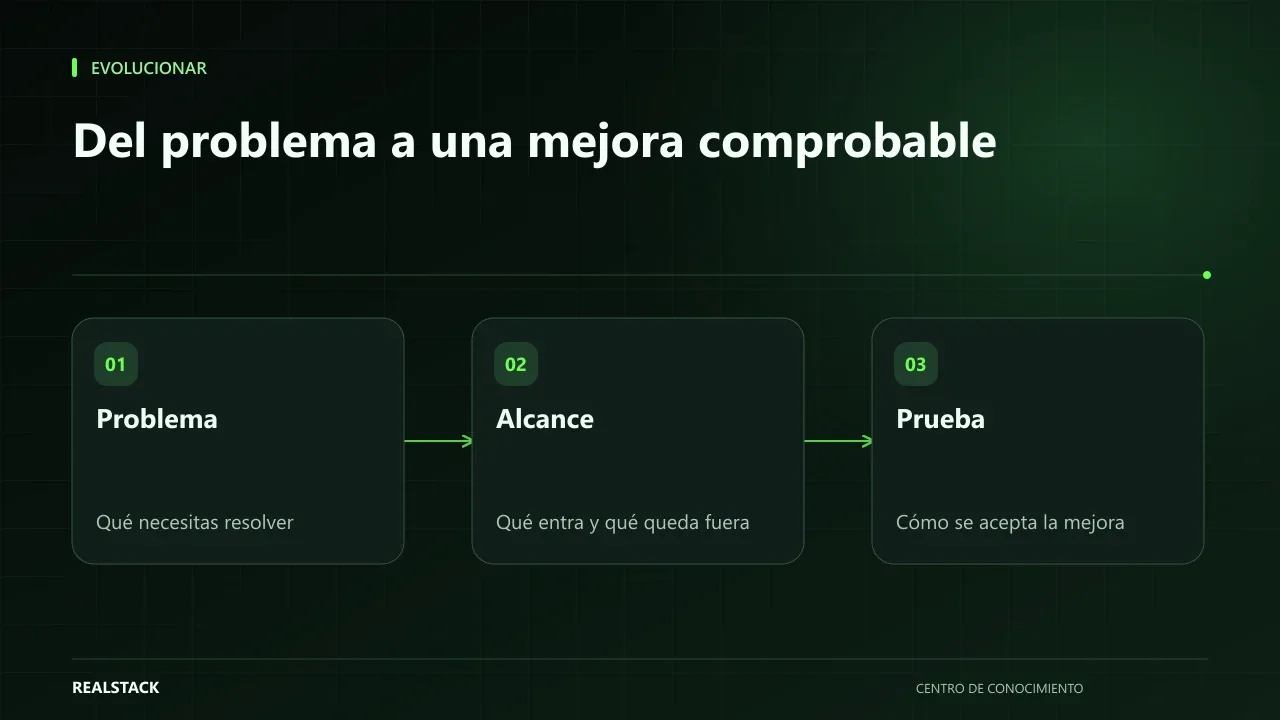
"Let the system send an email when there is an order"
The sentence sounds clear. But who receives the email? For any order or only those above a certain value? What does it say? What if the order is canceled? Every unanswered question is a decision someone else will make, and likely not the way you would have.
Requesting an improvement well does not require programming knowledge. It requires describing the problem and how you will know it is solved.
The seven elements of a good requirement
| Element | Question it answers |
|---|---|
| Problem | What is happening today that should not be happening? |
| User | Who experiences it and who will use the improvement? |
| Scenarios | In what concrete situations is it used? |
| Rules | What business conditions must be met? |
| Acceptance | How will we verify it works? |
| Constraints | What cannot be changed or what limits exist? |
| Out of scope | What does this improvement not include? |
Problem before solution
"I need a button to export to Excel" is a solution. The problem might be "every Friday I copy the week's orders by hand for the management report." By describing the problem, the developer can propose a better solution, such as an automated report.
Scenarios and acceptance criteria
User stories help describe who needs something and why. Acceptance criteria specify when it is done. A useful format is "Given... when... then...", which uses Gherkin syntax:
Write at least one normal scenario and one exception: what happens if the order is canceled or if a field is missing?
Constraints and out of scope
Constraints prevent surprises: "the ERP cannot be modified", "must work on mobile." The out-of-scope section is the most protective: writing what is not included prevents scope from growing uncontrolled.
Changes
If a new need appears during the work, record it as a change: describe what is added, its effect on effort and schedule, and who approves it. Do not mix it silently into the original requirement.
Procedure
- Write the problem with a recent real example.
- Identify users.
- Describe two or three scenarios, including exceptions.
- List rules and constraints.
- Write verifiable acceptance criteria.
- Declare what is out of scope.
- Review the requirement sheet with the implementer before starting.
Applied example
How to use the downloadable template
- Fill in problem, users and scenarios.
- Complete rules and acceptance with the implementer.
- Declare what remains out of scope.
- Record each change with its effect and approval.
Criteria of a good requirement
| Question | If you cannot answer it... |
|---|---|
| What problem does it solve and for whom? | The problem is missing |
| How will I know it works? | Acceptance criteria are missing |
| What happens when something goes wrong? | Exception scenarios are missing |
| What is not included? | Out of scope is missing |
| Who approves a change? | Change control is missing |
Complete concise example
Concise example. A fictional company asks "that the system send an email when there is an order." When completing the sheet, the real problem appears: orders from new customers remain unreviewed because nobody is notified in time.
The sheet looks like this. Users: the account manager. Normal scenario: an order arrives from a customer with no history and the account manager receives a notification with the customer name, the amount and the link to the order. Exception: if the account manager does not review it within four business hours, the notification escalates to their backup. Acceptance criteria: the notification arrives in under five minutes for 100% of ten test orders; customers with history do not generate a notification. Out of scope: approving the order from the email and notifications via WhatsApp.
When the commercial area requests also adding orders above a certain value, it is recorded as a change, with impact on timeline and approval by the responsible party. Example invented.
How to review what was delivered
Review the improvement against the acceptance criteria, not against what you remember having requested. Test the normal and exception scenarios with realistic data, note what does not meet the criteria with a concrete example and approve in writing when everything complies.
How to know if it worked
- The supplier can estimate without basic questions.
- Delivery is approved against written criteria.
- Changes are recorded with their effect.
Plan for the first four weeks
- Week 1: fill in problem and scenarios.
- Week 2: review with the implementer.
- Week 3: agree on criteria and out of scope.
- Week 4: approve the sheet and define change control.
Diagnosis before starting
- Take the last improvement you requested and check if it had acceptance criteria.
- Count how many times it was redone.
- Check whether it was documented what was not included.
| If your case is... | Do this |
|---|---|
| The improvement is small and clear | Short sheet with problem, scenario and criterion. |
| It affects several areas | Validate scenarios with each area before requesting it. |
| You don't know the solution | Describe only the problem and ask for proposals. |
A second example, in contrast
Concise example. A fictional company requests a new report describing only the problem: "we don't know which customers stopped buying." The provider proposes an alert instead of a report, simpler and more useful. Unlike the first example, the better sheet left the solution open and closed the problem. Example invented.
What to do when something fails
- If the delivered item does not comply, point out the exact criterion that fails.
- If an unforeseen scenario appears, register it as a change.
- If there is disagreement, revert to the approved sheet.
How to measure it with your own data
- Count how many questions the supplier asked before estimating.
- Record how many times the improvement was redone.
- Note how many changes were requested after the sheet was approved.
- Measure the time between delivery and approval.
Compare these data between an improvement requested without a sheet and one requested with a sheet. If with the sheet there are fewer reworks and approval is faster, the method works. If subsequent changes remain many, the initial scenarios were incomplete: include more users in the next sheet.
Common mistakes
- Requesting a solution without describing the problem.
- Criteria like "works well."
- Forgetting exception cases.
- Not declaring what is out of scope.
- Adding changes without recording them.
Checklist
- Problem described with an example.
- Normal and exception scenarios.
- Verifiable criteria.
- Out of scope declared.
- Changes recorded.
Bring it to your business
Requirement Sheet and Acceptance Criteria
Markdown sheet to request a software improvement with problem, users, scenarios, rules, acceptance criteria in Given-When-Then format, constraints, out-of-scope items and change log.
View resourceDo I have to write everything myself?
No. You can fill in the problem, users and scenarios, and complete rules and acceptance with the implementer. The important thing is that the sheet is agreed before starting.
How detailed should it be?
Enough so that two different people understand the same thing. If reading it raises questions, add them as rules or scenarios.
How long should a sheet be?
As long as necessary so no one has to guess; many improvements fit in one or two pages.
What if I don't know how to write acceptance criteria?
Start with sentences like "when X happens, Y must occur." The implementer can help you refine them, but you define the expected outcome.
Should I include screens or designs?
Only if they help understanding. The essential things are the problem, scenarios and how to verify it works; the technical team can propose the design.
Keep exploring
Evolve
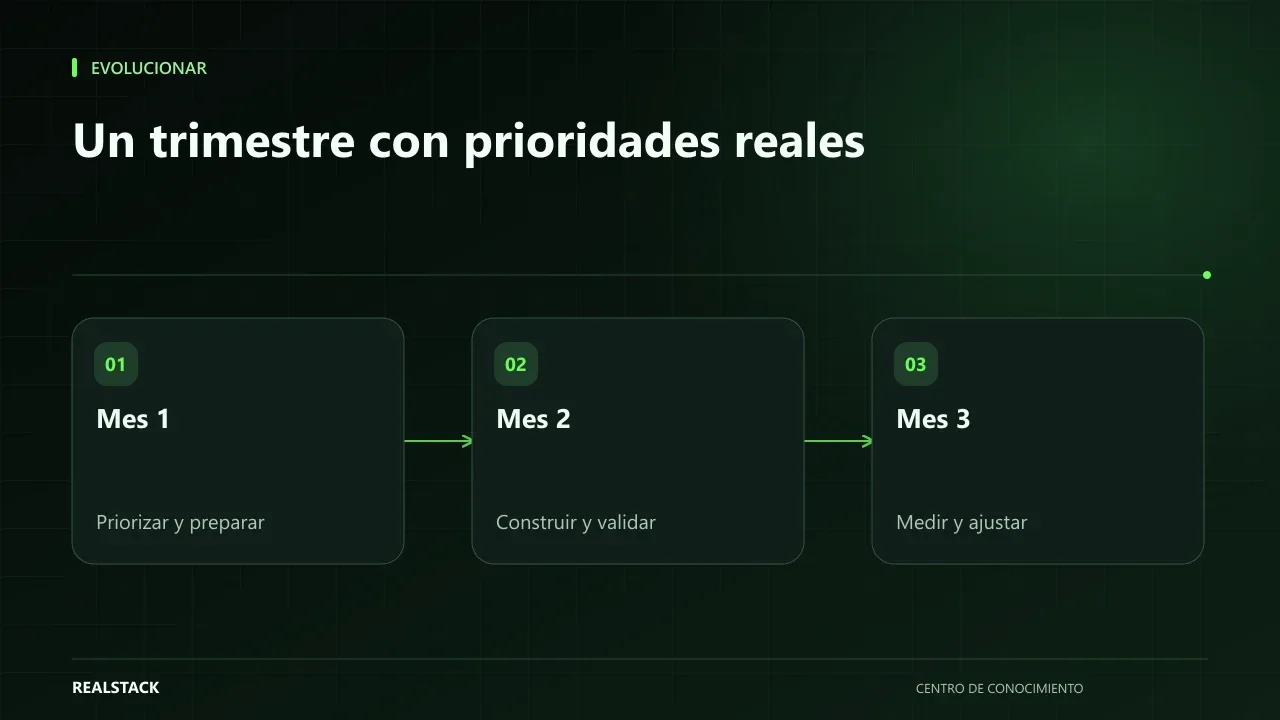
How to build a 90-day technology roadmap
A 90-day roadmap is not a wish list with dates: it is a decision about what to do first with the capacity you actually have. This guide explains how to define goals, prioritize, map dependencies, estimate capacity, and review the plan each month.
Evolve
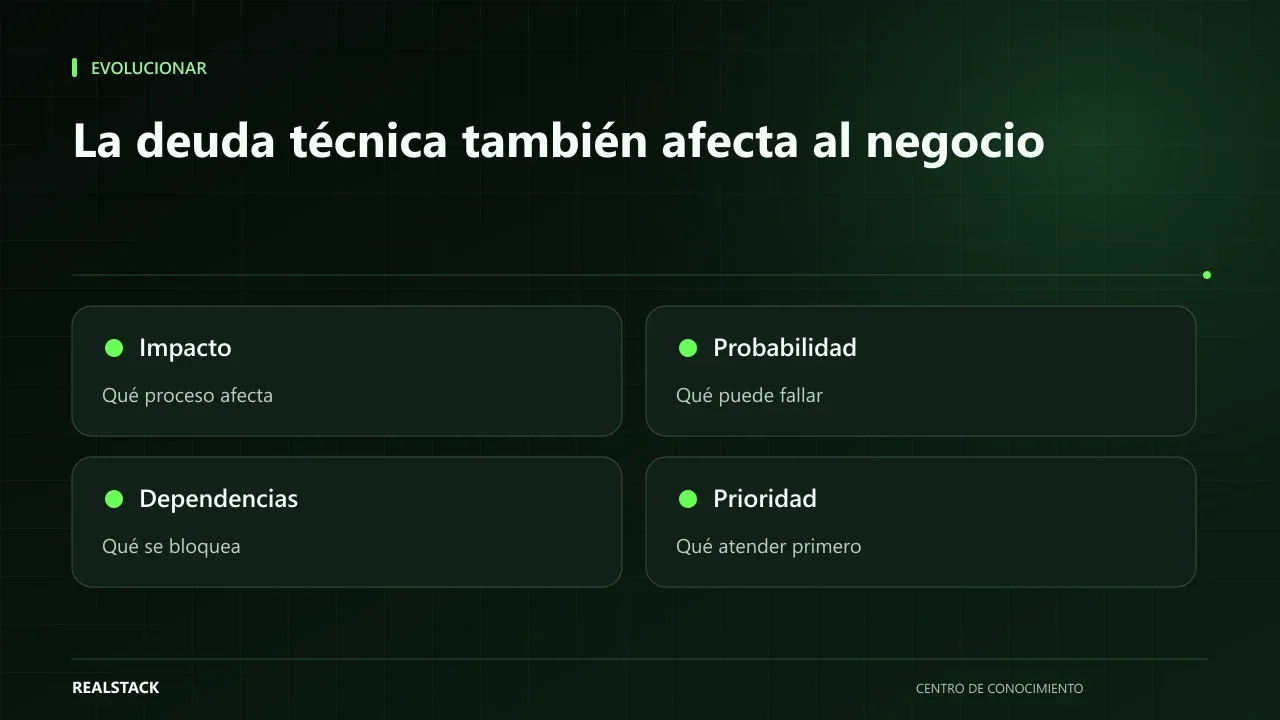
How to identify technical debt that is already affecting the business
Technical debt is not just a developers' problem: it becomes a business problem when every change takes longer, errors recur, or no one dares to update. This guide explains how to recognize symptoms, gather evidence, estimate risk and prioritize, without diagnosing blindly.