
Attract and measure
How to implement a simple CRM your team will actually use
Most CRMs that fail do so not because of the software, but because the team doesn't use them. This guide explains how to implement a simple CRM: few stages, minimal data, clear owners and weekly habits that keep the record alive.
In this guide
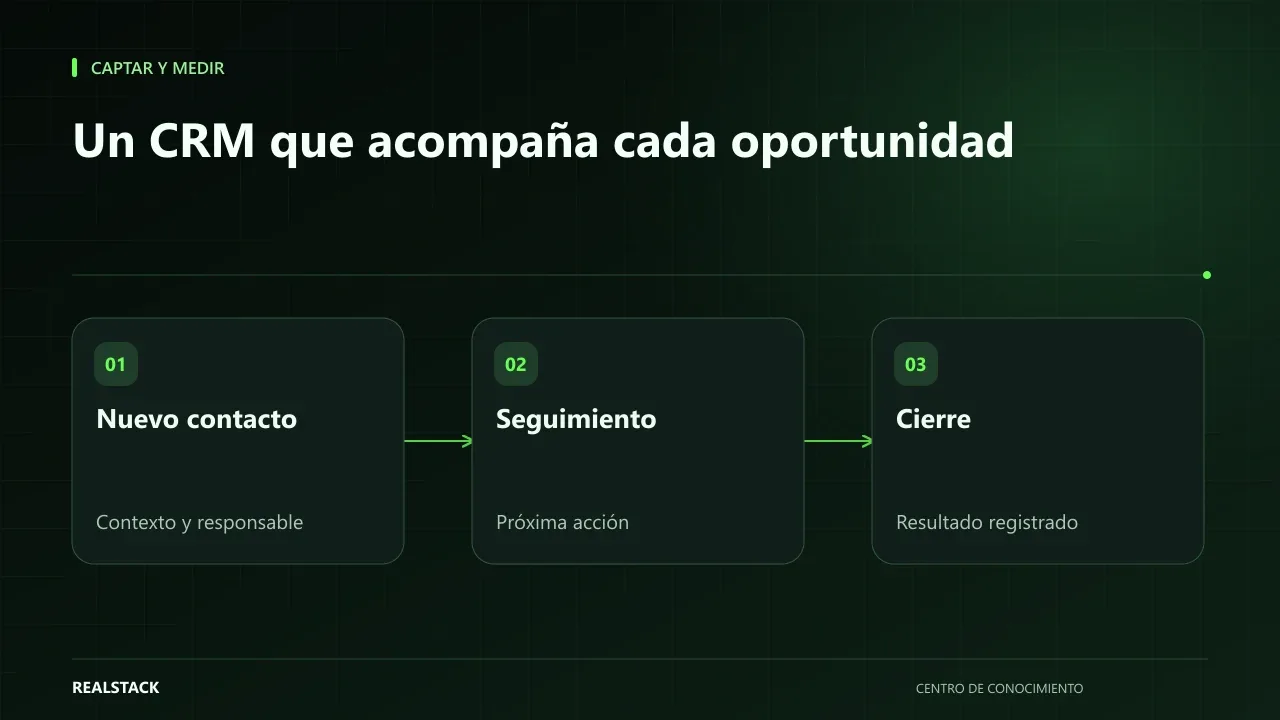
The empty CRM
It's a familiar scene: the company buys or configures a CRM, holds a training session, and three months later half the team is still writing in notebooks while the CRM contains weeks-old data. Management concludes that the team “doesn't want to change.” Almost always the problem is different: the CRM asks for more than it returns.
A CRM is an agreement before it's software
A CRM is, in essence, a shared record of relationships with your customers and opportunities. Before choosing a tool, agree three things with your team: which stages an opportunity goes through, what minimal data is recorded, and who is responsible for keeping each record up to date. If that agreement exists, a well-made spreadsheet works as a first CRM. If it doesn't, the best software on the market will remain empty.
Stages: few and verifiable
| Stage | Entry criterion (verifiable) |
|---|---|
| New | A request arrived with contact details |
| Qualified | Need, approximate budget or timeframe was confirmed |
| Quoted | A quote was sent |
| Negotiation | The client replied to the quote with questions or adjustments |
| Won | There is an order or payment |
| Lost | The client withdrew or did not respond after the agreed follow-up |
Each stage needs a criterion that anyone can check. “Interested” is not a stage: it's an opinion. Five or six stages are enough to start.
Minimal data
- Company and contact person.
- Origin of the contact.
- Need in one sentence.
- Stage.
- Owner.
- Next step and date.
- Estimated value, if known.
Everything else is optional at the start. Every extra mandatory field is a reason not to record.
Habits that keep the CRM alive
- Record the same day: no opportunity should remain only in chat.
- Short weekly meeting over the board: review opportunities without next step or with expired dates.
- Management asks using the CRM, not outside it: if reports are requested via WhatsApp, the CRM loses meaning.
- Remove what nobody uses: fields, stages or reports that don't help decision-making.
A visual stage board, kanban-style, helps the team see the status of everything at a glance and detect bottlenecks.
Implementation procedure
- Gather the sales team and agree on stages with verifiable criteria.
- Define minimal data and the owner for each opportunity.
- Start in a spreadsheet or the tool you already have, using the template from this guide.
- Load only open opportunities, not the complete history.
- Hold the first weekly meeting over the board.
- After one month, review which fields and stages are used and adjust.
- Only then evaluate whether you need another tool.
Applied example
Limits
This guide does not compare CRM tools. The choice depends on your volume, your integrations and your budget, and it is advisable to make it once the process already works.
Criteria: spreadsheet or tool
| Signal | Spreadsheet | CRM tool |
|---|---|---|
| Advisors | One to three | More than three or across multiple locations |
| Reminders | Manual | Automatic |
| Integrations | Not needed | WhatsApp, email or invoicing |
| History | A notes column is enough | You need full traceability |
How to use the downloadable model
- Adjust the stages while keeping verifiable criteria.
- Load only open opportunities.
- Require a next step with a date in open stages.
- Use the file in the weekly meeting.
Complete concise example
Concise example. A fictional electrical supplies company with four advisors bought a CRM tool a year ago and nobody uses it. Instead of switching tools, they gather the team and agree on five stages with criteria: “contacted” when there was a conversation; “qualified” when need, timeframe and decision-maker are known; “quoted” when a quote was sent; “negotiation” when the client replied to the quote; “closed” or “lost” with a reason.
They define only six mandatory fields and one rule: no open opportunity without a next step with a date. Every Monday, the sales manager opens the CRM during the meeting and reviews only opportunities without a next step or those that are overdue. After a month, the team proposes removing a field nobody used and adding the loss reason “price”. Invented example.
Common mistakes, explained
The most common mistake is designing the CRM for management reporting rather than for the advisor's work. If recording takes more time than serving the client, the team will stop doing it. Start with the minimum the advisor needs to avoid forgetting a client, and add fields only when someone will use them to decide.
How to know if it worked
- All open opportunities have a next step with a date.
- The weekly meeting is held with the CRM open.
- Loss reasons are recorded.
Plan for the first four weeks
- Week 1: agree on stages and minimal data.
- Week 2: load open opportunities.
- Week 3: first weekly meeting with the CRM.
- Week 4: adjust fields according to real usage.
Diagnosis before starting
- Ask each advisor where they currently track their clients.
- Count how many open opportunities there are and how many have a next step.
- Check whether there is a periodic sales meeting.
| If your case is… | Do this |
|---|---|
| One to three advisors without a tool | Start with a shared spreadsheet. |
| There is a CRM, but it's empty | Simplify stages and fields before changing tools. |
| Multiple locations or high volume | Evaluate a tool with reminders and integrations. |
A second contrasting example
Concise example. A fictional company with two advisors tracked everything in notebooks. Instead of buying a CRM, they created a shared spreadsheet with the six minimal columns and reviewed it every Monday. Six months later, with five advisors, they already knew which stages and fields they needed and chose a tool deliberately. Unlike the first example, the CRM began without software. Invented example.
What to do when something fails
- If recording falls behind, check for fields that are unnecessary.
- If the weekly meeting is frequently cancelled, shorten it, but don't eliminate it.
- If an advisor leaves, reassign their opportunities before they depart.
How to measure it with your own data
- Count each Monday how many open opportunities lack a next step.
- Measure how many opportunities were recorded versus how many the team remembers having handled.
- Note the month's loss reasons.
- Record how many minutes the weekly meeting lasts.
If opportunities without a next step decrease week by week and the meeting becomes shorter, the CRM is working. If the number of recorded opportunities is much lower than those attended, the team is not registering: check whether the format is getting in their way before demanding more discipline.
Common mistakes
- Configuring the CRM before agreeing on the process.
- Too many mandatory fields.
- Stages that depend on the advisor's opinion.
- Loading years of history before starting to use it.
- Management requesting reports outside the CRM.
Checklist
- Stages agreed with criteria.
- Minimal data defined.
- Owner per opportunity.
- Weekly meeting established.
- One-month review.
Bring it to your business
Initial sales pipeline template
Initial pipeline CSV template: stages with verifiable entry criteria, minimum data per opportunity, owner and next step. Useful to start in a sheet or configure a simple CRM with clear rules.
View resourceCan I use a spreadsheet as a CRM?
Yes, to start. If the team grows or you need to automate reminders and integrations, it's time to evaluate a tool.
Who should be responsible for the CRM?
Each advisor is responsible for their opportunities. One person, usually the sales manager, ensures the rules are followed and leads the weekly meeting.
What do I do if an advisor doesn't record?
Talk about what they lose without recording: forgotten clients and missed follow-ups. If the format bothers them, simplify it.
Keep exploring
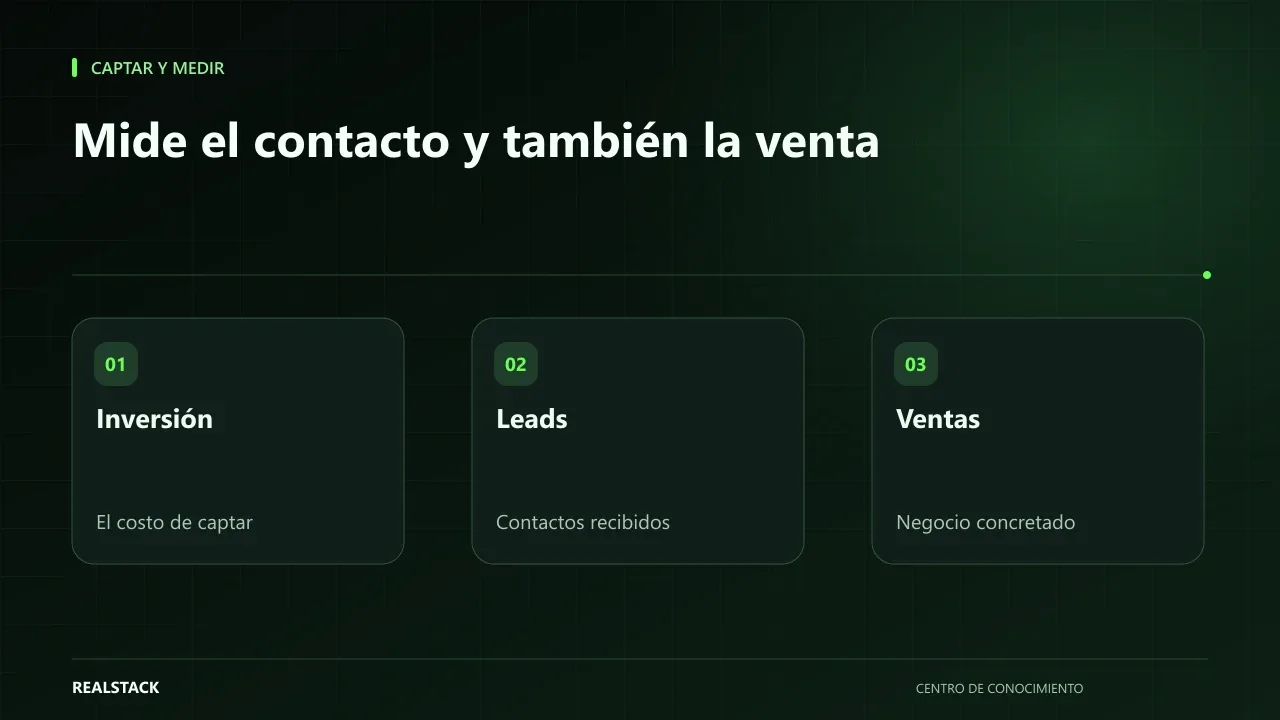
Attract and measure
Cost per lead and cost per sale: how to interpret them
Cost per lead and cost per sale look easy to calculate, but they vary a lot depending on what you count as a lead, which period you use and which costs you include. This guide explains the formulas, time windows and how to read results without comparing yourself to external benchmarks.
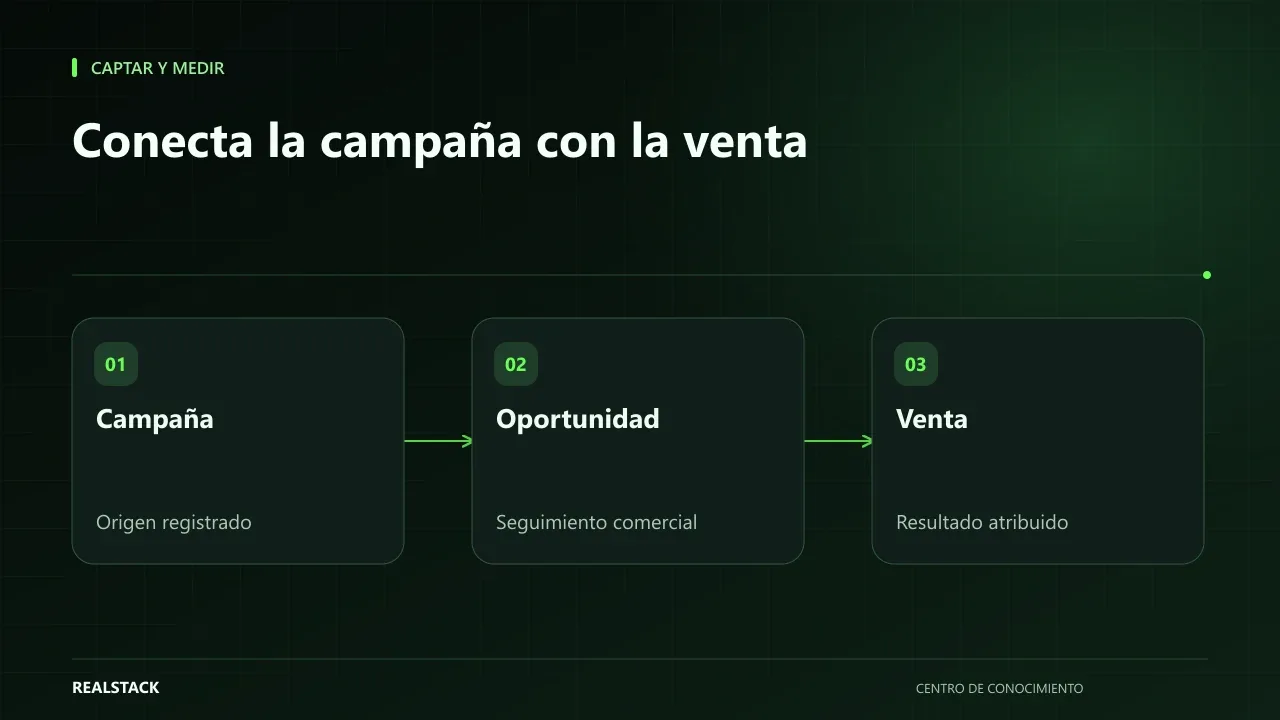
Attract and measure
From campaign to sale: what to measure and how to connect the journey
Knowing how many visits a campaign brought is little use if you don't know how many of those visits became sales. This guide explains how to connect the journey from visit to contact, opportunity and sale with source, UTM and identification, and what attribution and consent limits you should keep in mind.