
Connect and automate
Systems and Data Flow Map
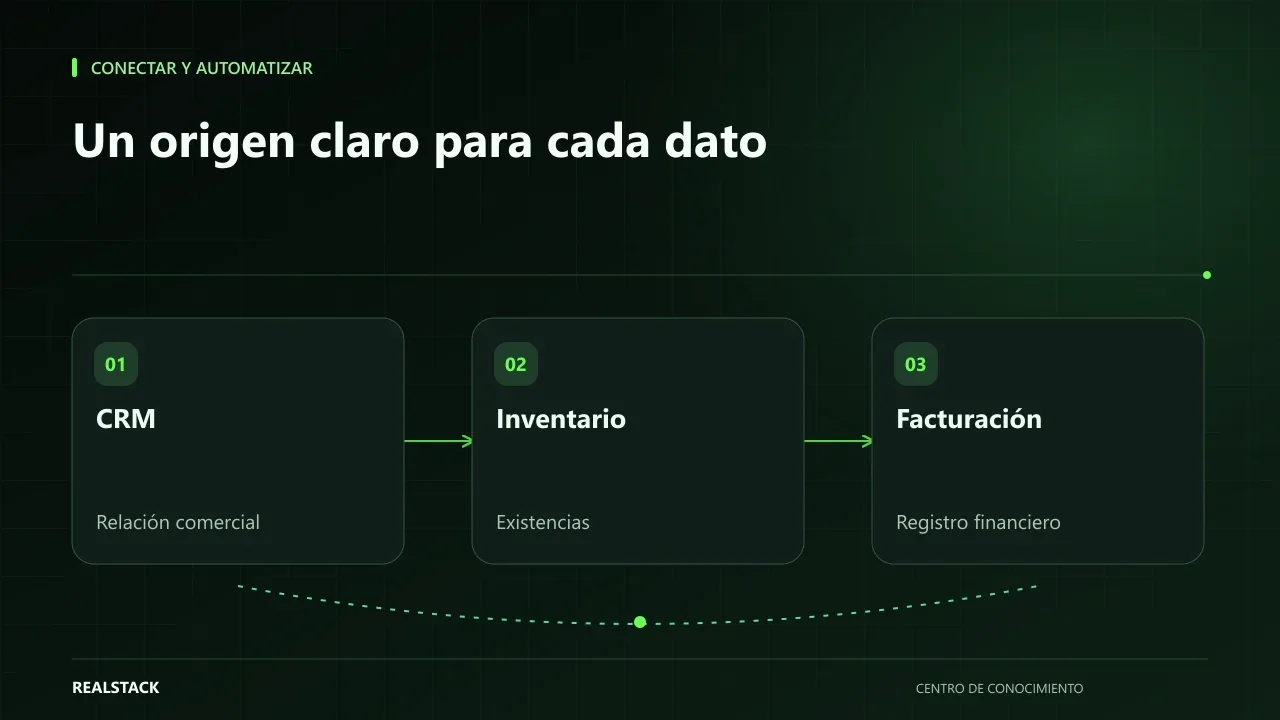
CSV template to map systems and data flows: which data travels, from which owning system, to where, with what trigger and frequency, how it is reconciled and what happens if it fails. Useful to prepare an integration without duplicating information.
In this guide
Instructions
- One row per data flow.
- Each data item must have a single owning system.
- Describe the trigger as a concrete event.
- Write how it is reconciled and who receives the failure notification.
Bring it to your business
Download resource| Data | Owning system | Person responsible for the data | Destination system | Direction | Trigger | Frequency | How it's reconciled | What happens on failure | Who gets notified |
|---|---|---|---|---|---|---|---|---|---|
| Synthetic example: order approved | CRM | Head of Sales | Billing | One-way | Order moves to 'approved' | Immediate | Weekly count of orders versus invoices | Marked 'pending invoicing' and retried | Order advisor |
Keep exploring
Connect and automate
How to connect CRM, inventory and billing without duplicating information
When CRM, inventory and billing don't talk to each other, your team copies the same data multiple times and errors appear at the worst moment. This guide explains how to define master data, owners, synchronization, reconciliation and failure handling, without depending on a specific vendor.