
Connect and automate
How to connect CRM, inventory and billing without duplicating information
When CRM, inventory and billing don't talk to each other, your team copies the same data multiple times and errors appear at the worst moment. This guide explains how to define master data, owners, synchronization, reconciliation and failure handling, without depending on a specific vendor.
In this guide
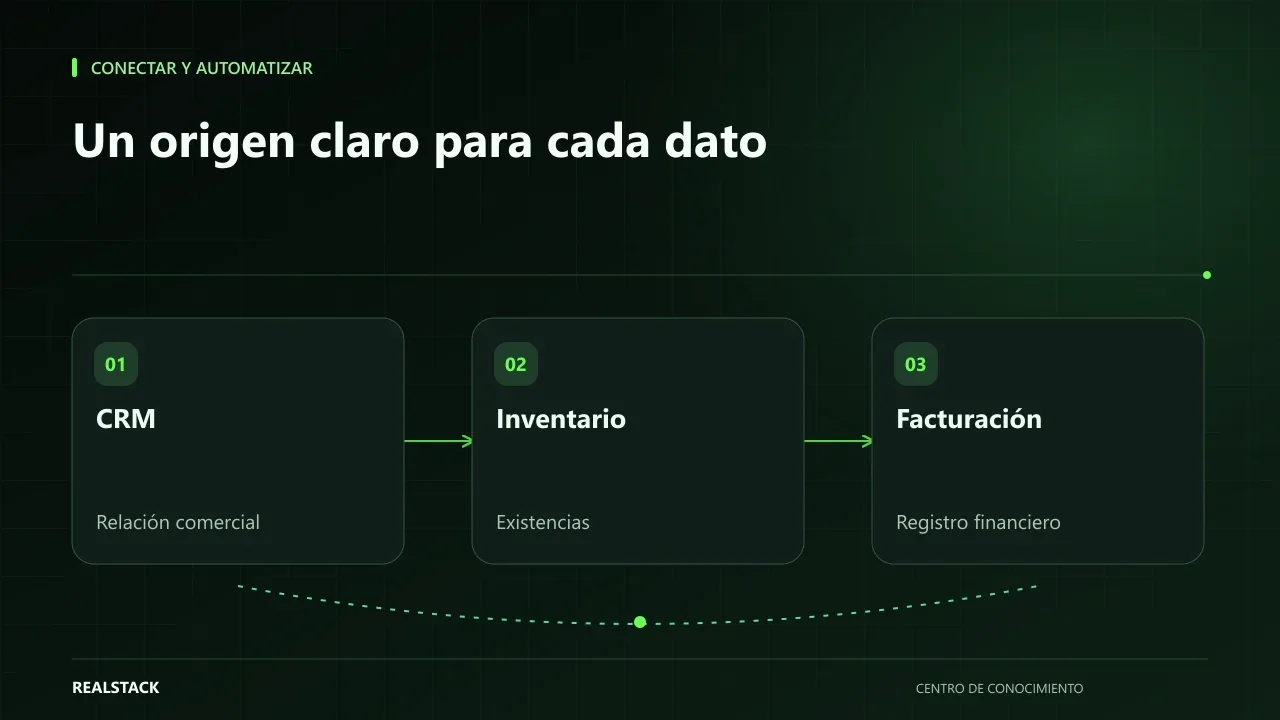
Three systems, three versions of the same customer
The salesperson updates the customer's phone number in the CRM. Billing still has the previous one. Warehouse ships to an address the customer changed a month ago. No one did anything wrong: each system has its own copy of the data and no rule says which one is authoritative.
Connecting systems does not start with the technical integration. It starts by deciding, for each piece of data, where it originates, who changes it and where it should travel.
Master data: one source rules, the others read
A master data item is one that several systems need and that must have a single official source. In a typical SME these are customer, product, price and order. For each, define an owning system: the only one where it is created and modified. The other systems receive it.
| Data | Owning system | Who modifies it | Systems that receive it |
|---|---|---|---|
| Commercial customer | CRM | Salespeople | Billing |
| Customer tax data | Billing | Accounting | CRM (read-only) |
| Product and SKU | Inventory | Purchasing | CRM, website |
| Stock levels | Inventory | Warehouse | Website, CRM |
| Invoice | Billing | Accounting | CRM (status) |
The assignment depends on your operation; the table is an example. The important thing is that each row has a single owner.
Synchronization: when and in which direction
- Direction: does the data flow one way or both ways? Two-way synchronization is most prone to conflicts; use it only if indispensable.
- Timing: real-time, periodically or end-of-day? Not everything needs to be immediate; stock levels perhaps do, tax data rarely.
- Trigger: what event starts the synchronization? An approved order, an issued invoice, a created product.
Reconciliation: checking that they match
Even if the integration works, it's advisable to periodically check that systems match. A simple reconciliation compares counts and totals: number of approved orders in the CRM versus number of invoices issued, or inventory stock versus what the website shows. Differences are investigated, not silently corrected by hand.
Failures: what happens when something doesn't arrive
Every integration fails sometimes: a system does not respond, a data item arrives incomplete, a message arrives twice. Define in advance what happens in each case: who gets informed, where the error is recorded and how it is retried. A useful concept is idempotency: design operations so that repeating them does not duplicate the result, as documented by many payment APIs. That way a retry does not create two invoices.
For electronic invoicing in Colombia, the rules are set by the DIAN. Any integration with your billing system must be reviewed by your accountant; this guide does not interpret those rules.
Procedure
- List the systems you use and which data each holds.
- Identify data that appears in more than one system.
- Assign an owning system and a responsible person for each master data item.
- Define direction, timing and trigger for each flow.
- Define how reconciliation is done and how often.
- Define what happens on a failure: notification, logging and retry.
- Document everything in the systems map before requesting the integration.
Applied example
Limits
This guide does not evaluate vendors or connectors. Before integrating, confirm with each provider which data they expose and how. If a system does not allow connecting, the map still helps to organize manual work.
Criteria to decide who rules
| Data | System that typically rules | Question to confirm it |
|---|---|---|
| Customer | CRM or billing | Where is it created first and where is it corrected? |
| Product and SKU | Inventory or ERP | Where does a new SKU originate? |
| Price | ERP or price list | Who approves a price change? |
| Stock levels | Inventory | Which system records ins and outs? |
| Invoice | Billing | Which system issues the valid document? |
The table describes common patterns, not a rule. What matters is that each data item has a single owner and the other systems read it.
Complete synthetic example
Synthetic example. A fictional company creates customers in the CRM, in billing and in a dispatch spreadsheet. When reconciling, it finds the same customer with three NITs written differently.
They decide billing is the customer master because the NIT is validated there. The CRM receives a daily copy and salespeople no longer create customers: they request registration from billing. The dispatch spreadsheet is replaced by an inventory report. Every Friday someone compares the number of active customers in both systems and reviews differences. Invented example.
How to use the downloadable map
- List your systems and the data each contains.
- Mark which is the master for each data item.
- Describe the direction and frequency of each synchronization.
- Note what happens if a synchronization fails and who is notified.
- Review the map when you add or change a system.
Questions for your integration provider
- In which direction does each data item travel and with what frequency?
- What happens if a system does not respond: is it retried, queued or lost?
- Who receives the failure notification and in how much time?
- How is a data item that synchronized incorrectly corrected?
- Where is the record of what was synchronized stored?
How to know if it worked
- Each master data item has a single system where it is created and corrected.
- Weekly reconciliation shows fewer differences over time.
- Synchronization failures generate a notification that someone addresses.
- The team stopped creating the same customer in multiple systems.
Plan for the first four weeks
- Week 1: fill the systems and data map.
- Week 2: decide the master for each data item with the involved areas.
- Week 3: adjust permissions so only the master can create records.
- Week 4: perform the first reconciliation and correct differences.
Diagnosis before starting
- Find the same customer in all your systems and compare the data.
- Ask where a new product is created.
- Check if someone copies data by hand between systems.
| If your case is… | Do this |
|---|---|
| Two systems and few transactions | Periodic export and manual reconciliation. |
| Multiple systems and high volume | Integration with failure monitoring. |
| A new system on the way | Define master data before connecting it. |
A second example, by contrast
Synthetic example. A fictional company has only CRM and billing, with few sales per month. It does not integrate: it agrees that billing rules on customers, exports a weekly file and loads it into the CRM. Unlike the first example, the solution was an agreement and a routine, not an integration. Invented example.
What to do when something fails
- If a synchronization fails, correct it in the master and resynchronize, not in the destination.
- If duplicates appear, stop creation in the system that is not the master.
- If nobody receives failure notices, assign a responsible person.
Common mistakes
- Connecting everything to everything without defining owners.
- Using two-way synchronization by default.
- Not logging integration errors.
- Correcting differences manually without finding the root cause.
- Assuming billing integration is solved without accounting review.
Checklist
- Each data item has a master system.
- Synchronizations have defined direction and frequency.
- There is a periodic reconciliation.
- Failures generate a notification to a person.
- The map is up to date.
Bring it to your business
Systems and Data Flow Map
CSV template to map systems and data flows: which data travels, from which owning system, to where, with what trigger and frequency, how it is reconciled and what happens if it fails. Useful to prepare an integration without duplicating information.
View resourceDo I need an ERP to avoid duplicates?
Not necessarily. Many companies solve the problem by defining data owners and properly connecting the systems they already have. An ERP is considered when the number of systems and flows justifies it.
How often should I reconcile?
It depends on the impact of an error. What affects shipments or invoices should be reviewed more frequently than what only affects reports.
Do I need an integration platform?
Not always. Well-controlled periodic exports can be enough at the beginning; evaluate a platform when volume or frequency require it.
What do I do with existing duplicates?
Clean them once, in the master system, before activating synchronizations.
Keep exploring
Connect and automate
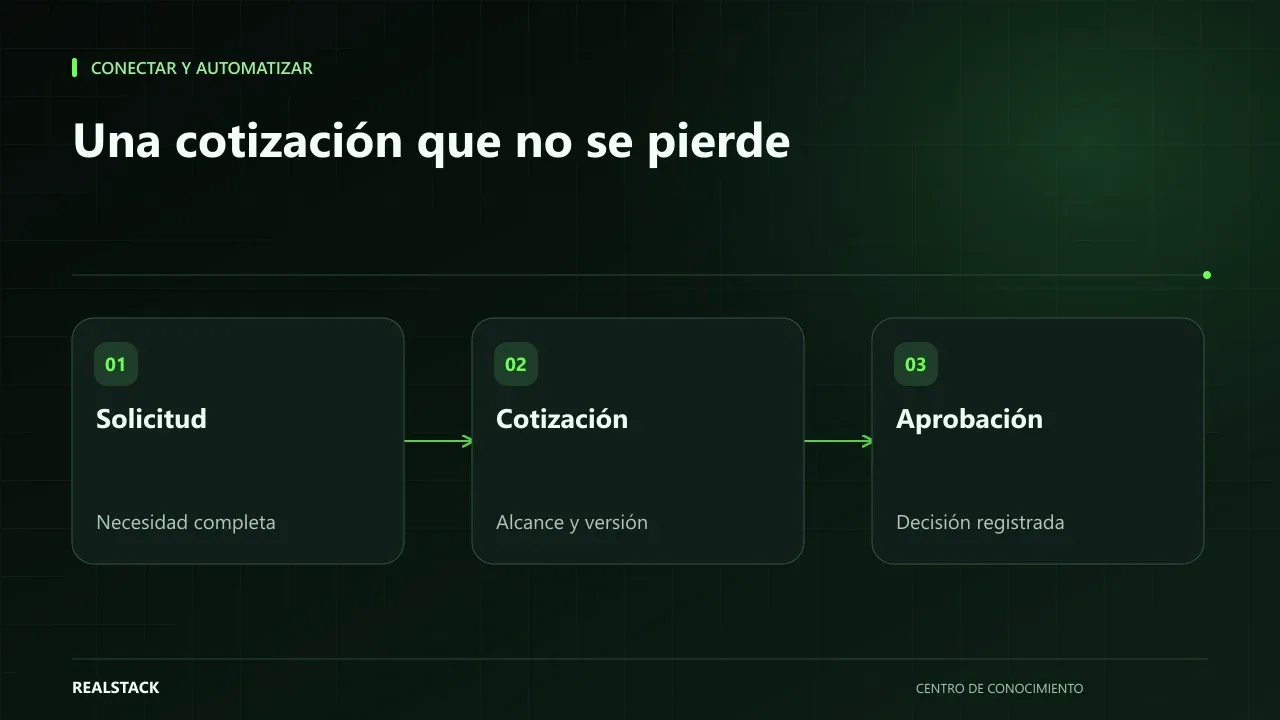
How to map your quoting and approval process
A quote that relies on one person’s memory is slow, approved inconsistently, and lost when that person is absent. This guide teaches you how to map your quoting and approval process: inputs, owners, conditions, outputs, exceptions and follow-up, with a complete example.
Connect and automate
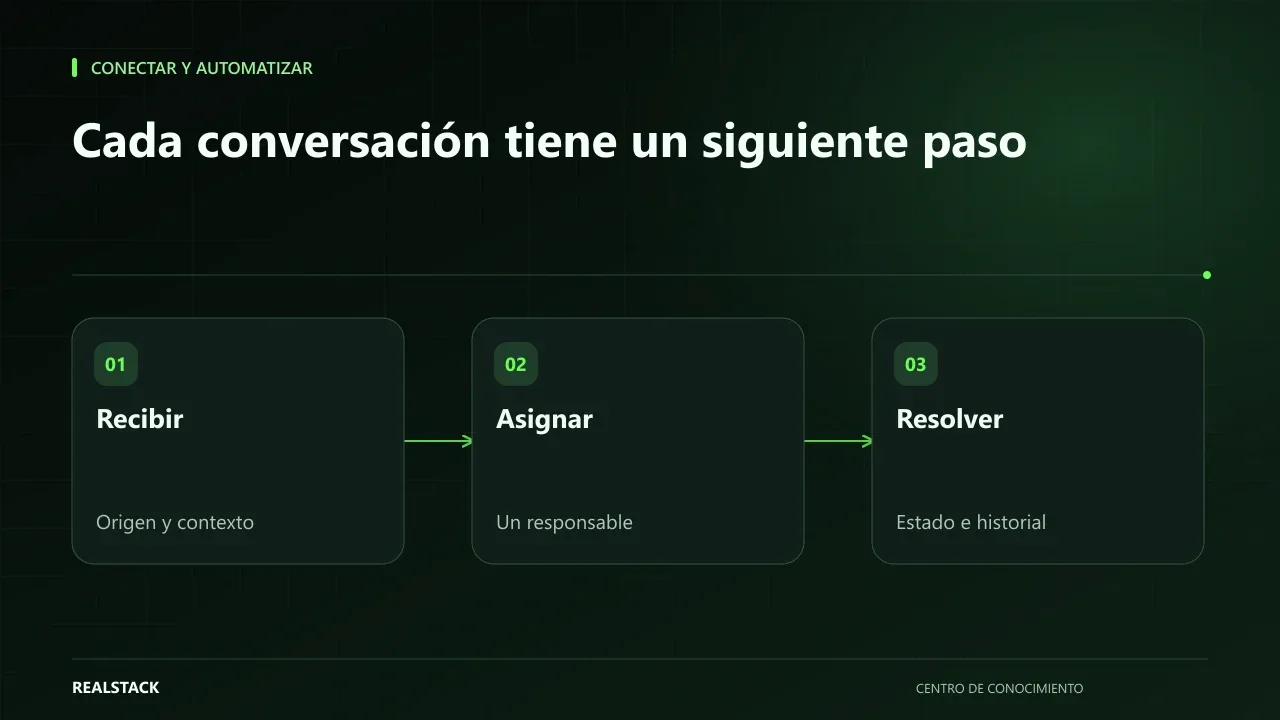
How to organize inquiries that arrive via WhatsApp
When inquiries arrive by WhatsApp to multiple phones, no one knows which were answered, quoted, or lost. This guide shows how to record origin, owner, status, next step and closure, and how to separate commercial attention from support without changing channels.