
Connect and automate
How to organize inquiries that arrive via WhatsApp
When inquiries arrive by WhatsApp to multiple phones, no one knows which were answered, quoted, or lost. This guide shows how to record origin, owner, status, next step and closure, and how to separate commercial attention from support without changing channels.
In this guide
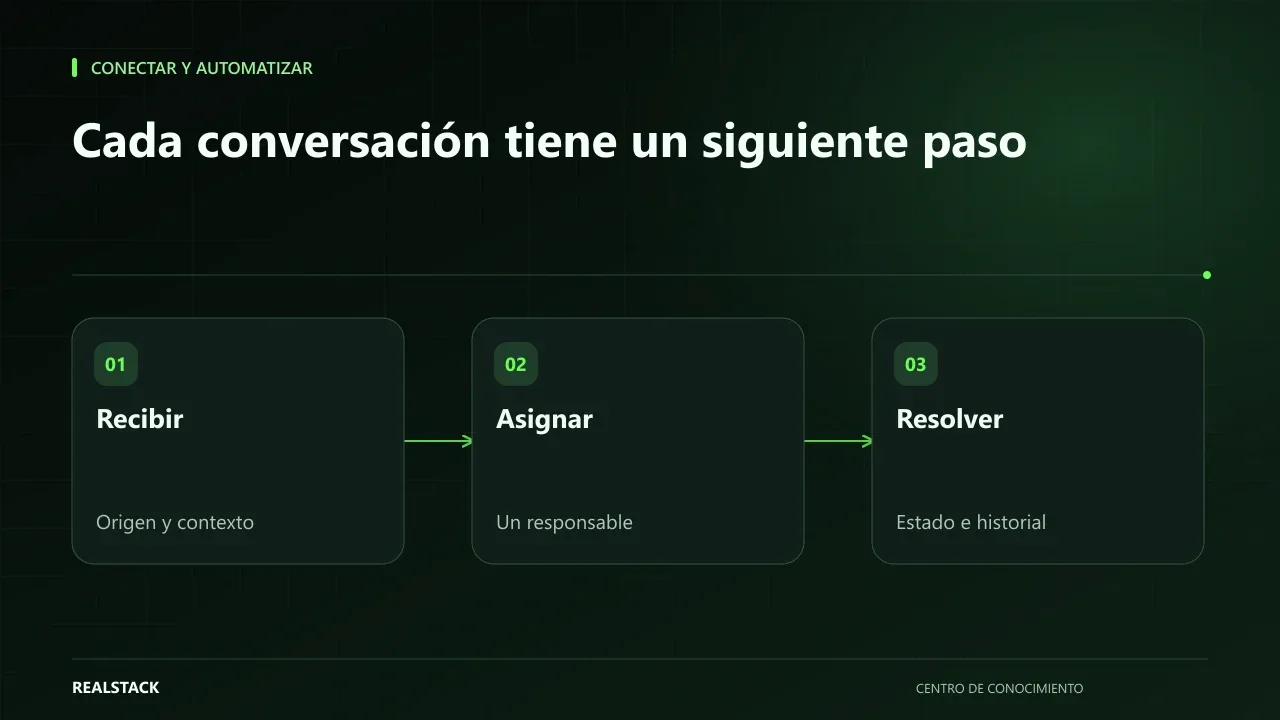
Chat is not a tracking system
WhatsApp is where your customers already are, and that is why it works so well to receive inquiries. The problem begins when the chat becomes the company's only memory. A quote is buried under forty new messages, the advisor who was handling it goes to lunch and no one knows whether the customer already received a response. At the end of the month, no one can say how many inquiries arrived or how many were closed.
You don't need to abandon WhatsApp. You need a minimal register alongside the chat that answers five questions for each inquiry.
The five questions for each inquiry
| Field | What it answers | Example value |
|---|---|---|
| Origin | Where did it come from? | Google Ads, website, referral, repeat customer |
| Owner | Who has it? | Name of the advisor |
| Status | What stage is it in? | New, In progress, Quoted, Won, Lost |
| Next step | What must be done and when? | Send quote on Thursday |
| Closure | How did it end and why? | Won; lost due to price; no response |
With those five fields you can answer questions that are impossible today: how many inquiries are awaiting a response, which advisor has the highest load and which channel brings inquiries that actually close.
Commercial attention and support are not the same
A person asking for a price and another reporting that their order arrived incomplete write to the same number, but they need different answers, different urgencies and, often, different people. If you mix them in the same register, commercial metrics get contaminated and complaints wait behind quotes.
The simplest solution is a “Type” field with two values: Commercial and Support. Each type has its own statuses. In support, for example: Received, Under review, Resolved.
How to capture origin
Origin is the field most often lost. If inquiries come from your site, the WhatsApp button can carry a different prefilled message per page or campaign, for example “Hi, I'm contacting from the bearings page.” For visits coming from campaigns, Google Analytics documents how to use UTM parameters in links to know which campaign each visit came from. When it is not possible to know the origin, ask naturally in the first reply: “How did you find us?”.
Procedure to start
- Define who answers WhatsApp and who assigns new inquiries.
- Download the register and agree on the values for each status.
- Record each new inquiry the same day it arrives, with origin and type.
- At the end of each conversation, update status and next step.
- Once a week, review inquiries without a next step or with an expired date.
- Once a month, count inquiries by origin and by outcome.
Applied example
When manual register falls short
A shared sheet works well while volume is manageable and people update it. When multiple people answer at the same time, volume grows or you need the register to populate itself, it is worth evaluating tools that connect WhatsApp with a CRM. Meta offers the WhatsApp Business app for small teams and the WhatsApp Business Platform for integrations. In any case, respect WhatsApp Business policies and your customers' consent to receive messages.
At RealStack, operation review is the starting point to decide whether it's worth connecting that flow and where to start.
Criteria to design the register
| Decision | Simple option | When to change it |
|---|---|---|
| Where to register | Shared sheet | When several people edit simultaneously and overwrite each other |
| Who records | The advisor who receives it | When volume exceeds what the advisor can record without delay |
| Statuses | New, in progress, quoted, closed, lost | When you need to distinguish finer commercial stages |
| Origin | Direct question or prefilled message | When you have enough campaigns to justify tagged links |
| Review | Weekly | When volume requires daily review |
Full synthetic example
Synthetic example. A fictional company receives about 30 weekly conversations on a single WhatsApp number, including quotes, complaints and shipping questions. During one week it records all in the template and discovers that one third are support, not sales.
It decides to separate: commercial inquiries are assigned to two advisors with owner and next step; support inquiries go to a customer service person with their own status. Each Monday, the commercial manager reviews inquiries without a next step. After a month, the company knows how many inquiries arrive by origin and how many close. Company figures invented.
How to use the downloadable register
- Open the file in your shared spreadsheet.
- Record each new conversation the same day, with origin and type (commercial or support).
- Assign an owner and write the next step with a date.
- Update the status whenever it changes.
- Review rows without a next step weekly.
What to do with unanswered inquiries
- Review each week inquiries with more than two days without a next step.
- Contact once more with a specific question, not with a “still interested?” message.
- If there is no response, mark them as lost with the reason “no response” instead of leaving them open.
- Count how many are lost for that reason: if many, the problem may be first-response time.
How to know if it worked
- No open inquiry is left without an owner.
- You can count how many inquiries arrived by origin during the month.
- Support inquiries are no longer mixed with commercial ones.
- Time to first response can be measured.
Plan for the first four weeks
- Week 1: record all conversations, without changing anything else.
- Week 2: separate commercial and support and assign owners.
- Week 3: require a dated next step on each open inquiry.
- Week 4: review origin, times and closures, and adjust statuses.
Diagnosis before starting
- Count last week's conversations and how many remain unanswered.
- Ask who answers each company WhatsApp number.
- Check whether today you can tell where a customer came from.
| If your case is… | Do this |
|---|---|
| A single advisor handles everything | Start with the sheet and a daily five-minute review. |
| Several advisors share a number | Assign an owner in the register from the first message. |
| There are multiple personal numbers | Unify into a company number before measuring. |
A second example, in contrast
Synthetic example. A small fictional company receives five inquiries per week, all commercial, and the owner answers them. It does not need to separate support or assign owners: it uses only the origin, next step and outcome columns, and reviews on Fridays. Unlike the first example, the minimal register is enough because volume is low. Invented example.
What to do when something fails
- If an inquiry is lost, search the chat for the date and record it with a note.
- If the register falls behind, reduce columns before abandoning it.
- If the advisor changes, reassign their open inquiries the same day.
Common mistakes
- Recording only inquiries that look promising.
- Leaving the “Next step” field empty or with “follow up”.
- Mixing complaints with quotes.
- Not recording why an inquiry was lost.
- Copying phone numbers or personal data into sheets without access control.
Checklist
- There is a person who assigns new inquiries.
- Each inquiry has origin, type, owner, status and next step.
- Commercial and support have separate statuses.
- Expired inquiries are reviewed weekly.
- The register has limited access to its users.
Bring it to your business
Request Log and Tracking
CSV log to track requests received via WhatsApp: source, type (sales or support), owner, status, next step, date and closure. Allows you to see what’s pending and which channel brings requests that actually close.
View resourceCan I record the customer's phone number?
If you need it for follow-up, yes, but treat it as personal data: limit access to the register and use it only to handle the inquiry. The legal conditions for data processing should be reviewed with your legal advisor.
How many statuses should I use?
As few as possible. Five commercial statuses are usually enough. If a status is never used or no one knows when to apply it, remove it.
Do I need WhatsApp Business for this?
Not to start. Features like labels or quick replies help, but the register can be kept in a shared sheet.
What if the customer writes to several advisors?
Record a single inquiry with one owner and note in the comments that there was contact with others.
Keep exploring
Connect and automate
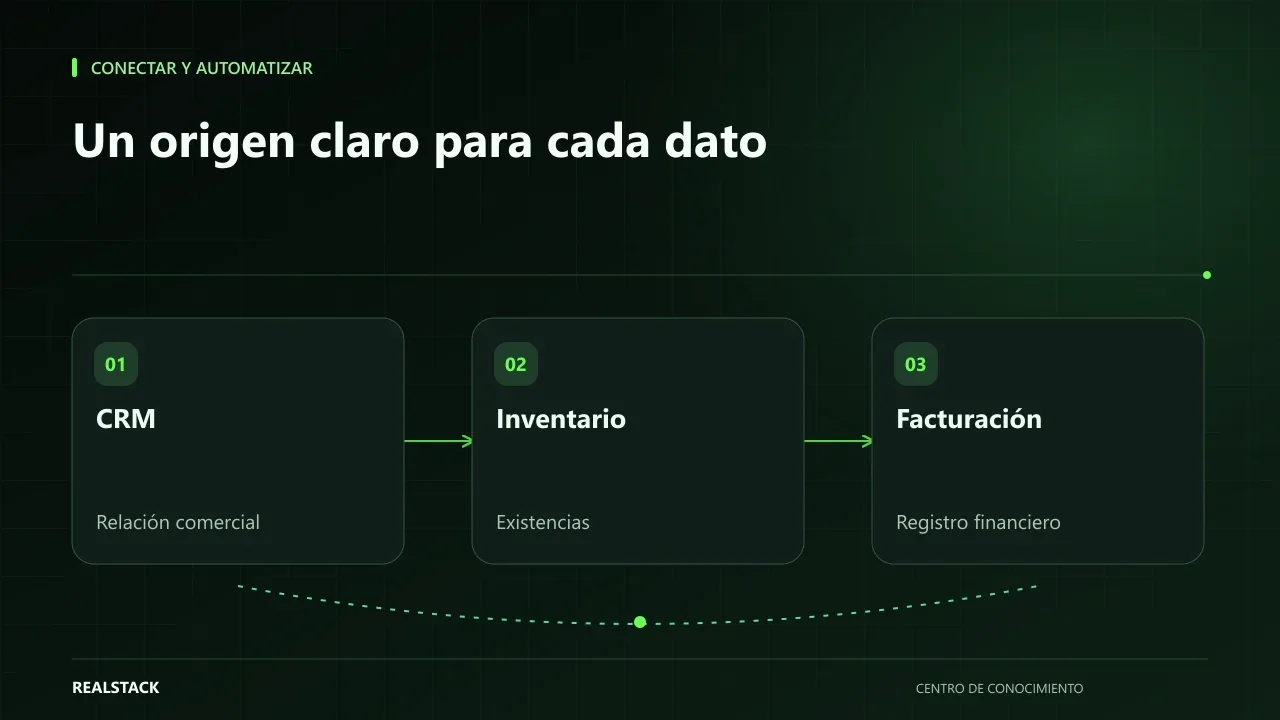
How to connect CRM, inventory and billing without duplicating information
When CRM, inventory and billing don't talk to each other, your team copies the same data multiple times and errors appear at the worst moment. This guide explains how to define master data, owners, synchronization, reconciliation and failure handling, without depending on a specific vendor.
Connect and automate
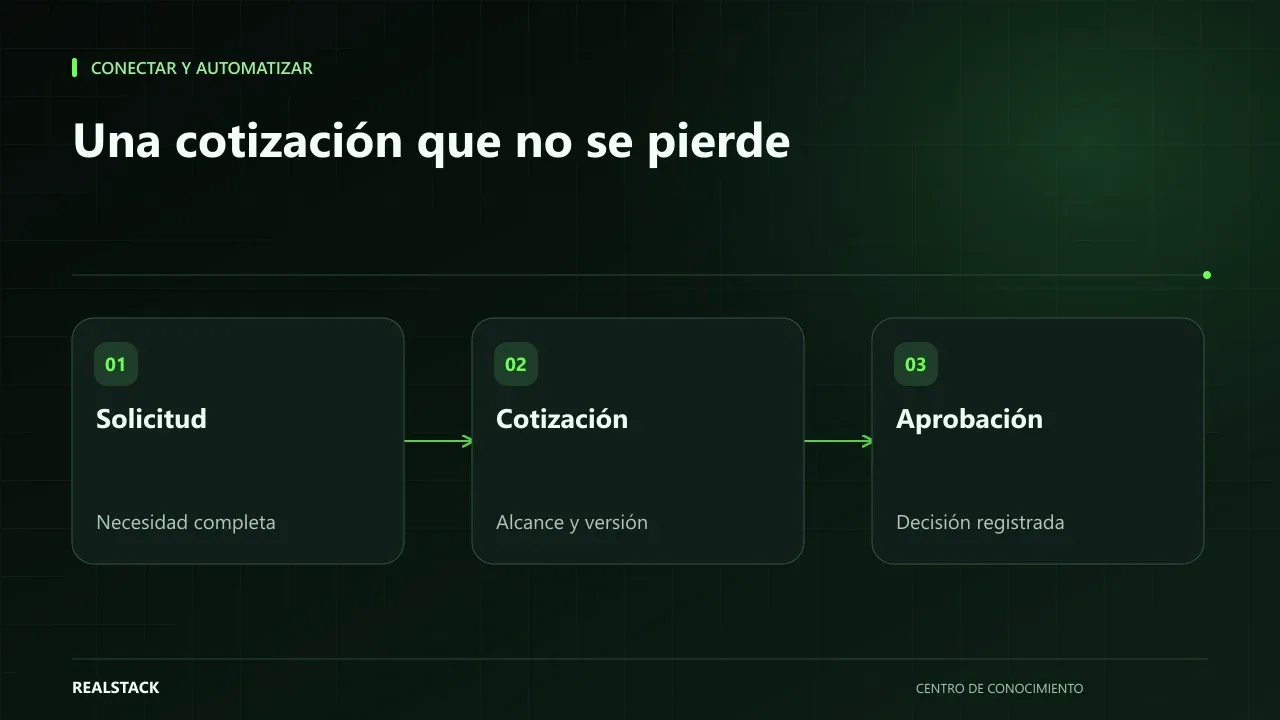
How to map your quoting and approval process
A quote that relies on one person’s memory is slow, approved inconsistently, and lost when that person is absent. This guide teaches you how to map your quoting and approval process: inputs, owners, conditions, outputs, exceptions and follow-up, with a complete example.