
Connect and automate
Request Log and Tracking
CSV log to track requests received via WhatsApp: source, type (sales or support), owner, status, next step, date and closure. Allows you to see what’s pending and which channel brings requests that actually close.
In this guide
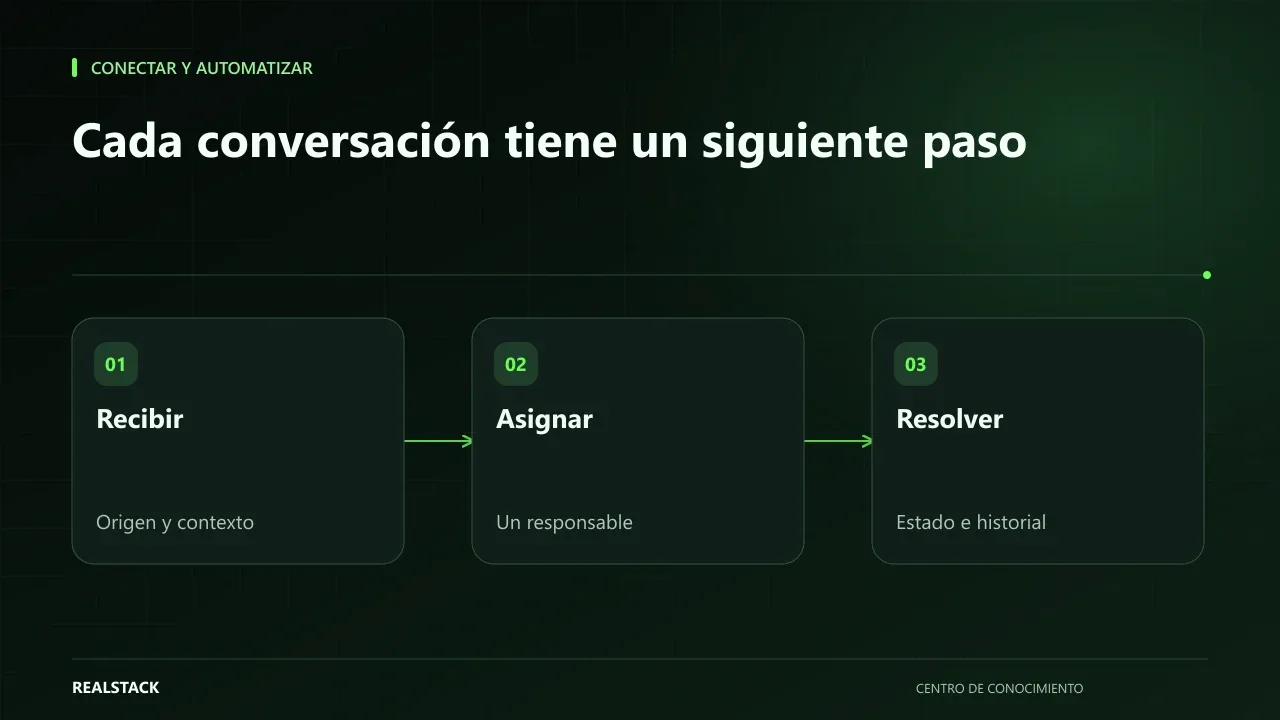
Instructions
- Record each request on the day it arrives.
- Use only the agreed statuses: New, In progress, Quoted, Won, Lost (sales); Received, Under review, Resolved (support).
- Write a concrete next step with a date.
- When closing, note the reason.
Bring it to your business
Download resource| ID | Arrival date | Source | Type (Sales/Support) | Request summary | Owner | Status | Next step | Next step date | Outcome | Closure reason |
|---|---|---|---|---|---|---|---|---|---|---|
| EJ-001 | 2026-01-12 | Website - pumps page | Sales | Synthetic example: centrifugal pump quotation | Advisor 1 | Quoted | Call to confirm receipt | 2026-01-15 | ||
Keep exploring
Connect and automate
How to organize inquiries that arrive via WhatsApp
When inquiries arrive by WhatsApp to multiple phones, no one knows which were answered, quoted, or lost. This guide shows how to record origin, owner, status, next step and closure, and how to separate commercial attention from support without changing channels.