
Connect and automate
How to map your quoting and approval process
A quote that relies on one person’s memory is slow, approved inconsistently, and lost when that person is absent. This guide teaches you how to map your quoting and approval process: inputs, owners, conditions, outputs, exceptions and follow-up, with a complete example.
In this guide
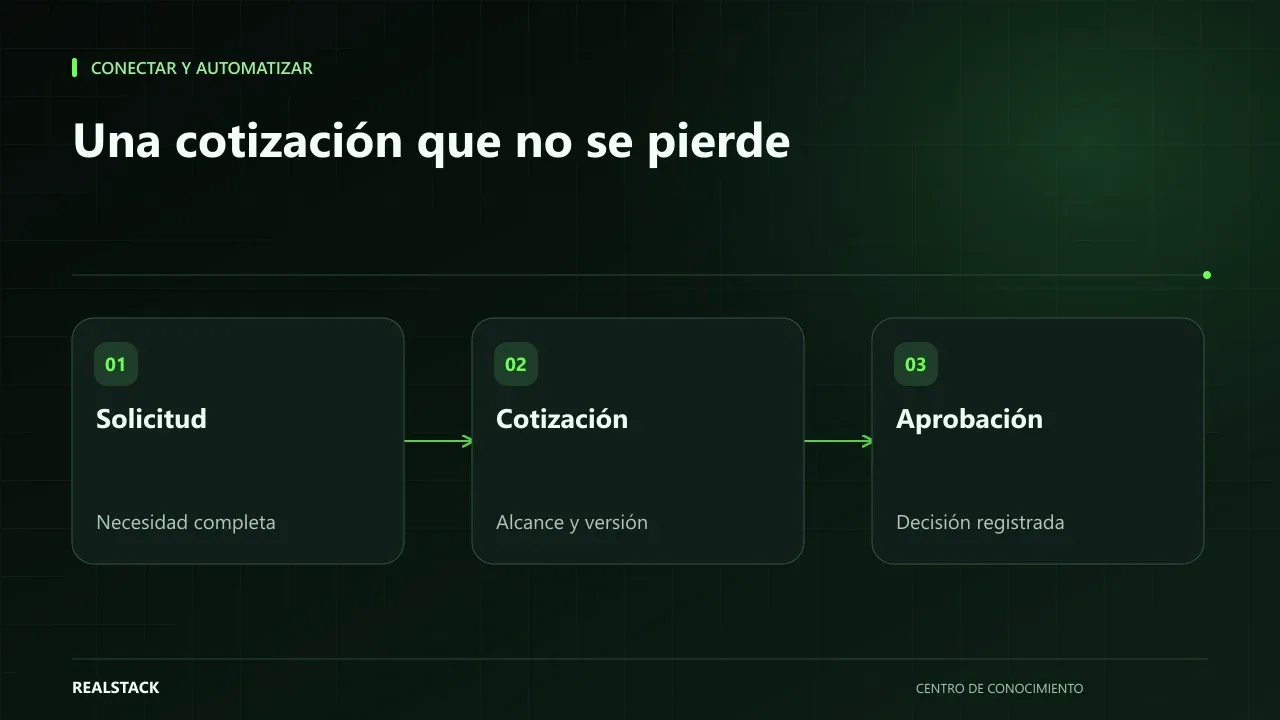
Every quote is done a little differently
If you ask three people on your team to explain how a quote is done, you’ll likely hear three versions. One checks inventory before quoting, another does not. One asks the manager to approve discounts over 10%, another only when the customer is new. None of the versions are wrong, but together they produce delays, different margins and customers receiving different answers to the same question.
Mapping the process is not bureaucracy: it is writing down what already happens so it can be improved or automated.
The six elements of the map
| Element | Question | Example |
|---|---|---|
| Inputs | What is needed to start? | Request with reference, quantity and city |
| Owners | Who performs each step? | Sales rep, commercial manager, warehouse |
| Conditions | What rules change the path? | Discount above threshold, new customer |
| Outputs | What does the process produce? | Quote sent, order approved |
| Exceptions | What happens outside the norm? | Product out of stock, special price |
| Follow-up | How do you know the status? | Status and date of next contact |
How to capture the real process
Sit down with the people who create quotes and ask them to tell you about the last quote they made, step by step. Don’t ask how it should be done; ask how it was done. Record each step as verb plus object: “check inventory”, “calculate freight”, “request approval”. Then repeat with a quote that went wrong. Exceptions show up there.
To draw it you can use paper, a whiteboard or a standard notation like BPMN, maintained by the Object Management Group. You don’t need to master the notation: boxes for steps, diamonds for decisions and lanes for owners are enough.
Complete example
Sample quoting process
- Input: a request arrives via WhatsApp or the website with reference and quantity.
- The sales rep records the request and verifies whether the customer exists in the CRM.
- The sales rep checks stock in inventory.
- If there is stock, they calculate price according to price list and freight by city.
- Condition: if the requested discount exceeds the company-defined threshold, it goes to the commercial manager for approval.
- The commercial manager approves or adjusts it within the same business day.
- The sales rep sends the quote and records the follow-up date.
- Exception: if there is no stock, the sales rep consults purchasing for the replenishment lead time before quoting.
- Follow-up: if the customer does not respond within the defined period, the sales rep makes contact and records the result.
- Output: accepted quote proceeds to order; rejected quote is closed with a reason.
What to look at once it’s mapped
- Waits: steps where the quote stops because of a person or missing information.
- Repetitions: data that is written more than once.
- Decisions without rule: approvals that depend on the person’s judgement that day.
- Outputs without an owner: quotes sent with no assigned follow-up.
These four signals indicate where to improve. Some are solved with a written rule; others with automation. If the process has no clear rule, automating it only speeds up the disorder.
Procedure
- Choose a recent typical quote and one that went wrong.
- Capture the steps with the people who executed them.
- Complete the template: one step per row.
- Mark decisions, exceptions and waits.
- Validate the map with the team and with the approver.
- Choose one improvement and define how to measure it.
Criteria to know if the map is useful
| Question | If the answer is no… |
|---|---|
| Could a new person follow it? | Steps are missing or implicit |
| Does each step have an owner? | There are tasks that “someone does” |
| Are exceptions included? | The map describes the ideal case, not the real one |
| Is it clear when it ends? | There is no exit criterion |
| Can you measure the time of each step? | You won’t know where time is lost |
How to use the downloadable template
- Choose one recent real case and follow it from start to finish.
- Fill one row per step: input, owner, condition, output and time.
- Add rows for exceptions the team recalls.
- Validate the map with whoever performs each step.
- Mark steps where there is the most waiting and start there.
Mistakes when mapping
- Mapping the process as it should be instead of as it is.
- Doing it only with the manager, without those who execute each step.
- Omitting exceptions because “they are few”.
- Mixing quoting, shipping and collection in a single map.
- Finishing the map without deciding which step to improve first.
Decision after mapping
With the map completed, choose a single step to improve. Prefer the one that concentrates the longest wait or the costliest errors. Define how you will measure it before changing anything, apply the improvement for one month and return to the map to confirm whether the total time decreased or if the wait merely moved to another step.
How to know if it worked
- A new person can follow the map without asking questions.
- You know which step has the longest wait.
- Exceptions have a defined owner.
- You can compare total time before and after a change.
Plan for the first four weeks
- Week 1: follow three real quotes from start to finish.
- Week 2: fill the template and validate it with the team.
- Week 3: choose a step to improve and define how to measure it.
- Week 4: apply the improvement and compare.
Diagnosis before starting
- Choose three recent quotes: one fast, one slow and one lost.
- Note how many people touched each one.
- Look for where each approval was recorded.
| If your case is… | Do this |
|---|---|
| Quotes are slow because of approvals | Define thresholds and alternates. |
| They are slow due to lack of information | Improve the input: form or list of required data. |
| They are slow due to manual calculation | Template with current prices. |
A second contrasting example
Synthetic example. A fictitious services company discovers that its quotes are fast but are lost due to lack of follow-up after they are sent. Their map ends where the previous one began: they add follow-up steps at three and seven days. Unlike the first example, the bottleneck was outside the approval process. Invented example.
What to do when something fails
- If the map does not match reality, walk through another real case.
- If the improvement moves the wait to another step, review that step.
- If the team does not follow the map, simplify it.
Common mistakes
- Drawing the ideal process instead of the real one.
- Omitting exceptions because “they almost never happen”.
- Not writing approval thresholds.
- Leaving follow-up out of the map.
- Mapping without the people who execute the process.
Checklist
- The map starts from a real case.
- Each step has an owner and an output.
- Exceptions are documented.
- Approximate times were measured.
- The team validated the map.
Bring it to your business
Template to Map a Quotation Process
CSV template to map a quotation and approval process step by step: input, owner, condition, output, exception, wait time and follow-up. Use it to capture the real process with your team before improving or automating it.
View resourceHow much detail does the map need?
Enough for a new person to follow it. If a step requires an oral explanation, more detail is needed.
Should I use diagramming software?
It is not necessary to start. A table with steps, owners and conditions, like the template, is already a useful map.
How much detail does the map need?
Enough so each step has an owner, input and output. More detail only if it helps decision-making.
Do I need diagramming software?
No. A spreadsheet with one row per step works.
Keep exploring
Connect and automate
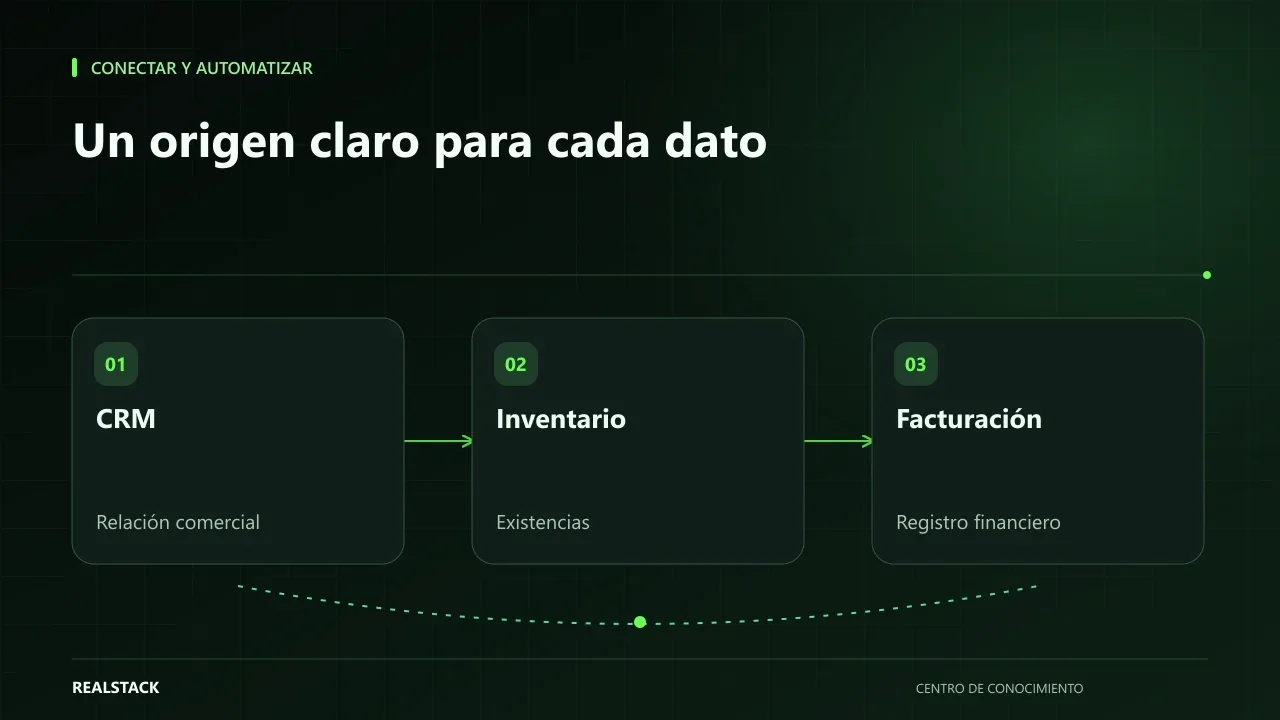
How to connect CRM, inventory and billing without duplicating information
When CRM, inventory and billing don't talk to each other, your team copies the same data multiple times and errors appear at the worst moment. This guide explains how to define master data, owners, synchronization, reconciliation and failure handling, without depending on a specific vendor.
Connect and automate
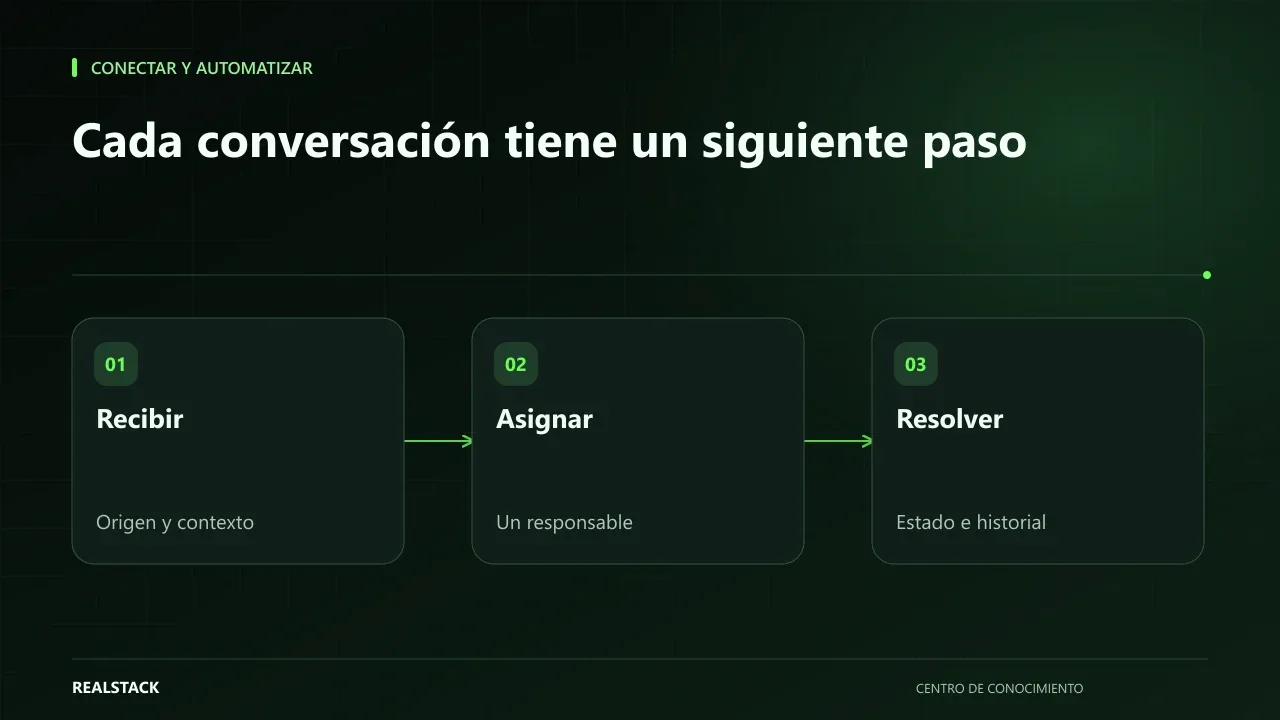
How to organize inquiries that arrive via WhatsApp
When inquiries arrive by WhatsApp to multiple phones, no one knows which were answered, quoted, or lost. This guide shows how to record origin, owner, status, next step and closure, and how to separate commercial attention from support without changing channels.