
Attract and measure
SEO for a B2B Catalog: How to Answer Your Buyers' Questions
Your B2B buyers look for answers before requesting a quote: compatibility, standards, applications, packaging. This guide shows how to organize architecture, product pages, use cases, documentation and internal links in a catalog to answer those questions, without promising search rankings.
In this guide
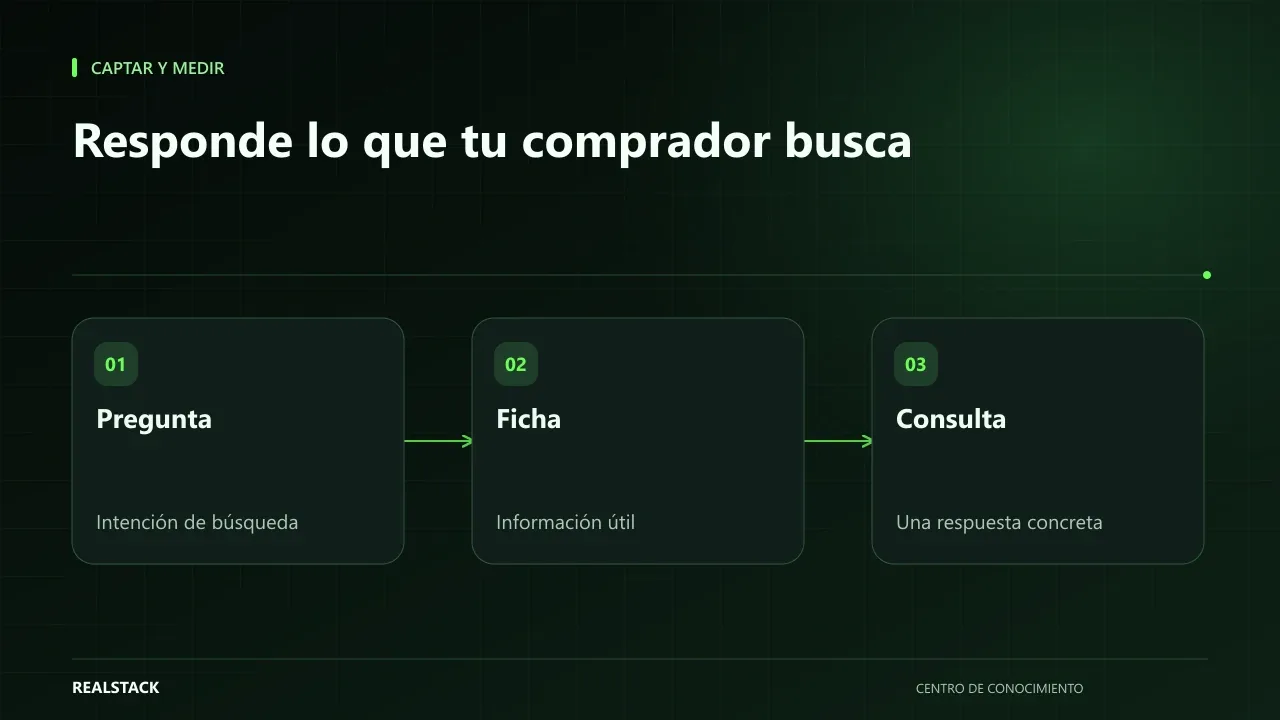
Your buyer is already asking you
Every question that arrives by WhatsApp is a search someone made earlier and didn’t find answered: “does this grease hold up to 180 °C?”, “what is the difference between these two SKUs?”, “do you have a safety data sheet?”. If your catalog answers those questions, it helps the person who has already arrived and increases the chances that someone still searching will find it.
SEO for a B2B catalog is not about tricks. Google says in its starter guide that the goal is to help searchers understand your content and to make it useful for people.
Start with the questions, not the keywords
Collect the questions your sales team receives for two weeks. Group them by intent: there are discovery questions (“what works for…”), comparison questions (“which is better for…”), specification questions (“what standard does it meet…”), and purchase questions (“how much does it cost”, “is it in stock”). Each type of intent requires a different kind of page.
| Intent | Example question | Page that answers it |
|---|---|---|
| Discovery | What lubricant is suitable for high-temperature bearings? | Application or family page |
| Comparison | What is the difference between reference A and B? | Comparative table within the family |
| Specification | What viscosity does it have? | Product data sheet |
| Purchase | Is there availability in Medellín? | Product page with quote request button |
Architecture: families, applications and product pages
Organize the catalog in three levels: families that group products, application pages that explain use cases, and product pages per SKU. Each level links to the others. Google recommends links it can crawl, with descriptive anchor text; instead of “see more”, write “high-temperature greases”.
Product pages that answer
- A title using the name the buyer uses, not just the internal code.
- A description that states what it is, what it is for, and what it is not for.
- Specifications in a table with units.
- Applications and compatible equipment.
- Downloadable documents with clear filenames.
- Real frequently asked questions for that SKU, if any.
Product structured data helps Google understand the product page. Implementing it correctly does not guarantee rich results or rankings.
Use cases and documentation
Application pages are where a B2B catalog stands out. Explain a typical customer problem, how it is solved and which products are involved. If you have technical documentation, publish it on pages or as files with clear titles. If you discuss a customer case, use only what the customer approved.
Procedure
- Collect real questions from your sales team for two weeks.
- Classify them by intent in the downloadable map.
- Assign each question to an existing page or to create a new one.
- Complete the product pages for the most consulted products first.
- Create application pages for the most frequent discovery questions.
- Link families, applications and product pages with descriptive anchor text.
- Check Search Console to see which queries bring visits and adjust.
Applied example
Limits
This guide does not promise rankings or timelines. Search results depend on competition, site authority and factors no provider controls. What you can control is that your content answers well.
Criteria to prioritize content
| Signal | Priority |
|---|---|
| The question appears often and there is no page answering it | High |
| There is a page, but it is incomplete | High |
| Frequent discovery question | Medium: application page |
| Rare or very specific question | Low: answer in the product page or FAQ |
How to use the downloadable map
- Record the questions using the customer's wording.
- Classify the intent.
- Assign an existing page or a new one.
- Sort by frequency and priority.
- Review the map quarterly with Search Console data.
Full synthetic example
Synthetic example. A fictitious centrifugal pump manufacturer collects questions from its advisors and chat over a month: “which pump is suitable for water with solids?”, “what is the difference between series A and B?”, “do you have a performance curve?”, “what maintenance does the seal require?”.
Classify the questions: discovery ones (“water with solids”) become an application page per use case; comparison questions become a table within the family; technical questions become a section of the product page with the curve in PDF; maintenance questions become a downloadable guide. Link each application page to recommended product pages using descriptive anchor text.
Three months later, review in Search Console which queries display your pages and which questions still arrive without a page. No rankings are promised: measure whether questions find answers. Example is fictional.
Criteria for a good B2B product page
| Element | Question it answers |
|---|---|
| Name with SKU | Is this the product I'm looking for? |
| Applications | Is it suitable for my case? |
| Specifications with units | Does it meet my technical requirements? |
| Documents | Can I validate it with my technical team? |
| Quote request | How do I request price and availability? |
How to know if it worked
- Frequent questions have a page that answers them.
- Product pages for the most consulted SKUs are complete.
- Search Console shows queries related to your applications.
Plan for the first four weeks
- Week 1: collect real questions.
- Week 2: classify and assign pages.
- Week 3: complete the ten most consulted product pages.
- Week 4: publish the first application page and link it.
Diagnostic before starting
- Search Google for your customers' three most frequent questions and see what appears.
- Check Search Console for queries that already show your site.
- Count how many product pages are complete.
| If your case is… | Do this |
|---|---|
| Your product pages are incomplete | Complete them before creating new content. |
| Questions are discovery-oriented | Create application pages. |
| Questions are comparative | Add comparison tables within families. |
A second example, in contrast
Synthetic example. A fictional company with few SKUs and very specialized buyers discovers that its customers do not search on Google: they arrive through trade shows and recommendations. It decides to invest in downloadable technical sheets that its advisors send, rather than pages for search engines. Unlike the first example, the content helped close sales, not attract traffic. Example is fictional.
What to do when something fails
- If a page does not appear in searches, check in Search Console whether it is indexed.
- If a page attracts visits without relevant queries, check whether it answers the question.
- If content becomes outdated, assign a reviewer responsible for updates.
How to measure it with your own data
- Check monthly in Search Console the queries that display your application pages.
- Count how many quote requests come from product pages and application pages.
- Ask your advisors whether customers arrive with fewer basic questions.
- Record which new questions appear and still lack a page.
Don't use rankings as the only metric: they change frequently and don't tell you whether the buyer found an answer. What you can compare with your own data is whether queries related to your applications increase, whether quote requests arrive better qualified, and whether the list of unanswered questions shortens quarter by quarter.
Common mistakes
- Writing for keywords instead of questions.
- Product pages with descriptions copied from the manufacturer without context.
- Links using “see more” or “click here”.
- Generating thousands of filter pages without control.
- Publishing standards or certifications you cannot document.
Checklist
- Real questions collected.
- Intent classified.
- Complete product pages for the most consulted SKUs.
- Descriptive internal links.
- No promises of ranking.
Bring it to your business
Question and Intent Map for a B2B Catalog
CSV map to record the real questions your B2B buyers ask, classify them by intent, and assign them to a catalog page: family, application, or product sheet. Helps you decide which content to create first.
View resourceCan I use manufacturer descriptions?
You can start from them, but add what your buyer needs: applications, compatibilities and frequently asked questions. That makes your product page provide distinct value.
How long until effects are visible?
There is no fixed timeframe. It depends on crawling, competition and the site's condition. Check Search Console to monitor progress.
How long until effects are visible?
It varies; Google does not guarantee times or rankings. Measure whether questions find answers and review quarterly.
Keep exploring
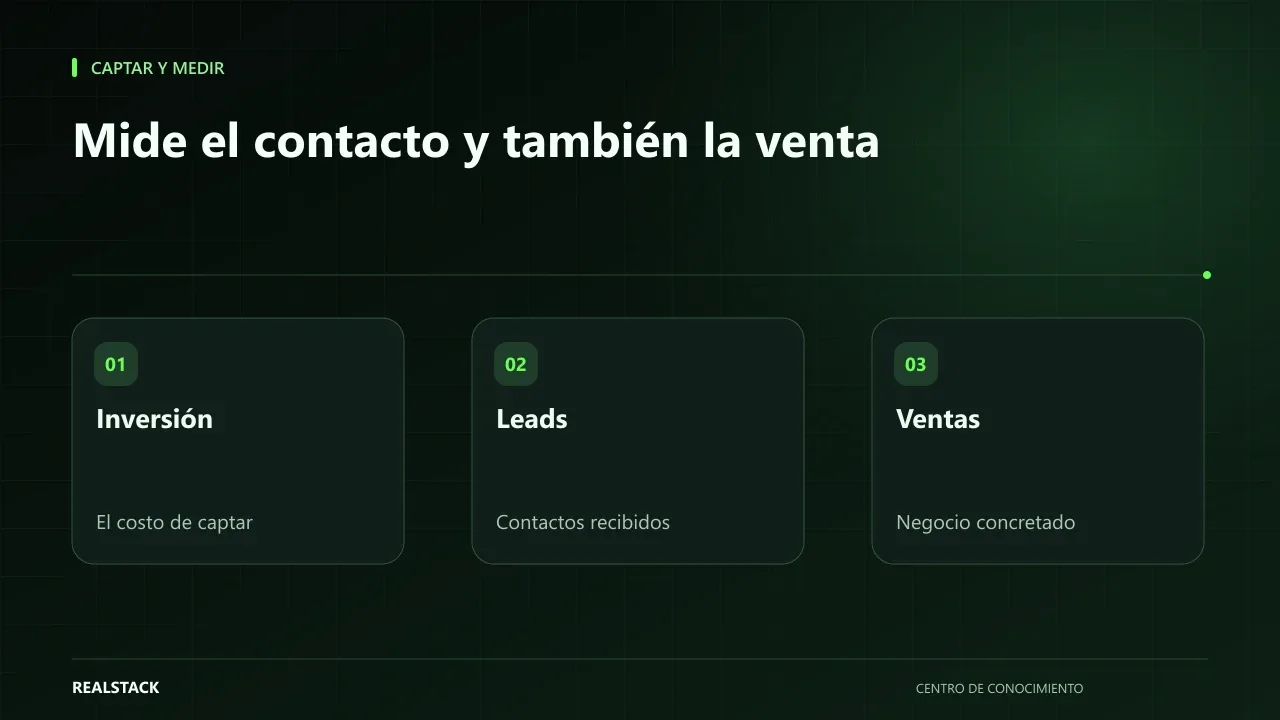
Attract and measure
Cost per lead and cost per sale: how to interpret them
Cost per lead and cost per sale look easy to calculate, but they vary a lot depending on what you count as a lead, which period you use and which costs you include. This guide explains the formulas, time windows and how to read results without comparing yourself to external benchmarks.
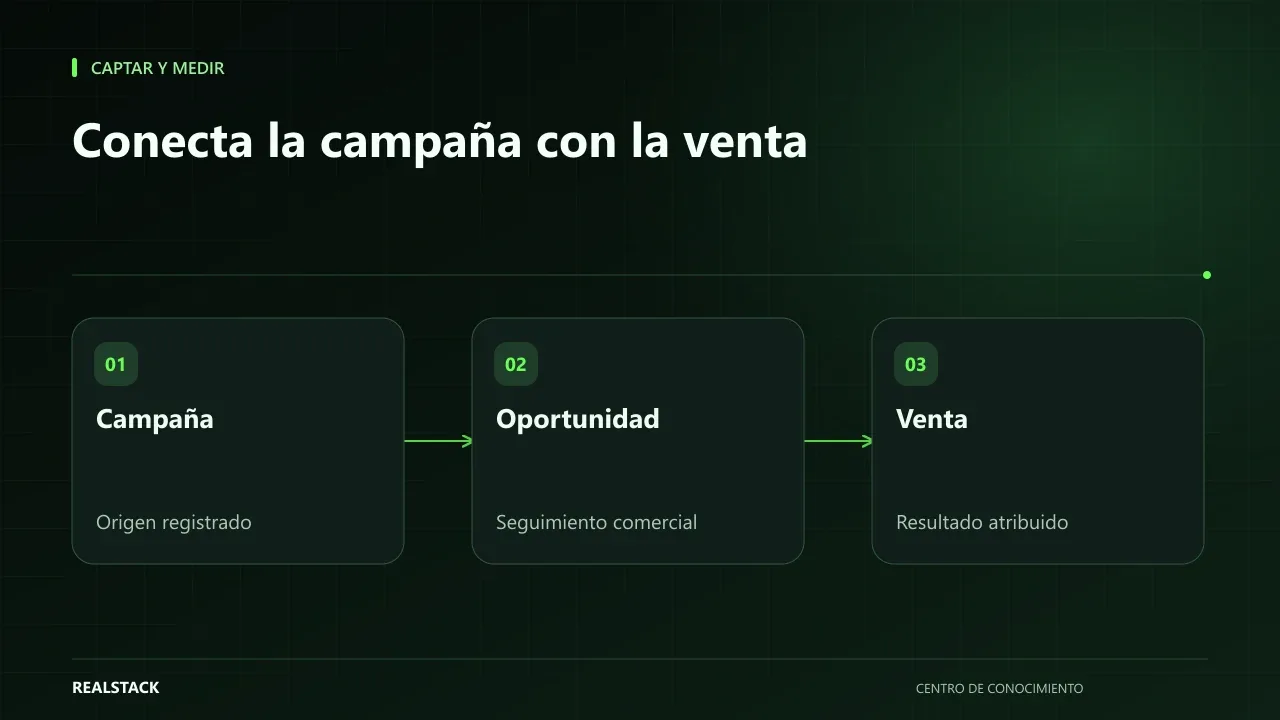
Attract and measure
From campaign to sale: what to measure and how to connect the journey
Knowing how many visits a campaign brought is little use if you don't know how many of those visits became sales. This guide explains how to connect the journey from visit to contact, opportunity and sale with source, UTM and identification, and what attribution and consent limits you should keep in mind.