
Maintain and protect
Backups aren’t enough: how to prepare a restore test
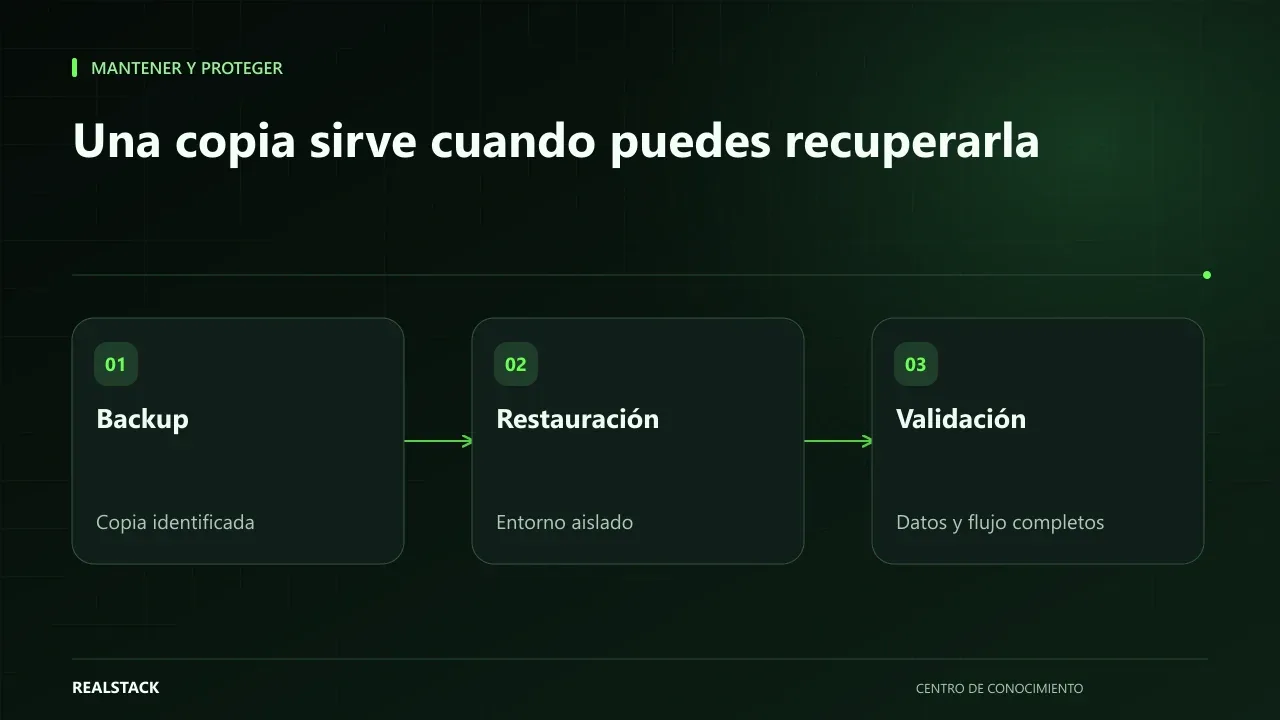
A backup that has never been restored is an assumption. This guide explains how to prepare a restore test in an isolated environment: scope, responsibilities, result validation and evidence, so you know how long it would take to resume operations if something fails.
In this guide
The question nobody asks until it’s too late
“Yes, we have backups.” The answer reassures until the day they are needed and you discover the backup was incomplete, nobody knows how to restore it, or the last good one is three months old. The only way to know whether a backup is usable is to restore it.
What a restore test is
It is a planned exercise in which you take a real backup and restore it in an environment separate from production to verify that the system works again with the expected data. The UK NCSC recommends in its small organisations guide not only making backups but also checking that you can recover the data. NIST, in its contingency planning guide, includes testing as part of the plan.
Preparing the test
| Element | What to define |
|---|---|
| Scope | Which system, which backup (date) and which components: files, database, configuration |
| Environment | Where it will be restored, isolated from production and without sending real emails or charges |
| Responsibilities | Who performs the restore, who validates the result and who decides whether to approve it |
| Validation criteria | What will be checked to consider the test successful |
| Evidence | What is retained: times, screenshots, observations |
Isolation
A restored site can send emails, run scheduled tasks or connect to payment gateways. Before powering it on, disable outbound sending and external connections, or use test credentials. Restrict access to the environment: it contains real data.
Validate
- The system boots and the homepage loads.
- You can log in with a test user.
- The most recent records from the backup are present.
- Files and images are visible.
- A key operation works in test mode.
Measure the total time, from the moment the backup is requested until the system is validated. That number tells you how long it would take to resume operations.
Procedure
- Choose the system and the specific backup to test.
- Prepare an isolated environment.
- Disable outbound sending and external connections.
- Restore and note the time taken.
- Validate using the agreed criteria.
- Record evidence and findings.
- Securely delete the test environment or restrict its access.
- Schedule the next test.
Applied example
Limits
A successful test demonstrates that that particular backup could be restored at that moment. It does not guarantee that all future backups will work: that is why it should be repeated periodically.
How to use the downloadable log
- One row per test.
- Confirm the isolation.
- Record times and criteria met.
- Schedule the next test.
Criteria for a valid test
| Criterion | How to check it |
|---|---|
| Complete | Essential data, files and configuration are present |
| Recent | The restored backup is from the expected date |
| Functional | You can log in and complete a typical operation |
| Isolated | It does not send emails or real payments and is not indexed |
| Measured | The time taken to restore was recorded |
Complete synthetic example
Synthetic example. A fictitious service company has daily backups of its booking system. It schedules its first restore test on a temporary server with no public access and email sending disabled.
Restoring the database takes 40 minutes; restoring attachments fails because the backup did not include them. The system boots, but bookings do not show their documents. The company adjusts the backup to include attachments and repeats the test two weeks later: everything restores in 65 minutes and an operations person completes a test booking from start to finish.
They record both tests, determine that a full restore takes about an hour and schedule the next one for the following quarter. Example invented.
Common mistakes, explained
Restoring over the real environment to “save time” can overwrite current data. Restoring without disabling outbound sending can send duplicate emails or charges to real customers. And accepting a restore as good just because the system booted leaves unverified whether the data are complete. The test is only valid if it is checked against criteria defined before starting.
How to know if it worked
- The restore completed in an isolated environment.
- The validation criteria were met.
- The real restore duration is known.
Plan for the first four weeks
- Week 1: define scope and criteria.
- Week 2: prepare the isolated environment.
- Week 3: restore and validate.
- Week 4: fix findings and schedule the next one.
Diagnostic before starting
- Ask where backups are stored and how often they are taken.
- Ask when a backup was last restored.
- Define which system would be worst to lose.
| If your case is… | Do this |
|---|---|
| You have never restored | Start with the most critical system. |
| Backups are on the same server | Add an external copy before testing. |
| There is no test environment | Use an isolated temporary server. |
A second example, by contrast
Synthetic example. A fictitious company restores its informational site without issues in 15 minutes. Its billing system, however, depends on an external provider that has never shown a restore. The test becomes a written request to the provider. Unlike the first example, this test did not depend on their team. Example invented.
What to do when something fails
- If the restore fails, do not touch the real environment: document the error and fix the backup.
- If it takes longer than tolerable, review the backup method.
- If data are missing, adjust what is backed up and repeat.
How to measure it with your own data
- Record the date, duration and outcome of each test.
- Note what was missing in each restore.
- Compare restore time with what your operation can tolerate without the system.
- Check whether corrections from the previous test were applied.
The comparison between successive tests is your best indicator. If each test restores more completely and in less time, the process is improving. If the time exceeds what your operation tolerates, the conversation is no longer about backups but about the recovery method, and that should be discussed with your provider with these records in hand.
Common mistakes
- Testing on production.
- Not disabling emails or charges in the restored environment.
- Validating only that “the page loads.”
- Not measuring time.
- Leaving the test environment open with real data.
Checklist
- Isolated environment.
- Outbound sending disabled.
- Validation criteria defined.
- Time measured.
- Next test scheduled.
Bring it to your business
Restore Test Log
CSV log to document each restore test: system, backup used, isolated environment, responsible parties, validated criteria, total time, findings and next test. Does not contain credentials or real data.
View resourceHow often should I test?
It depends on how frequently your data change and your risk tolerance. Many companies do it at least quarterly and after major changes.
Can my provider do it?
Yes, if it is within their scope. Request the test log as evidence.
How often to test?
Define a frequency aligned with the risk; many organisations test quarterly or after major changes.
Who should run the test?
The person who manages backups, together with someone from the business who validates that the data are complete and a typical operation works.
Can the test affect my real site?
It should not, if performed in an isolated environment with outbound sending disabled. That is why those steps are done before restoring.
Keep exploring
Maintain and protect
Domain, hosting, SSL and access: what your company must control
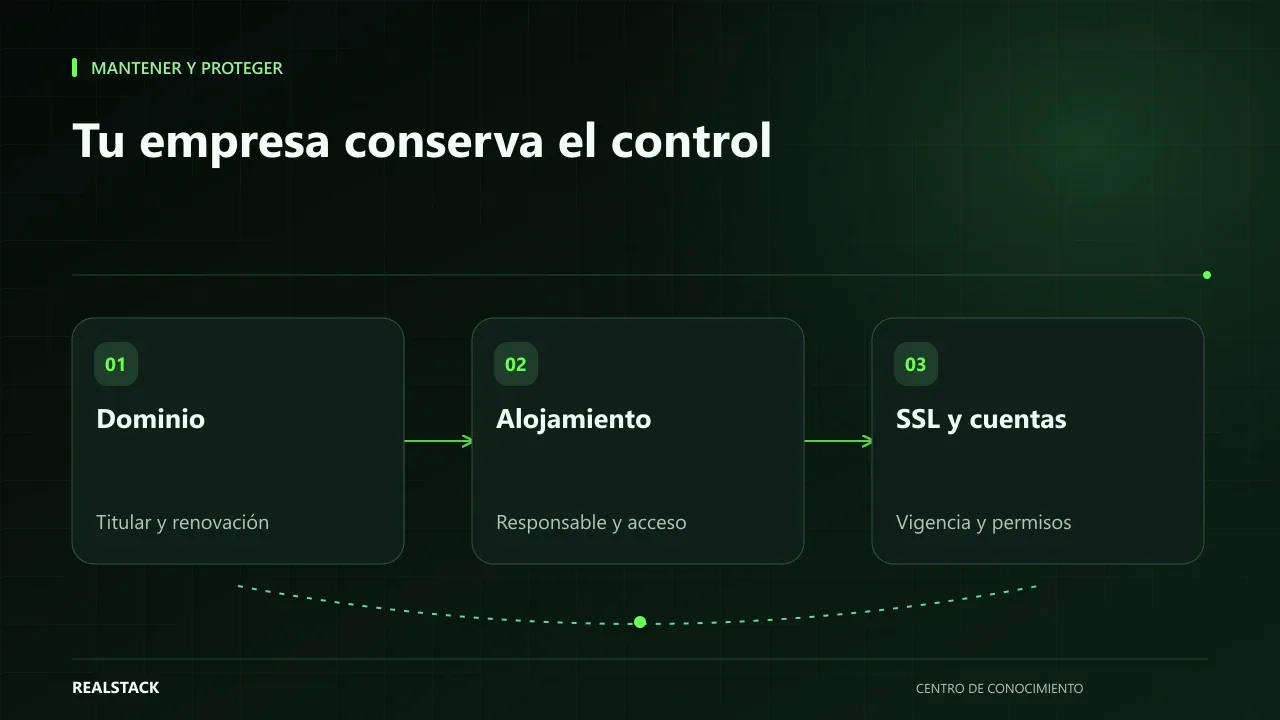
Your domain, hosting, certificates and access credentials are company assets even if a vendor contracted them. This guide explains how to check who is the registered owner, when things expire, who is responsible, and how to inventory them without storing passwords in a spreadsheet.
Maintain and protect
Website maintenance: what to demand and how to verify it
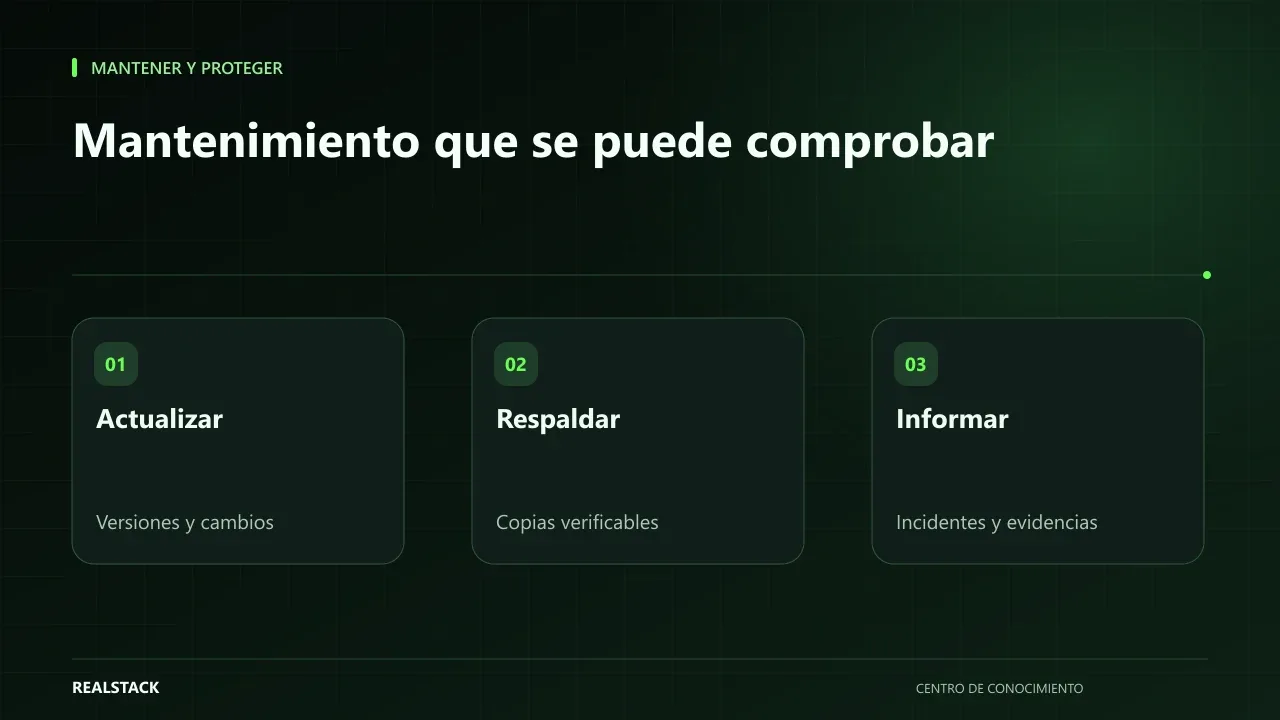
"Website maintenance" can mean very different things depending on who sells it. This guide separates hosting, maintenance, support, warranty and evolution, explains what to demand for each depending on your contract, and how to verify compliance with concrete evidence.