
Maintain and protect
Domain, hosting, SSL and access: what your company must control
Your domain, hosting, certificates and access credentials are company assets even if a vendor contracted them. This guide explains how to check who is the registered owner, when things expire, who is responsible, and how to inventory them without storing passwords in a spreadsheet.
In this guide
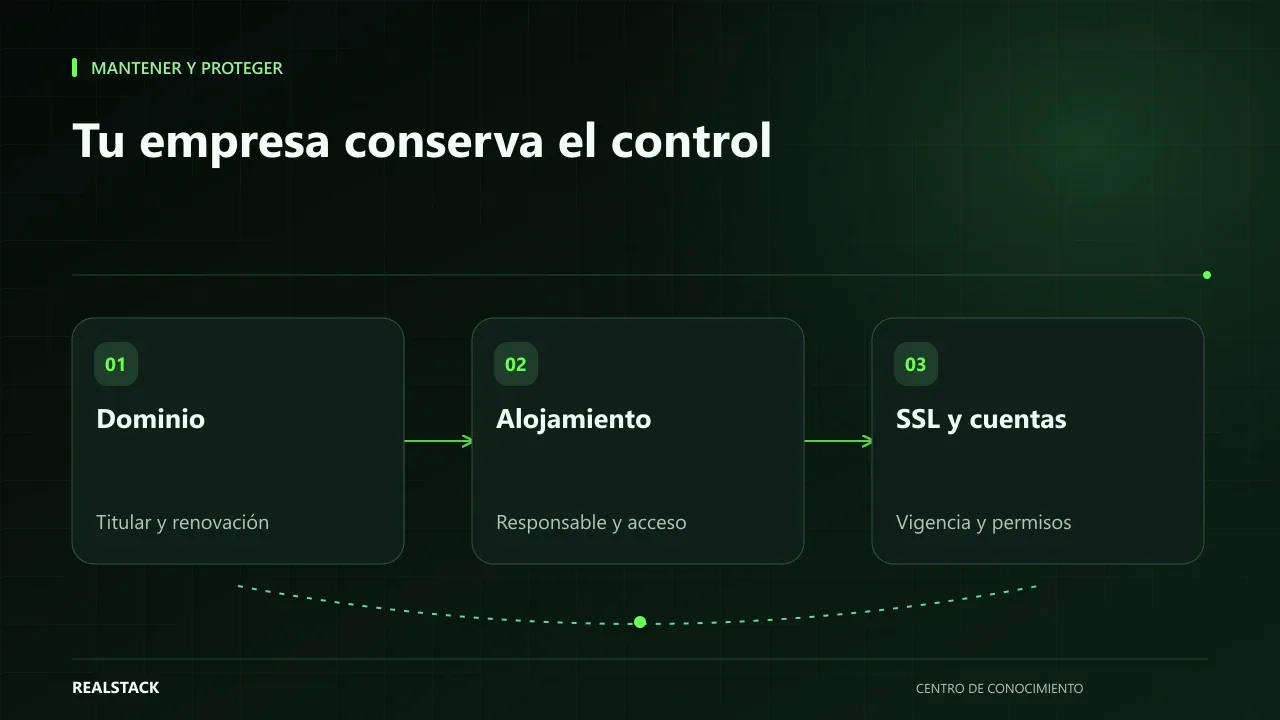
The domain that was registered in the nephew's name
It's more common than it seems: years ago an employee, a family member or the previous agency registered the domain with their personal email. It works fine until renewal, a provider change or access recovery is needed, and then the company discovers it doesn't control something it believed was its own.
Four assets, four questions
| Asset | Key question | Where to verify |
|---|---|---|
| Domain | Who is the registered owner and when does it expire? | Registrar panel; public registry lookup |
| Hosting | In whose name is the account and who pays? | Invoice and provider panel |
| SSL/TLS certificate | Who issues it and does it renew automatically? | Hosting provider or certificate provider |
| Accesses | Who has administrative access to each system? | Each service's panels |
Domain
ICANN publishes the rights and responsibilities of those who register a domain, including the importance of keeping contact data accurate. Its public lookup tool allows viewing basic registration data, although many personal details are hidden for privacy. Ideally the registrant should be the company and the contact email should be a corporate address not tied to an individual. ICANN also describes reminder policies before expiration: make sure you receive them.
Certificates
Certificates that enable “https” have an expiration date. Let's Encrypt, for example, issues short-lived certificates intended to renew automatically. If your site depends on automatic renewal, someone must verify that it actually works.
Accesses
- Each person with their own user account; no shared accounts.
- At least two company administrators on critical services.
- Two-step verification where available.
- Remove accesses when someone leaves the company or a provider changes.
- Store passwords in a password manager, never in spreadsheets or the inventory file.
The inventory
The inventory records what exists, who is the owner, who is responsible and when things expire. It does not store passwords: use a password manager for that. Review it quarterly and whenever a provider or a key employee changes.
Procedure
- List domains, hosting accounts, certificates and systems with administrative access.
- For each item, verify the registrant, provider and expiration date.
- Identify an internal owner.
- Correct registrant names and personal emails.
- Enable two-step verification and review users.
- Store the inventory without passwords.
- Schedule reminders before each expiration.
Applied example
Limits
This guide does not replace reviewing your contracts with providers or legal advice about ownership. Transfer procedures depend on each registrar.
How to use the downloadable inventory
- One row per asset.
- Verify registrant and expiration at the provider.
- Note where the credential is stored, never the credential itself.
- Review it every quarter.
Control criteria
| Asset | Your company has control if… |
|---|---|
| Domain | It is listed as the registrant and has access to the registrar account |
| Hosting | The account is in the company's name and there are two administrators |
| Certificates | They renew automatically and someone receives the notices |
| Email and DNS | A corporate email receives the alerts |
| Accesses | Each person has a personal user with two-step verification |
Complete concise example
Concise example. A fictional logistics company wants to change web providers. When starting the inventory it discovers the domain is registered to the previous agency, hosting is paid with a former employee's personal card and the certificate is renewed by a plugin that nobody checks.
First it uses ICANN Lookup to check the domain's public data and asks the agency for the transfer code and change of registrant. Then it opens a hosting account in the company's name, with two administrators and two-step verification, and migrates the site with technical support. Finally it configures expiration alerts to a shared corporate email.
The inventory ends up with one row per asset, its registrant, its expiration and where each credential is stored, without writing any password in the file. Invented example.
Questions to ask your current provider
- In whose name is the domain registered?
- Who pays for hosting and with which account?
- How is the certificate renewed and who receives the notice?
- What accesses do you have and which do we have?
- How would the handover work if we change provider?
How to know if it worked
- All assets are in the company's name.
- There are two administrators on each critical service.
- Expirations have reminders.
Plan for the first four weeks
- Week 1: complete the inventory.
- Week 2: verify registrants with each provider.
- Week 3: correct registrants and accesses.
- Week 4: enable two-step verification and reminders.
Diagnosis before starting
- Use ICANN Lookup to check your domain's public data.
- Check who pays for hosting.
- List the administrators of each service.
| If your case is… | Do this |
|---|---|
| The domain is registered to a third party | Start the registrant transfer process. |
| There is only one administrator | Add a second company administrator. |
| Credentials are shared | Create individual users with two-step verification. |
A second contrasting example
Concise example. A fictional company has everything registered in its name, but the sole administrator goes on vacation the day the domain expires and the payment card has expired. They add a second administrator and enable automatic renewal with a valid payment method. Unlike the first example, the risk was dependence rather than ownership. Invented example.
What to do when something fails
- If the domain expires, contact the registrar immediately: there is usually a recovery period.
- If you lose an access, use the provider's official recovery process.
- If a former provider withholds access, request it in writing.
How to measure it with your own data
- Each quarter review the registrant and expiration of every domain at the registrar.
- Count services with a single administrator.
- Verify how many users have two-step verification enabled.
- Note whether expiration alerts arrived on time.
If after two quarterly reviews there are no assets registered to third parties, all critical services have two administrators and alerts arrive at the corporate email, control is with your company. Any row that remains pending in two consecutive reviews requires an action with a date and an owner.
Common mistakes
- Domain registered to a person.
- Personal or defunct contact email.
- Only one person with access.
- Passwords recorded in the inventory.
- Relying on automatic renewal without verification.
Checklist
- Registrations in the company's name.
- Corporate contact emails.
- Two administrators on critical services.
- Two-step verification.
- Expiration reminders.
Bring it to your business
Inventory of assets, owners and renewals
CSV inventory of domains, hosting, certificates and access with owner, provider, internal owner, expiration and review date. It is designed not to store passwords or sensitive data.
View resourceCan I find out who is the registrant of my domain?
You can check the public registry and, more importantly, your registrar panel. If you don't have access, ask the person who registered it for the information.
Where should I store passwords?
In a password manager with controlled access. The inventory should only indicate that the access exists and who holds it.
What do I do if the agency won't hand over the domain?
Request it in writing and consult the registrar about the procedure; if there's a dispute, seek legal advice.
What is the domain transfer code?
A key provided by the current registrar to move the domain to another account or registrar. Request it from the account holder and store it like any credential.
Where should I store credentials?
In a company password manager with controlled access, not in spreadsheets or messages.
Keep exploring
Maintain and protect
Website maintenance: what to demand and how to verify it
"Website maintenance" can mean very different things depending on who sells it. This guide separates hosting, maintenance, support, warranty and evolution, explains what to demand for each depending on your contract, and how to verify compliance with concrete evidence.
Maintain and protect
What to do when your website goes down: monitoring and response
When your website stops responding, the first minutes are often wasted asking who knows what to do. This guide proposes a simple sequence: detect, verify, communicate, escalate and close, with clear roles and an incident record, without relying on promises your contract doesn't include.