
Maintain and protect
What to do when your website goes down: monitoring and response
When your website stops responding, the first minutes are often wasted asking who knows what to do. This guide proposes a simple sequence: detect, verify, communicate, escalate and close, with clear roles and an incident record, without relying on promises your contract doesn't include.
In this guide
The customer notifies first
A customer writes on WhatsApp: “the page won't open for me.” Someone tests it on their phone, another on a computer, someone calls the provider, another looks for the hosting password. Half an hour later nobody knows yet whether it's the domain, the server or an update. An outage cannot always be prevented, but the disorder can.
Detect before the customer
A basic monitoring checks every few minutes that your site responds and alerts if it doesn't. Google's SRE book recommends that alerts be based on symptoms that affect the user, such as the site not responding or responding with errors, and not on any internal metric. Define who receives the alert and by which channel.
Five steps
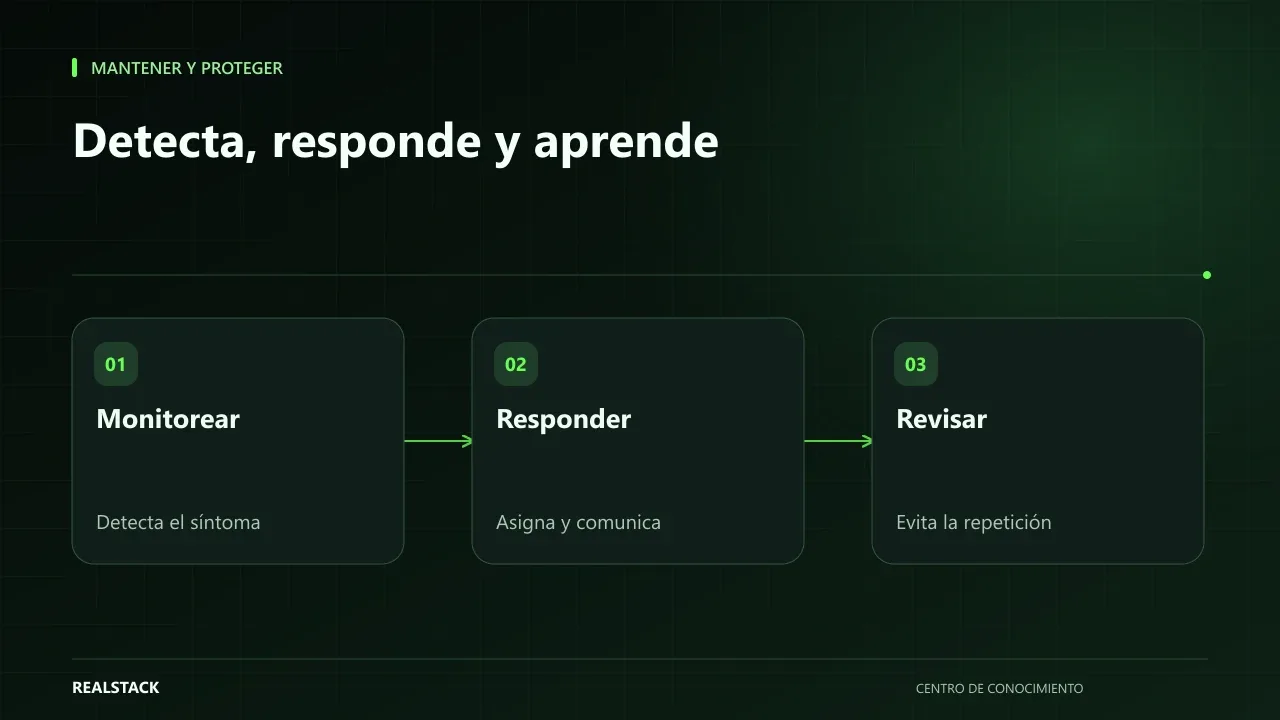
- Detect: an alert or a customer report arrives. Note the time.
- Verify: check from another connection and another device. Note what is seen: blank page, certificate error, HTTP error code like 500 or 503, or the domain not resolving.
- Communicate: notify internally that there is an incident and who is coordinating it. If it affects customers, prepare a brief and honest message.
- Escalate: contact the technical responsible or provider according to your contract, with what was verified. If they do not respond within the agreed time, follow the escalation list.
- Close: when service is restored, verify it works, note the time and schedule the post-incident review.
Roles
| Role | Responsibility |
|---|---|
| Coordinator | Decides, records and keeps others informed |
| Technician | Diagnoses and fixes, or manages the provider |
| Communications | Communicates with customers and internal team |
In a small company, one person can cover two roles. The important thing is that this is clear before the incident, as incident management in the SRE book recommends.
What to tell customers
Do not promise a resolution time you do not control.
Post-incident review
After the incident, write what happened, when it was detected, what was done and what can be improved. The blameless postmortem culture seeks to learn, not to point at a person.
Monitoring and contracts
The response and resolution times you can demand are those stated in your contract. At RealStack, Continuity operates with an availability objective of 99.0% for Web, App and System. It is an objective, not a universal SLA, and does not cover customer-owned infrastructure; the specific coverage is that of the active plan. No service can guarantee that a site will never go down.
Applied example
How to use the downloadable checklist
- Fill in the preparation before any incident.
- During the incident, tick each step with its time.
- When closing, complete the post-incident review.
Severity criteria
| Level | Situation | Response |
|---|---|---|
| High | The site or system is unavailable or does not allow sales | Activate the full procedure and notify customers |
| Medium | An important function fails, but there is an alternative | Address during the same day and notify if it affects customers |
| Low | Minor failure without operational impact | Schedule the fix |
Full synthetic example
Synthetic example. On a Tuesday at 10:05, a company's monitoring alerts that its store is not responding. The person on duty confirms from another network at 10:08 and opens the incident log.
At 10:12 the technical lead identifies that the certificate expired: the automatic renewal had failed without notice. At 10:15 the communications person posts a brief message on social media and WhatsApp: the store is experiencing an issue, it is being addressed and orders can be placed by phone. At 10:40 the certificate is renewed and the store responds. At 10:50 it is confirmed that payments work and a notification is posted that service has been restored.
In the post-incident review, the team agrees to configure a certificate expiration alert 30 days in advance to a shared email. Fictitious example.
Common mistakes, explained
Waiting to have the cause before notifying customers generates more calls and distrust. A brief, honest notice without promised times is better than silence. And closing an incident without a post-incident review guarantees it will repeat: the review does not seek culprits, it seeks the action that prevents the next outage.
How to know if it worked
- Monitoring alerts before customers.
- Each role knows what to do.
- Each incident has a post-incident review.
Plan for the first four weeks
- Week 1: enable external monitoring.
- Week 2: assign roles and escalation.
- Week 3: prepare customer messages.
- Week 4: simulate an incident.
Diagnosis before starting
- Ask who would know today if the website goes down and how.
- Check if you have the provider's support contact.
- Look for a prepared message for customers.
| If your case is… | Do this |
|---|---|
| No monitoring | Enable an external one with alerts to two people. |
| There is monitoring, but no roles | Assign who confirms, who fixes and who communicates. |
| The outage depends on a provider | Have their escalation documented. |
A second example, in contrast
Synthetic example. A fictional company detects an outage at midnight; because its store sells little at night, it decides not to activate the full procedure and to handle it first thing in the morning. It was a valid decision because it had written severity criteria. Unlike the first example, not every incident required immediate response. Fictitious example.
What to do when something fails
- If you cannot restore service, communicate progress at regular intervals without promising times.
- If the cause is the provider's, escalate and document.
- If it repeats, prioritize the action from the post-incident review.
How to measure it with your own data
- Log the start, detection, notification and restoration times of each incident.
- Note who detected it first: monitoring, the team or a customer.
- Count how many post-incident actions were completed.
- Compare detection times across incidents.
With those records you can calculate your own detection and restoration times without relying on external figures. If monitoring detects before customers and times decrease with each review, the procedure works. If the same type of incident repeats, the agreed action in the review was not completed or did not address the cause.
Common mistakes
- Finding out from customers.
- Not noting times or what was verified.
- Multiple people calling the provider at once.
- Promising resolution times.
- Not doing the post-incident review.
Checklist
- Active monitoring.
- Roles assigned.
- Escalation documented.
- Customer message ready.
- Post-incident review done.
Bring it to your business
Outage Response Checklist
Markdown checklist to respond to a website outage: detect, verify, communicate, escalate and close, with roles, escalation contacts, template message and incident log. Does not include access credentials.
View resourceWhat response time can I demand?
The one established by your contract or active plan. If it is not written, agree it before an incident occurs.
Does the Continuity plan include credits if availability is not met?
Coverage and credit conditions are those of the active plan. Check the plan document before contracting or claiming.
What monitoring do I need?
At minimum, an external availability and certificate check with alerts to more than one person.
Do I have to notify customers of every outage?
Those that affect them. Use the severity criteria: a minor failure without visible effect can be resolved without public notice.
What does a post-incident review include?
Timeline, cause, impact, what worked, what didn't and an action with a responsible person and date. Its goal is to prevent recurrence, not to find blame.
Keep exploring
Maintain and protect
Domain, hosting, SSL and access: what your company must control
Your domain, hosting, certificates and access credentials are company assets even if a vendor contracted them. This guide explains how to check who is the registered owner, when things expire, who is responsible, and how to inventory them without storing passwords in a spreadsheet.
Maintain and protect
Website maintenance: what to demand and how to verify it
"Website maintenance" can mean very different things depending on who sells it. This guide separates hosting, maintenance, support, warranty and evolution, explains what to demand for each depending on your contract, and how to verify compliance with concrete evidence.