
Maintain and protect
Website maintenance: what to demand and how to verify it
"Website maintenance" can mean very different things depending on who sells it. This guide separates hosting, maintenance, support, warranty and evolution, explains what to demand for each depending on your contract, and how to verify compliance with concrete evidence.
In this guide
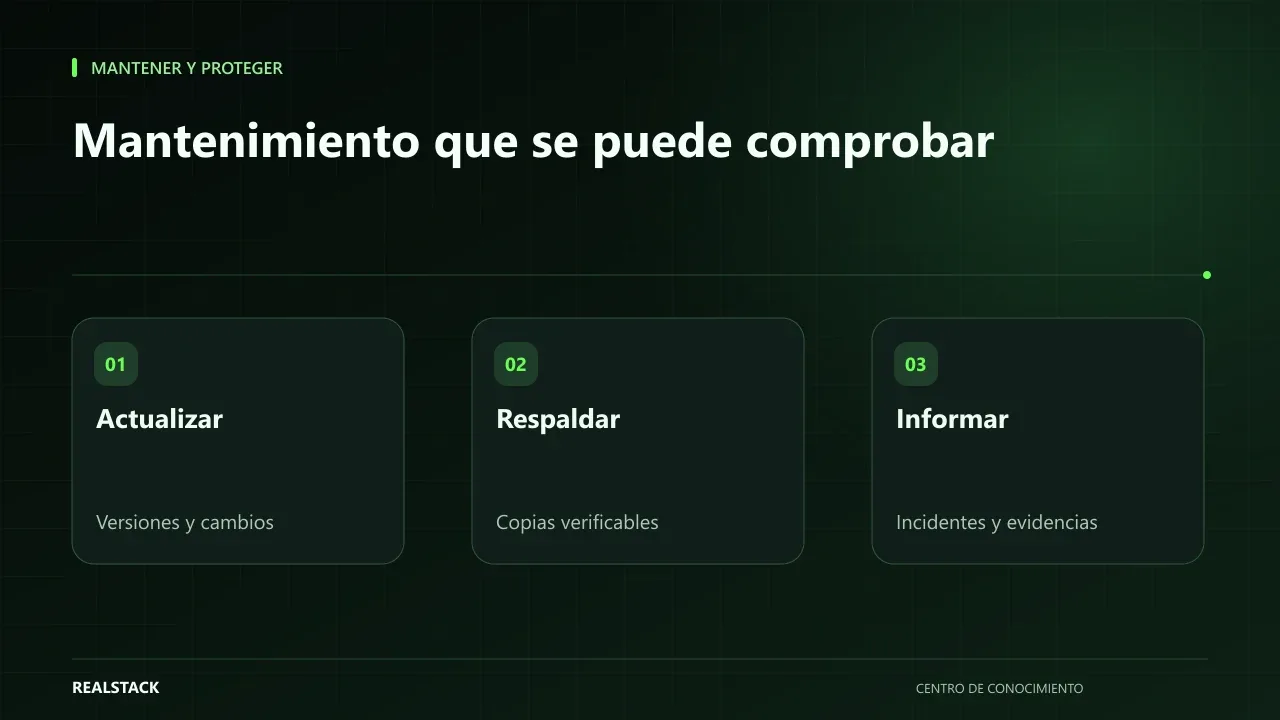
You pay every month, but what exactly for?
The invoice says "website maintenance." When the site fails, the provider answers that it’s the hosting; when you request a change, they say that’s development; when you ask about backups, they say those weren’t included. None of those answers need be bad faith: often nobody documented what each service covered.
Five distinct services
| Service | What it normally covers | What it normally doesn’t cover |
|---|---|---|
| Hosting | Server or platform where the site lives | Updating your software or correcting your content |
| Maintenance | Updates, backups, preventive checks | New features |
| Support | Handling incidents and inquiries during set hours | Design or scope changes |
| Warranty | Fixing defects in the delivered work for a set period | New changes or damage caused by third parties |
| Evolution | Improvements and new features | The above, unless included |
The columns describe common uses, not rules. What matters is what is written in your contract or plan. What a project’s warranty covers, and for how long, is defined by the project or plan conditions and the applicable terms; review them before signing.
What to demand from maintenance
- List of what is updated and at what frequency: core, plugins or apps, themes, language/runtime version. WordPress documents how and why to update.
- Backups: frequency, where they are stored and whether restores have been tested.
- Basic security review according to best practices, such as WordPress hardening.
- Periodic report of what was done and what remains pending.
- Responsible person and contact channel.
How to verify it
You don’t need technical access to verify. Ask for evidence: the monthly report with versions before and after, the date of the latest backup and of the latest restore test, and the list of incidents handled. If the provider cannot provide them, the maintenance is probably not being done methodically.
Procedure
- Gather your hosting, maintenance and support contracts or plans.
- Fill the "Included?" column of the checklist with what is written in those documents.
- Request the provider’s evidence for the last month.
- Mark what is verified and what is not.
- Discuss the gaps and decide whether to adjust the scope.
Applied example
Limits
Good maintenance reduces risks, but does not eliminate the possibility of failures. Each party’s obligations are those established by the contracted scope.
How to use the downloadable checklist
- Fill the scope with what your documents state.
- Ask the provider for the last month’s evidence.
- Mark what has been verified.
- Turn the gaps into actions.
Criteria to evaluate your maintenance
| Service | Reasonable evidence |
|---|---|
| Updates | List of what was updated and the date |
| Backups | Date of the last backup and result of the last restore test |
| Monitoring | Log of detected incidents and notification time |
| Security | Review of users and access rights |
| Support | Requests handled and their status |
Complete synthetic example
Synthetic example. A fictional company has paid monthly maintenance for its online store for two years. Using the checklist, it discovers the contract states "comprehensive maintenance" without details and that it has never received any report.
It asks the provider, in writing, what is included each month. The answer: plugin updates and daily backups. It requests evidence for the last month and the date of the last tested restore: there is none. It agrees with the provider on a monthly report with updates, backups and access logs, and a restore test in an isolated environment. The first test reveals that backups did not include product images; the configuration is corrected.
The company did not change provider: it changed what it demands and how it verifies it. Invented example.
Questions for your provider
- What exactly does the maintenance include each month?
- When was the last restore test and what was the result?
- Who has administrative access and since when?
- What is outside the maintenance and how is it quoted?
- What happens to my backups and access if we terminate the contract?
How to know if it worked
- You receive a monthly report with evidence.
- The last restore test has a date and result.
- Administrative access is under your company’s control.
Plan for the first four weeks
- Week 1: gather contract and plan.
- Week 2: request evidence for the last month.
- Week 3: fill the checklist.
- Week 4: agree actions for the gaps.
Diagnosis before starting
- Find your maintenance contract or plan and note what it says.
- Ask for the date of the last update and the last backup.
- List who has administrative access.
| If your case is… | Do this |
|---|---|
| You don’t have a written contract | Request in writing what is included before paying next month. |
| You have a contract, but no reports | Agree on a monthly report. |
| You have reports, but no restore tests | Schedule one. |
A contrasting second example
Synthetic example. A fictional company receives complete monthly reports and proven restores. Its gap is in access control: three former employees are still administrators. The checklist helps them remove those users and set a quarterly review. Unlike the first example, the provider complied; the risk was internal to the company. Invented example.
What to do when something fails
- If an update breaks the site, request restoring the previous version and record the incident.
- If there are no useful backups, treat it as top priority.
- If the provider does not provide evidence, escalate in writing.
How to measure it with your own data
- Note each month whether you received the report and on which date.
- Record the date and result of each restore test.
- Count incidents and who first detected them: your team, a customer or the provider.
- Review the list of administrators quarterly.
With a quarter of records you will know whether maintenance is being fulfilled. If incidents are always detected by your customers, monitoring is not working. If restores are not performed, backups are not verified. Bring these data to the conversation with the provider instead of broad impressions.
Common mistakes
- Assuming hosting includes maintenance.
- Not requesting reports.
- Confusing warranty with indefinite support.
- Paying for evolution as if it were maintenance, or vice versa.
- Not knowing who holds access credentials.
Checklist
- Services separated and documented.
- Monthly report received.
- Backups verified.
- Access under your company’s control.
- Gaps with actions and responsible parties.
Bring it to your business
Maintenance and Monitoring Checklist
Markdown checklist to review what your hosting, maintenance, support, warranty and development include, and to record monthly evidence that contracted tasks are being performed.
View resourceDoes hosting include backups?
Sometimes yes, but they are often kept with the same provider. Check in writing what is included and consider storing a copy elsewhere.
What does the warranty cover?
It fixes defects in what was delivered, for the period and under the conditions set by the project or plan and the applicable terms. New changes are treated as evolution.
Should I change provider if evidence is missing?
Not necessarily. First request that the service be documented and verified.
What’s the difference between maintenance and support?
Maintenance prevents: it updates, backs up and monitors. Support responds to requests and failures. They can be offered together, but it’s advisable that the contract or plan states what each includes.
How often should I review my maintenance?
Review the report monthly and perform a full checklist review at least once per quarter or when the plan changes.
What happens to my backups if I change provider?
Agree this before terminating: request a full copy and verify you can restore it in the new environment before closing the relationship.
Keep exploring
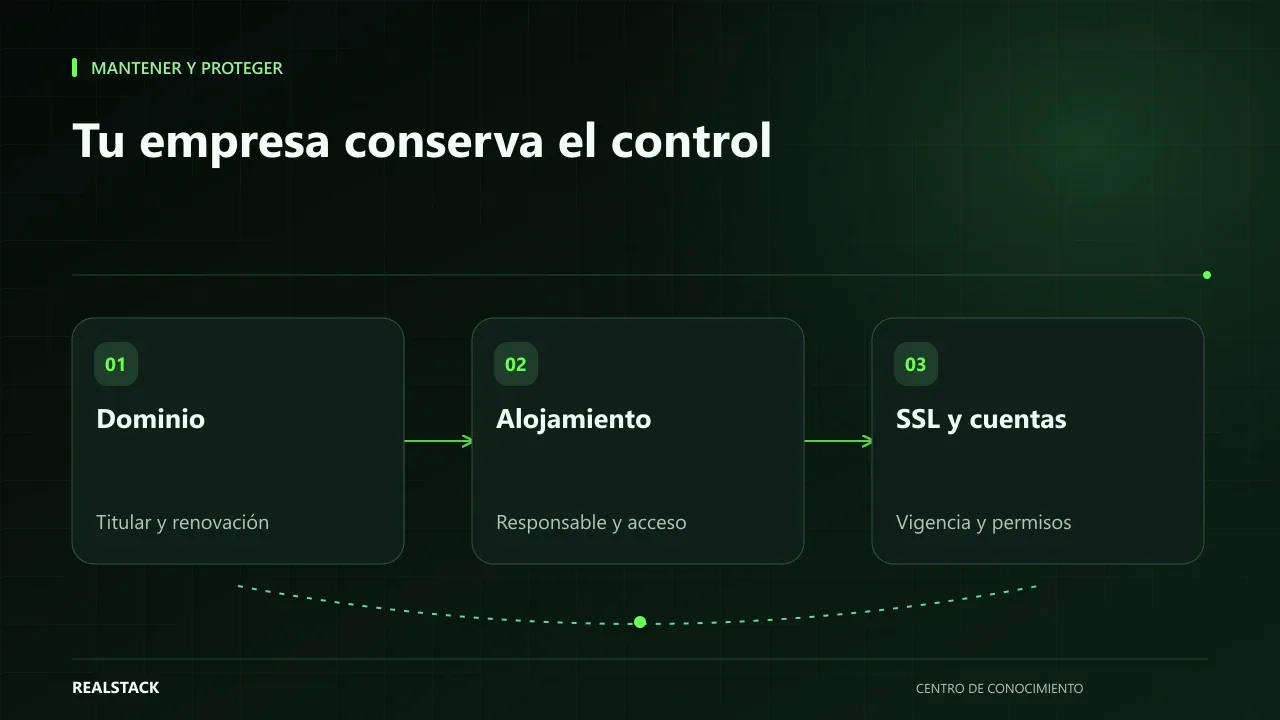
Maintain and protect
Domain, hosting, SSL and access: what your company must control
Your domain, hosting, certificates and access credentials are company assets even if a vendor contracted them. This guide explains how to check who is the registered owner, when things expire, who is responsible, and how to inventory them without storing passwords in a spreadsheet.
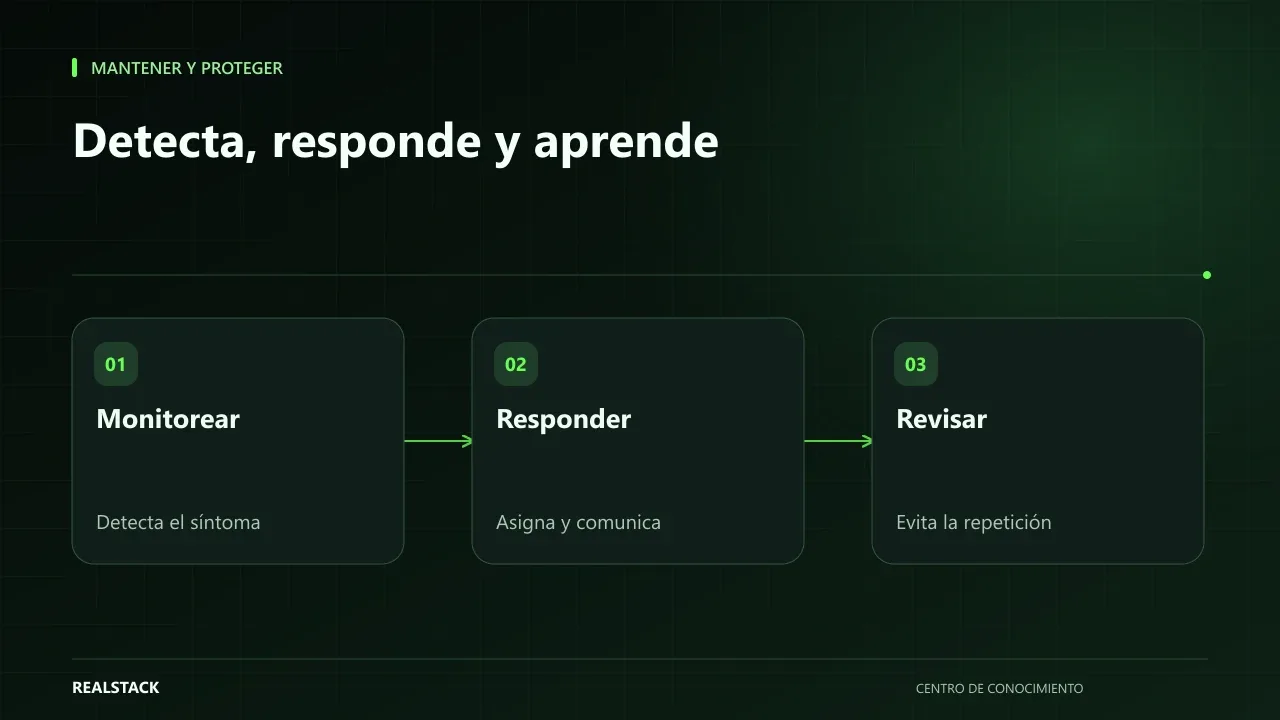
Maintain and protect
What to do when your website goes down: monitoring and response
When your website stops responding, the first minutes are often wasted asking who knows what to do. This guide proposes a simple sequence: detect, verify, communicate, escalate and close, with clear roles and an incident record, without relying on promises your contract doesn't include.