
Maintain and protect
How to review storage and capacity before scaling infrastructure
Scaling the server or storage plan is sometimes necessary, but often the root cause is different: uncontrolled data growth, poorly defined retention, or a one-off spike. This guide explains how to review trends, limits, retention and growth before deciding.
In this guide
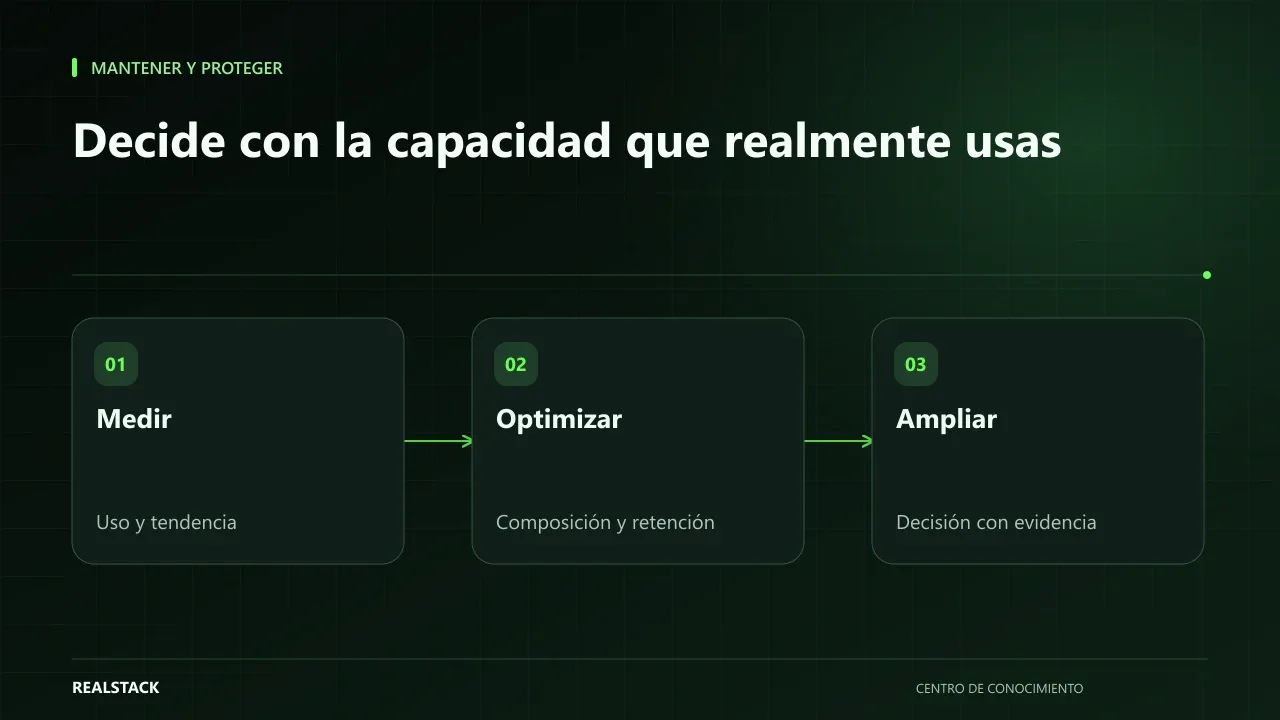
"The disk is at 90%, we need to buy more"
The alert arrives and the solution seems obvious. But before scaling, ask: did it reach 90% gradually or suddenly? What is occupying the space? How long must those data be kept? Scaling without answers can solve the symptom for a few months and then reappear at greater cost.
Four questions before scaling
| Question | What to look for |
|---|---|
| Trend | Is usage growing steadily, in steps, or was there a spike? |
| Limits | What is the plan or server maximum and how fast are you approaching it? |
| Composition | What is using the space: database, files, logs, backups? |
| Retention | How long must each type of data be retained and why? |
Trend: look at weeks, not one day
Record usage weekly for at least a month. Steady growth allows you to estimate when you'll hit the limit. A jump usually has a cause: an import, a backup left on the server, error logs that grew. AWS guides on performance and reliability recommend monitoring usage to plan capacity rather than reacting.
Composition
Ask your technical team or provider to identify what is occupying space. Databases have tools for this: PostgreSQL documents how to determine disk usage, and MongoDB offers statistics for each database. It's common to find backups stored on the same server, logs without rotation, or temporary files.
Retention: decide, don't delete
Before deleting anything, define how long each type of data must be kept. Some data have legal or accounting retention obligations that your accountant or advisor must confirm. Others, such as old technical logs, can be archived or removed according to an agreed policy. Do not delete anything without review and a verified copy.
Capacity is not just disk
The same logic applies to memory, CPU and connections. If the site slows at certain hours, check whether it's a traffic spike, a scheduled job, or an expensive query. The Google SRE book covers how to handle overload; sometimes the solution is optimization or redistribution, and other times it is scaling.
Procedure
- Record usage and limits weekly for one month.
- Identify the composition of the space.
- Define or confirm retention for each data type.
- Estimate when you'll hit the limit given the current trend.
- Evaluate options: optimize, archive, scale.
- Test any change in a staging environment when possible.
- Decide and document.
Applied example
Limits
This guide does not recommend deleting or buying without review. Growth estimates are approximations that change with the business.
How to use the downloadable log
- One row per resource and week.
- Record usage, limit and composition.
- Note the agreed retention.
- Decide after one month of trend.
Decision criteria
| If you find… | Consider |
|---|---|
| Consistent growth from legitimate business data | Scale, with a multi-month projection |
| Backups or logs accumulated without policy | Define retention before scaling |
| One-off spikes | Investigate the cause of the spike |
| Memory or CPU at limit, not disk | Review application consumption before buying disk |
Full synthetic example
Synthetic example. The server of a fictitious company reaches 90% disk and the provider proposes doubling capacity. Before accepting, the company records usage for four weeks: it grows by about 2 GB per week.
On reviewing composition, it finds that 55% of the disk are backups stored on the same server for three years and 20% are application logs without rotation. Management defines a policy: daily backups retained 30 days and stored off-server, and logs rotated every 90 days. Before deleting anything, external backups are verified for restoration.
After applying the policy, usage drops to 45%. With measured growth, the company calculates it has more than a year of margin and decides to review again in six months. Example is illustrative.
Common mistakes, explained
Deleting to free space without an approved policy can remove data the company needed to retain for operational or legal reasons. And keeping backups on the same server they protect is useless if that server fails. Decide what to keep, for how long, and where, before deleting or buying.
How to know it worked
- You have at least one month of trend data.
- You know the composition of usage.
- Retention is approved in writing.
Plan for the first four weeks
- Week 1: start weekly logging.
- Week 2: identify composition.
- Week 3: propose retention and validate external backups.
- Week 4: decide to scale, clean up or optimize.
Diagnostic before starting
- Review current usage of disk, memory and CPU.
- Ask what retention policy exists.
- Identify what occupies the most space.
| If your case is… | Do this |
|---|---|
| Stable, legitimate growth | Scale with projection. |
| Accumulated backups or logs | Define retention before scaling. |
| Usage spikes | Investigate the cause. |
A second, contrasting example
Synthetic example. A fictitious company checks its server and sees disk at 40%, but the system is slow. The problem is memory, consumed by a reporting process. They optimize that process instead of scaling. Unlike the first example, the constrained resource was not disk. Example is illustrative.
What to do when something fails
- If the disk fills, free space safely (old logs already backed up) and then apply the policy.
- If you deleted something necessary, restore from backup.
- If scaling does not improve performance, review other resources.
How to measure it with your own data
- Record weekly usage of disk, memory and CPU.
- Note the average weekly growth over the last four weeks.
- Measure the space freed after applying retention.
- Check whether performance improved after each change.
With your own trend you can estimate how many weeks until you hit the limit. If after applying retention growth remains stable and performance is adequate, the decision was correct. If usage rises quickly again, check whether the policy is applied automatically or depends on someone remembering it.
Common mistakes
- Scaling without knowing what is using the space.
- Deleting data without a retention policy.
- Storing backups on the same server.
- Looking at a single day and not the trend.
- Ignoring memory, CPU and connections.
Checklist
- At least one month of trend data.
- Composition identified.
- Retention approved.
- Options evaluated.
- Decision documented.
Bring it to your business
Capacity and Growth Log
CSV log to track weekly usage, limits, composition, retention and capacity of storage, and to document the decision to optimize, archive, or scale. Does not recommend deletions or automatic purchases.
View resourceWhen is it appropriate to scale?
When the trend shows legitimate growth, composition is optimized and retention is defined. Then scaling is an informed decision.
Can I delete old logs?
First define retention with your team and, if applicable, with your accountant or advisor. Then decide after verifying a backup.
What alert threshold should I use?
One that gives you time to react based on your growth; with rapid growth, alert earlier.
Isn't scaling in the cloud always the easiest?
It's quick, but if growth comes from data you don't need to keep, you only postpone the problem and pay more each month.
Who approves the retention policy?
Management, supported by someone who knows the company's obligations. What to retain is a business decision, not only a technical one.
Keep exploring
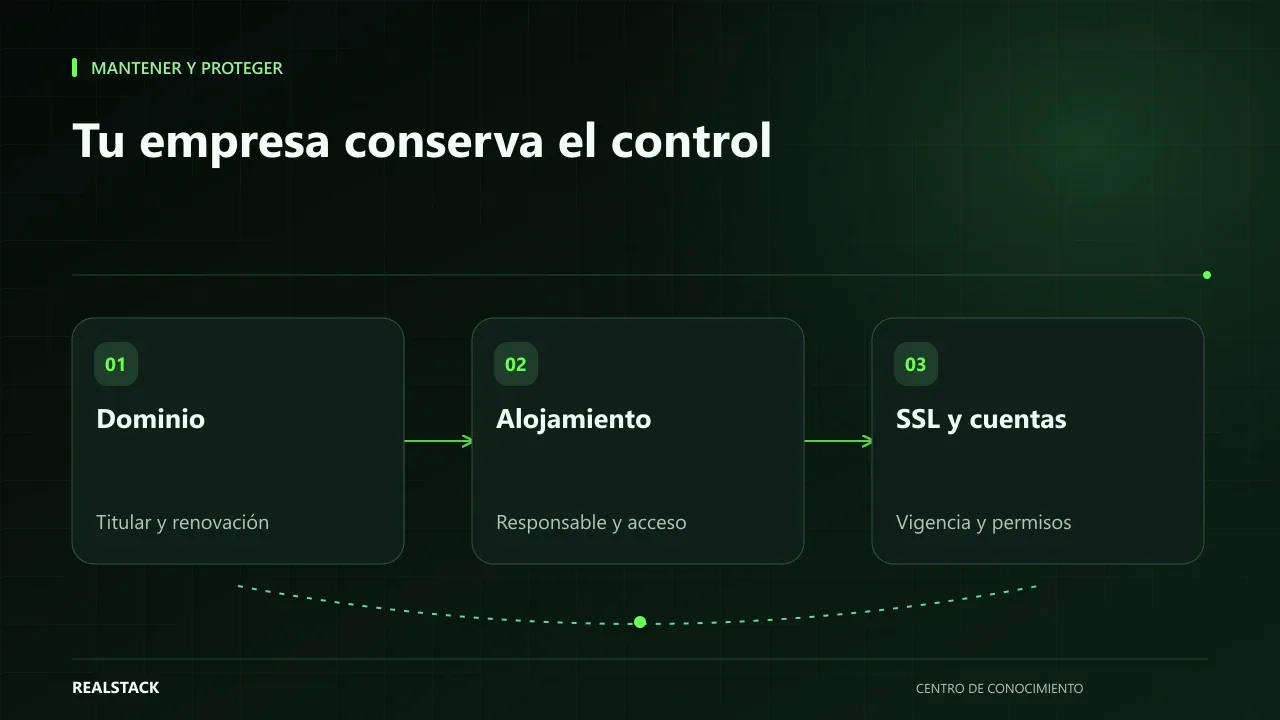
Maintain and protect
Domain, hosting, SSL and access: what your company must control
Your domain, hosting, certificates and access credentials are company assets even if a vendor contracted them. This guide explains how to check who is the registered owner, when things expire, who is responsible, and how to inventory them without storing passwords in a spreadsheet.
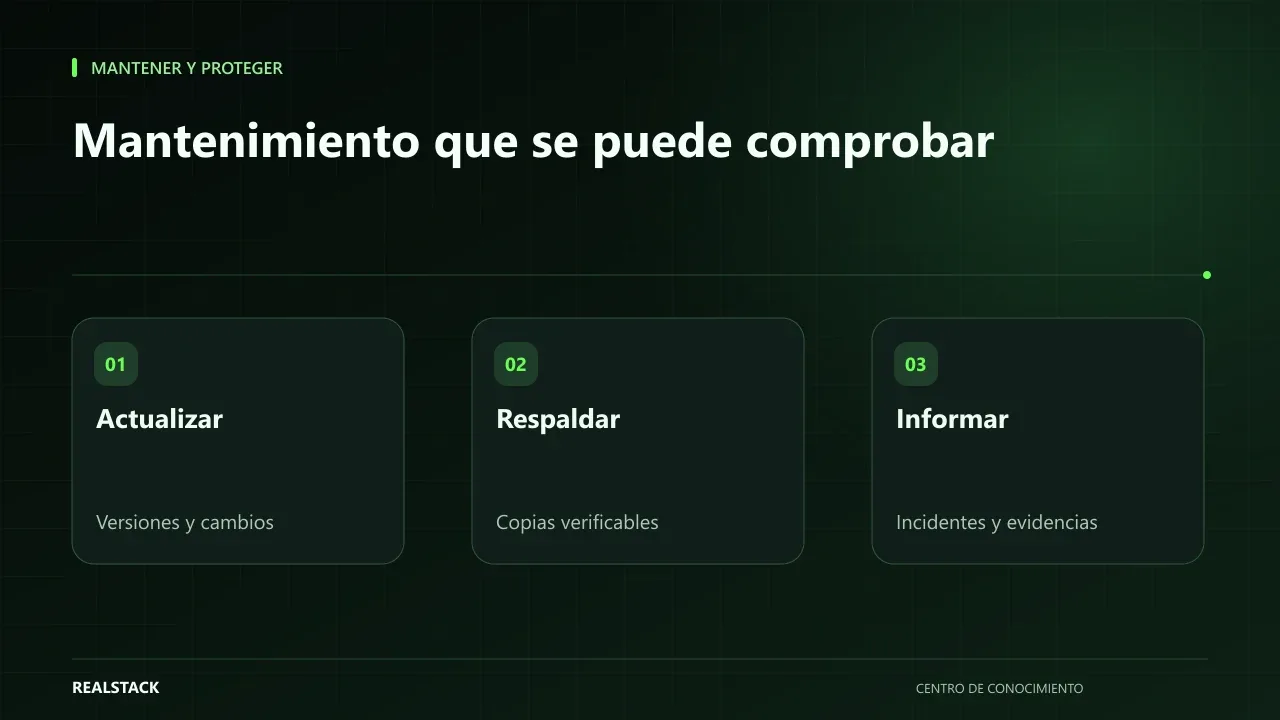
Maintain and protect
Website maintenance: what to demand and how to verify it
"Website maintenance" can mean very different things depending on who sells it. This guide separates hosting, maintenance, support, warranty and evolution, explains what to demand for each depending on your contract, and how to verify compliance with concrete evidence.