
Attract and measure
What a landing page needs to receive leads from Google Ads
A Google Ads campaign brings someone with specific intent; the landing page decides whether that person finds what they were looking for and knows what to do next. This guide reviews intent, value proposition, clarity, form or WhatsApp, measurement and mobile experience, without promising conversion rates.
In this guide
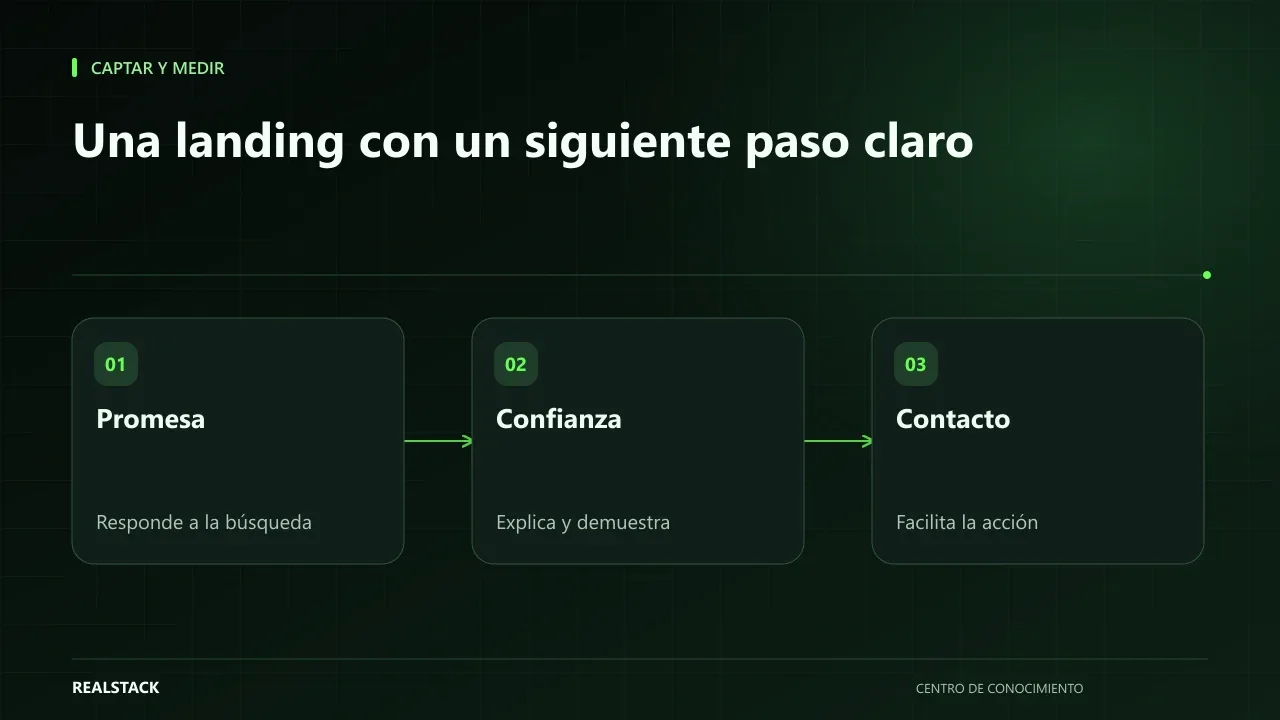
You pay per click; the landing page decides what happens next
Someone searches “forklift maintenance in Bogotá”, sees your ad and taps it. In the following seconds they decide whether to stay or return to the results. If they land on your company homepage, with a carousel and a menu of twelve options, they will likely leave. If they reach a page that repeats what they searched for, explains what you offer and shows how to contact you, you have an opportunity.
Seven elements that cannot be missing
| Element | What it must achieve |
|---|---|
| Match with intent | The headline reflects what the person searched for and what the ad promised |
| Clear proposition | In one sentence: what you solve, for whom and where |
| Proof | Something verifiable: cases, clients served, current certifications |
| One action | A single primary call-to-action, visible without searching |
| Frictionless contact | WhatsApp with a prefilled message or a form with few fields |
| Measurement | Contact is recorded as a conversion and with its origin |
| Mobile experience | Loads fast, reads without zooming and the button is easy to tap |
Intent: one landing page per search-group
Google Ads considers landing page experience as one component of its Quality Score, and part of that experience is relevance to what the person searched for. In practice, this means a single generic landing for all your campaigns usually falls short. Group searches by need and create a landing for each major group.
Proposition and proof
Start with the customer's problem, not your story. After the proposition, show proof: a case, the type of clients you serve, a current certification. If you don't yet have publishable cases, describe precisely how you work. Do not invent testimonials or figures.
WhatsApp or form
In Colombia many buyers prefer to write via WhatsApp. If you choose that channel, use a prefilled message that identifies the landing so the advisor knows where the contact came from. If you use a form, ask only for the information your team uses to respond. In both cases, someone must reply promptly: the clearest landing cannot compensate for an unanswered message.
Measurement and mobile
Set the contact as a conversion in Google Ads and tag links with UTM parameters or use auto-tagging so the origin reaches the business record. On mobile, check the page on a real phone with a normal connection. Web Vitals metrics, documented on web.dev, help measure loading, interactivity and visual stability; use them as a guide for improvement, not as a score target.
Procedure
- List the search groups in your campaign.
- For each group, write the need in one sentence.
- Draft a headline and proposition aligned with that need.
- Add verifiable proof and a single primary action.
- Configure the contact as a conversion and its origin.
- Review the page on a real phone.
- Run through the downloadable checklist before activating the campaign.
Applied example
Limits
A good landing improves the conditions for a prospect to contact you, but does not guarantee conversions. The outcome also depends on the campaign, the offer, price, competition and your team's response.
Criteria to prioritize fixes
| Problem | Priority | Why |
|---|---|---|
| Contact is not measured | High | Without measurement you won't know if other adjustments work |
| Headline does not match the search | High | The person leaves before reading |
| There is no clear action | High | The person doesn't know what to do |
| Slow loading on mobile | Medium | Affects those arriving from phones |
| Lack of proof | Medium | Reduces trust, but doesn't prevent contact |
How to use the downloadable checklist
- Open the landing on a real phone.
- Go through the seven sections and mark only what you verified.
- Move empty fields to the adjustments table with an owner and due date.
- Repeat the review after each major change.
Complete synthetic example
Synthetic example. A fictitious scaffolding rental company directs a campaign to the search “scaffolding rental for construction”. The landing is the homepage, with a carousel of all its services and an eight-field form at the end.
The company reviews with the checklist: the headline does not mention scaffolding, the primary action is not visible on mobile without scrolling and the form does not record the origin. They create a specific landing with the headline “Certified scaffolding rental for construction in Bogotá”, a WhatsApp button with a prefilled message that identifies the campaign, three photos of real projects with client permission and a frequently asked questions section about assembly and transport. They configure conversions for the button click and for the form reduced to four fields.
During the following month, they compare contacts and opportunities against the previous month in the business record, not only on the platform. Invented example; does not represent results.
Questions for whoever builds the landing
- How is the origin of each contact recorded?
- Which conversions will be configured and how are they tested?
- How will it look on a mid-range phone?
- Who can edit texts and prices after publishing?
- What personal data does the form collect and with what privacy notice?
How to know if it worked
- Each contact is recorded with its campaign.
- The landing matches the search that triggered it.
- The primary action is visible on mobile without scrolling.
Plan for the first four weeks
- Week 1: review the landing with the checklist.
- Week 2: fix measurement and headline.
- Week 3: adjust action, proof and speed.
- Week 4: compare contacts and opportunities with the previous month.
Diagnosis before starting
- Perform the search that triggers your ad and open the landing on your phone.
- Send a test contact and verify it arrives with its origin.
- Check if the conversion appears in the platform.
| If your case is… | Do this |
|---|---|
| The landing is your homepage | Create a specific landing for the main campaign. |
| You have traffic but few contacts | Review headline, action and speed. |
| You have low-quality contacts | Review search terms and clarify who the offer is for. |
A second contrasting example
Synthetic example. A fictitious company has a landing with a good headline and a visible button, and receives many contacts, but almost all request products it does not sell. The problem is not the landing but intent: add negative keywords and add to the landing what you do not offer. Unlike the first example, the solution was to filter, not attract more. Invented example.
What to do when something fails
- If contacts stop arriving, test the form or button yourself.
- If the conversion stops registering, check recent changes on the page.
- If the page loads slowly, check for heavy images.
Common mistakes
- Sending all traffic to the homepage.
- Putting multiple buttons with different actions.
- Long forms that ask for data nobody uses.
- Not measuring contact as a conversion.
- Reviewing the landing only on desktop.
Checklist
- Headline aligned with the search.
- One primary action.
- Contact with identified origin.
- Conversion configured.
- Reviewed on mobile.
Bring it to your business
Lead capture landing checklist
Markdown checklist to review a landing page receiving Google Ads traffic before launching the campaign: intent, offer, proof, single action, contact, measurement and mobile experience.
View resourceCan I use the same landing for Google Ads and social media?
You can, but intent is usually different: in search the person asked for something, on social you interrupted them. Measure each source separately and adjust if results differ.
Do I need a new landing for every ad?
No. One per search-group with the same need is usually sufficient.
Form or WhatsApp?
It depends on how your buyers prefer to contact you; you can offer both if both are measured.
Keep exploring
Attract and measure
Cost per lead and cost per sale: how to interpret them
Cost per lead and cost per sale look easy to calculate, but they vary a lot depending on what you count as a lead, which period you use and which costs you include. This guide explains the formulas, time windows and how to read results without comparing yourself to external benchmarks.
Attract and measure
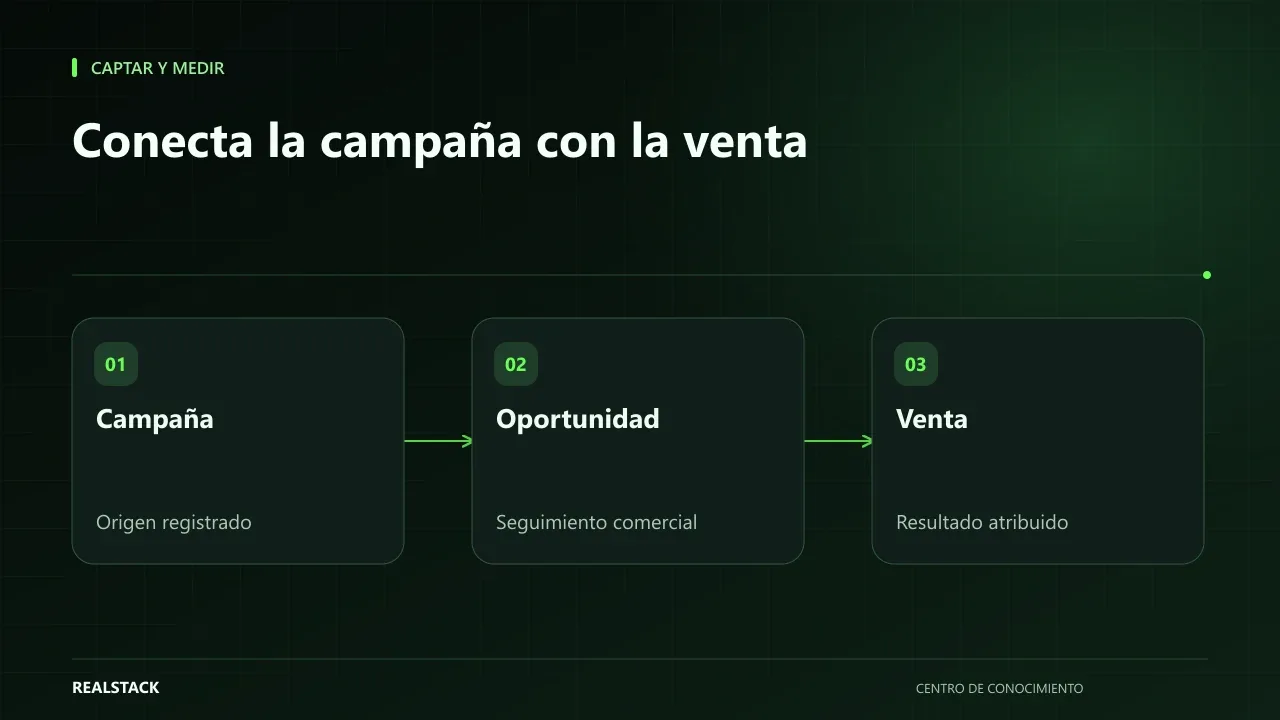
From campaign to sale: what to measure and how to connect the journey
Knowing how many visits a campaign brought is little use if you don't know how many of those visits became sales. This guide explains how to connect the journey from visit to contact, opportunity and sale with source, UTM and identification, and what attribution and consent limits you should keep in mind.