
Connect and automate
When a spreadsheet stops being enough for your operation
Spreadsheets are an excellent tool that many companies use beyond their comfort point. This guide explains when they remain appropriate and which signs related to concurrency, control, traceability and integration indicate your operation needs something else.
In this guide
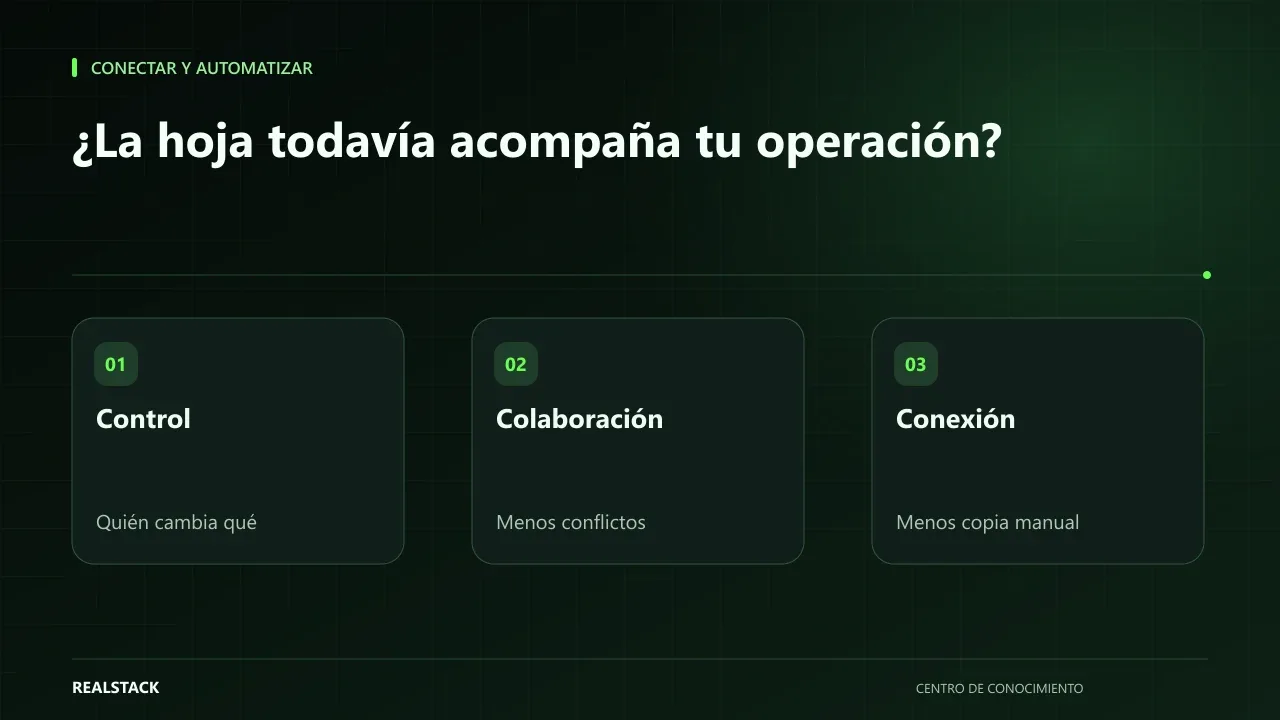
It's not a problem with the tool
The spreadsheet is flexible, cheap and almost everyone knows how to use it. That's why it ends up supporting orders, inventory, commissions and sales tracking in companies that grew faster than their tools. The problem is rarely the sheet: it's asking it to do the work of a system with users, permissions, rules and history.
This guide isn't intended to make you abandon your sheets. It aims to help you know when they are costing you more than they save.
When the sheet is still a good idea
- It's used by few people and they rarely edit at the same time.
- The data does not feed critical decisions without review.
- The process is still changing and you need flexibility.
- You don't need to know who changed what and when, beyond basic version history.
- It doesn't need to connect automatically with other systems.
If your case meets these conditions, a well-organized sheet can be the best option. Replacing it with a system too early adds cost and rigidity.
Four signs that it's no longer enough
| Sign | Diagnostic question | Typical symptom |
|---|---|---|
| Concurrency | Do several people edit the same data at the same time? | Changes overwrite each other; “who deleted this?” |
| Controls | Do you need rules that prevent mistakes? | Misentered prices; broken formulas; duplicated rows |
| Traceability | Do you need to know who approved or changed something and why? | Disputes without evidence about what happened |
| Integrations | Do you copy data from the sheet to other systems or vice versa? | Hours per week copying and pasting |
Modern sheets have documented technical limits, like the number of rows and columns, and tools like version history. But the technical limit is rarely the first thing to appear. What appears first is the operational limit: many people, rules that nobody respects and data that must travel to other systems.
One-hour diagnosis
- List the sheets that support critical processes: orders, inventory, collections, commissions.
- For each one, count how many people edit it.
- Ask how many errors they recall from the last month and what they cost.
- Note which data is copied from or to other systems.
- Complete the downloadable diagnostic for each sheet.
- Prioritize those with more signs and greater impact.
Applied example
Middle options before changing everything
- Protect ranges and columns with formulas.
- Separate the data entry sheet from the calculation sheet.
- Use data validations and drop-down lists.
- Assign a responsible person for each sheet.
- Use forms to capture data instead of direct editing.
These measures buy time and order. If after applying them the signs persist, it's time to evaluate a system or a connected tool.
Decision criteria in detail
| Situation | Suggested decision |
|---|---|
| One or two people edit and errors are rare | Keep using the sheet, with backups and version control |
| Several people edit and there are occasional conflicts | Reinforce: permissions, validations, separate sheets by role |
| There are costly errors, lack of traceability or a need for integration | Evaluate a tool or system |
| The sheet feeds legal, accounting or customer decisions without control | Prioritize migration with technical support |
Spreadsheets have documented limits on size and operation, but most companies stumble on control problems before technical limits.
Complete synthetic example
Synthetic example. A fictional company keeps orders in a shared sheet used by five people. The diagnosis finds that two people modify the same column, there is no record of who changed what, and accounting copies the data manually.
Before changing tools, protect columns by role, create a read-only tab for accounting and use version history. Three months later, conflicts decrease, but manual copying to accounting remains a risk; at that point they decide to evaluate an integration. Example invented.
How to use the downloadable diagnostic
- Answer the diagnostic with those who use the sheet daily.
- Mark each sign with concrete evidence.
- Classify the result: keep, reinforce or migrate.
- If migrate, use the diagnostic as the basis for the requirements.
Mistakes when deciding
- Migrate because it's fashionable, without a concrete problem to solve.
- Keep using the sheet because “it has always worked” even though there are costly errors.
- Choose the tool before understanding which controls you need.
- Not migrating historical data after cleaning it first.
How to prepare the migration if the time comes
- Freeze the sheet structure during the process.
- Clean duplicates and unify formats.
- Define which historical data will be migrated and which will be archived.
- Test with a small group of users before turning off the sheet.
- Keep the sheet in read-only mode for a while as backup.
How to know if it worked
- You know whether to keep, reinforce or migrate, with evidence.
- Editing conflicts decreased after reinforcements.
- There is a change history or regular backups.
- If you decide to migrate, you have a written requirement.
Plan for the first four weeks
- Week 1: complete the diagnostic with the sheet's users.
- Week 2: apply immediate reinforcements: permissions, validations, backups.
- Week 3: observe whether problems persist.
- Week 4: decide to keep, reinforce further or prepare the migration.
Diagnosis before starting
- Count how many people edit the sheet and how many versions exist.
- Find the last error caused by the sheet and its effect.
- Review which other systems depend on it.
| If your case is… | Do this |
|---|---|
| One person, reference data | Keep using the sheet. |
| Multiple people and occasional errors | Reinforce with permissions and validations. |
| Data that feeds accounting or customers | Evaluate migration. |
A second contrasting example
Synthetic example. A fictional company uses a sheet to schedule shifts for five people. There is a single editor and there have never been costly errors. The diagnosis concludes to keep the sheet and add a weekly backup. Unlike the first example, there was nothing to migrate. Example invented.
What to do when something fails
- If the sheet becomes corrupted, restore from version history or the last backup.
- If someone deletes data, check the history and restrict permissions.
- If migration becomes complicated, keep the sheet in read-only mode as backup.
How to measure it with your own data
- Count each month the errors detected that originated in the sheet and note their impact.
- Record how many times two people edited the same data with different values.
- Measure how long it takes to prepare the report that comes from the sheet.
- Note how many manual copies are made to other systems.
Compare these data before and after reinforcing the sheet. If errors and conflicts decrease, the reinforcement worked and you can continue. If they persist or grow even though permissions and validations are active, the sheet is no longer the right tool and the diagnosis gives you the evidence to justify migration to management, without relying on impressions.
Common mistakes
- Changing tools without having defined the process.
- Storing passwords or sensitive data in shared sheets.
- Using the sheet as a database for several processes at once.
- Relying on formulas that no one reviews.
- Migrating everything at once, including sheets that work well.
Bring it to your business
Spreadsheet Dependency Diagnostic
Markdown diagnostic to evaluate whether a spreadsheet is still suitable for a process. Walks through concurrency, controls, traceability, integrations and impact, and concludes with a decision: keep, tidy, or migrate.
View resourceDoes a sheet with version history already provide traceability?
It provides basic traceability: you can see previous changes. It does not replace approvals, record-level permissions or rules that prevent improper changes.
What should I do with sheets that do work?
Leave them. The goal is to move only the processes where the sheet already generates errors or repetitive work.
Does a cloud sheet solve conflicts?
It helps with simultaneous editing and history, but it does not replace validations or integrations.
When is migration urgent?
When the sheet feeds accounting, legal or customer decisions without controls and there have already been costly errors.
Keep exploring
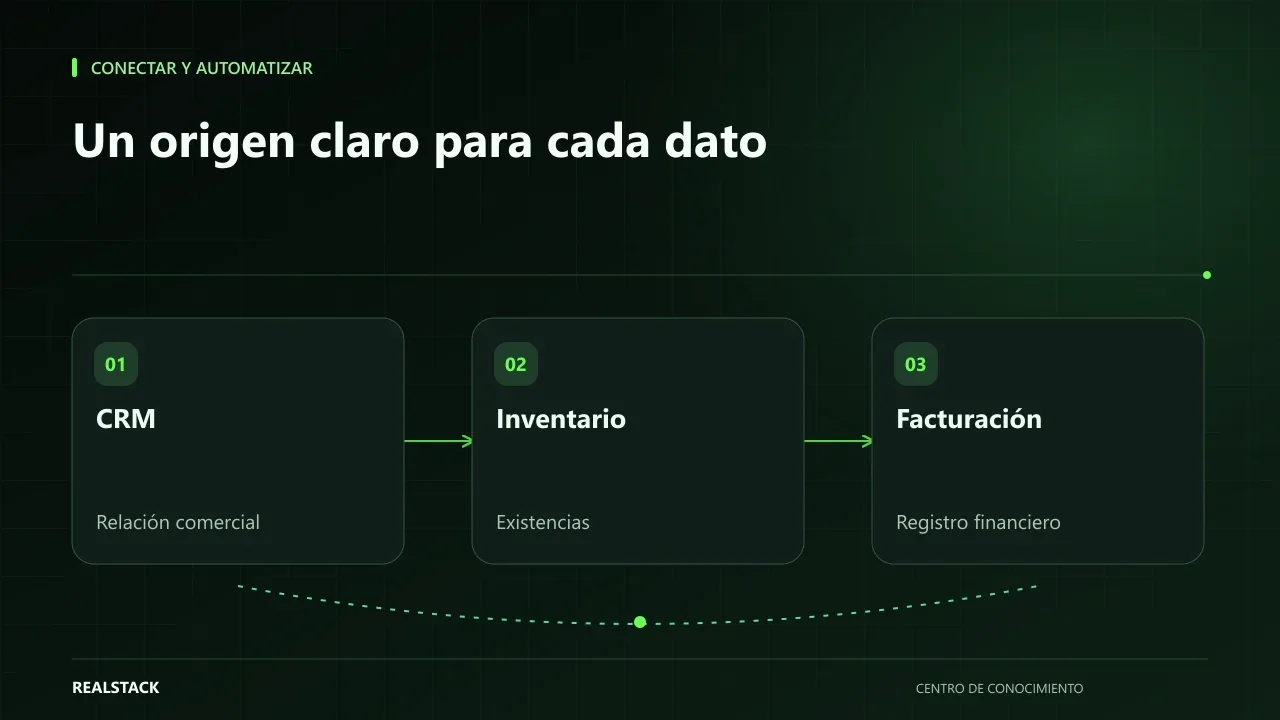
Connect and automate
How to connect CRM, inventory and billing without duplicating information
When CRM, inventory and billing don't talk to each other, your team copies the same data multiple times and errors appear at the worst moment. This guide explains how to define master data, owners, synchronization, reconciliation and failure handling, without depending on a specific vendor.
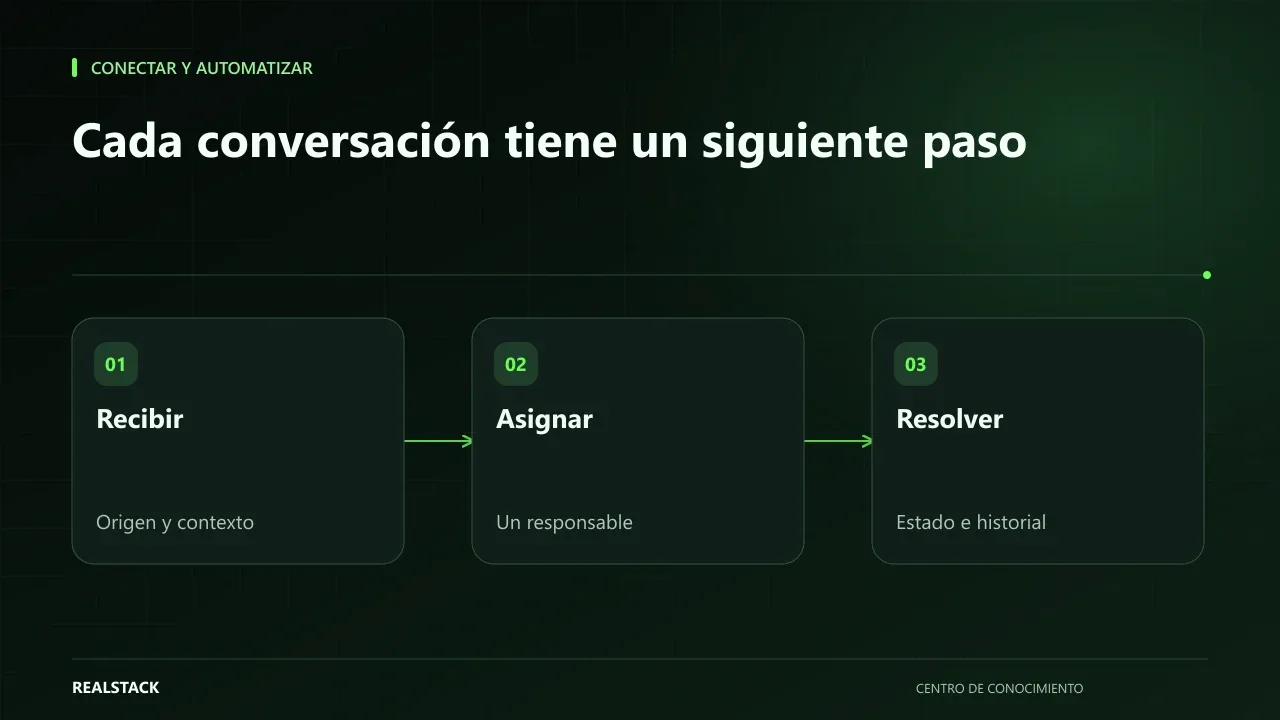
Connect and automate
How to organize inquiries that arrive via WhatsApp
When inquiries arrive by WhatsApp to multiple phones, no one knows which were answered, quoted, or lost. This guide shows how to record origin, owner, status, next step and closure, and how to separate commercial attention from support without changing channels.