
Launch and sell
How to organize an industrial catalog to simplify commercial inquiries
A well-organized industrial catalog reduces repeated inquiries and reaches the salesperson with the correct reference. This guide explains how to structure families, product pages, applications, filters and specifications, and how to link each product page to a clear quote request.
In this guide
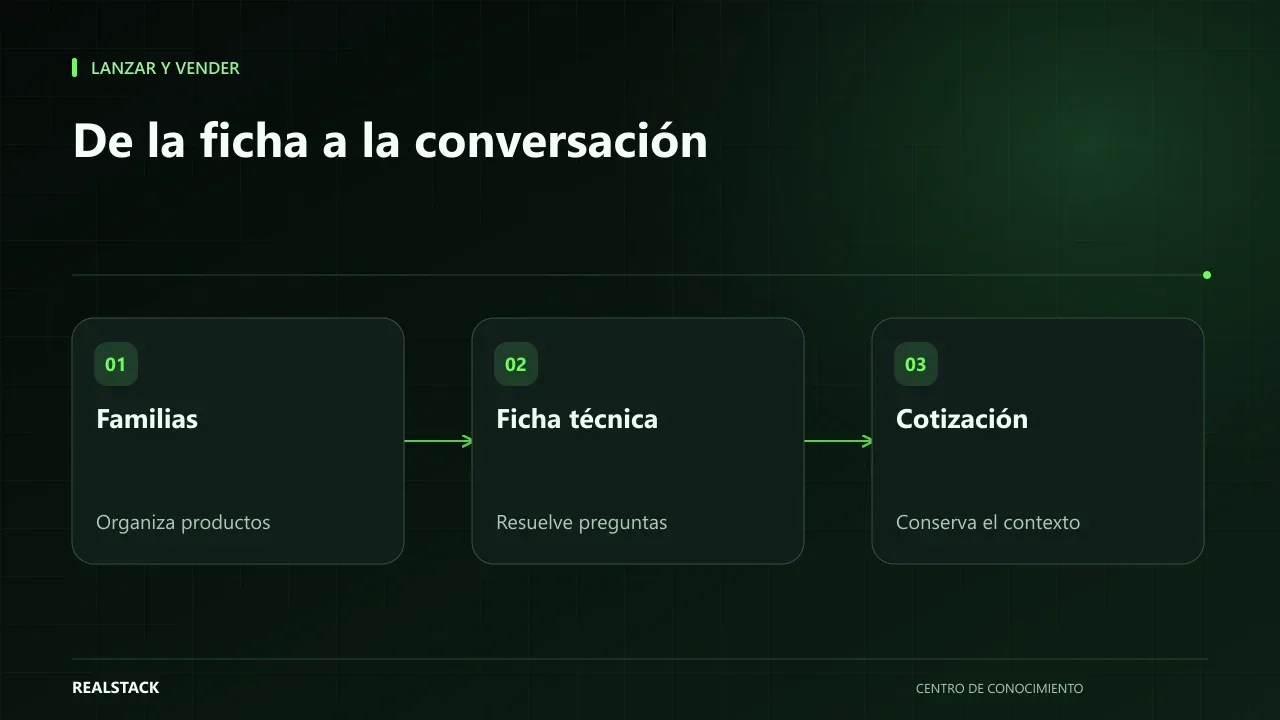
When the buyer can’t find it, they ask
The industrial buyer does not browse for pleasure: they look for a reference suitable for a specific application, with a standard, a presentation and availability. If the catalog does not provide that information, they write to WhatsApp with an open question ("do you have bearing grease?") and your salesperson starts from scratch. Multiply that by dozens of inquiries per day and you have a team acting as a search engine.
A well-organized catalog does not eliminate conversations; it makes them start better.
The five layers of an industrial catalog
| Layer | What it contains | Question it answers |
|---|---|---|
| Families | Product groups by type or line | What type of product am I looking for? |
| Applications | Uses, industries or equipment where it is used | Does this work for my case? |
| Product pages | One page per reference, with technical data | What exactly is this product? |
| Filters | Attributes to narrow results: standard, viscosity, presentation… | Which of these references meets my requirement? |
| Quote request | Button or form that includes the written reference | How do I request price or availability? |
Families: think like your buyer
Families should reflect how your client searches, not how your warehouse is organized. Ask your salespeople which are the ten most common inquiries and you will see which words buyers use. If they say "high-temperature greases," that can be a family or a filter, even if internally you have a different code.
Product pages: the minimum for someone to decide
Recommended fields
- Commercial name and internal reference.
- Brief description: what it is and what it is for, in two or three sentences.
- Typical applications.
- Technical specifications in a table, with units.
- Standards or certifications, only if current and documentable.
- Available presentations.
- Downloadable documents: technical data sheet, safety data sheet when applicable.
- Quote button with the reference already included.
For search engines, Google documents how to mark products with structured data based on the schema.org vocabulary. This helps the information be better understood, but it does not guarantee featured display nor ranking.
Filters without creating a maze
Filters help when the catalog has many references within a family. Choose a few attributes that truly differentiate products and use the same values across all product pages: if in one page you write "1 gal" and in another "gallon", the filter fails. Google has a specific guide on how to handle faceted navigation so it does not generate thousands of unnecessary URLs; your technical team should consider it.
The quote request
The quote button must carry context: the reference, the presentation and, if possible, the originating page. That way the salesperson knows what they are being asked about from the first message. If you use WhatsApp, the prefilled message can include the reference; if you use a form, ask only the data your team actually uses to quote.
Procedure
- Export your product list with reference, name and current family.
- Review with your salespeople the most frequent inquiries and the words customers use.
- Define families and applications based on those words.
- Choose between three and six filters per family and normalize their values.
- Complete the product page template for the most consulted references first.
- Define which data the quote request carries and who receives it.
- Publish in phases: better 50 complete pages than 500 empty ones.
A real case for reference
The Petrogrease case, published by RealStack, is an industrial catalog with quoting via WhatsApp and the source recorded in each request. The published figures are: "Observed results — August 2 to September 30, 2026: 215 recorded requests; 117 requests from Google; 11 recorded payments for COP 15.255.000; 4 Google-origin requests recorded as closed; 161 product pages published." According to the case itself, these correspond to Petrogrease's recorded operation in that period and do not represent a guarantee of results for other businesses. They are results for that case and period; they do not indicate what will happen for another catalog.
Limits
This guide does not replace a technical review of your inventory nor validation of standards and certifications: publish only those you can document. It also does not guarantee a volume of inquiries.
Criteria to decide the structure
| Decision | Question it answers |
|---|---|
| Families | How does your buyer name what they look for: by product, by application or by industry? |
| Product pages | What data does the buyer ask for before requesting a quote? |
| Filters | What attributes do your salespeople use to recommend a reference? |
| Applications | What problems do your products solve and in which equipment? |
| Quoting | What information does your team need to respond without asking again? |
Filters deserve special attention: each combination can generate a distinct URL, and Google warns that poorly managed faceted navigation can create many near-duplicate pages. Use few filters — those your salespeople actually use.
Complete synthetic example
Synthetic example. A fictitious distributor of industrial hoses has 400 references in a price list. Their salespeople always ask the same things: fluid, pressure, temperature and diameter. The company organizes the catalog into five families by fluid type, defines a product page with those four attributes plus presentation and applicable standard, and enables filters only for pressure and diameter.
The quote button on each product page opens WhatsApp with a message that includes the reference. The salesperson receives the inquiry with the product identified and only asks for quantity and city. Example invented; does not represent outcomes.
How to use the product page template
- Fill one row per reference, starting with the twenty most consulted.
- Always use the same units.
- Write the application in the buyer's language.
- Leave blank what you cannot document; do not invent standards or certifications.
- Review the template with a sales advisor before uploading it.
Questions to validate the catalog with your team
- Could a new salesperson recommend the correct reference using only the product page?
- Are the family names those used by the buyer or internal ones?
- What question do your salespeople repeat in every quote that is not on the product page?
- Which references are most consulted and which never are?
Diagnosis before starting
- Take ten recent quotes and note what the salesperson asked before responding.
- Check whether your reference list has consistent units and names.
- Ask two customers how they search for what they buy from you.
| If your case is… | Do this |
|---|---|
| You have few highly technical references | Deep product pages with documents, no filters. |
| You have hundreds of similar references | Clear families and few filters for the attributes that decide. |
| You sell solutions more than products | Pages by application that link to product pages. |
Signals that it works or not
- Good signal: requests arrive with the reference identified.
- Bad signal: the salesperson keeps asking the same data.
- Measure it yourself: in ten requests, count how many required an additional question.
A second example, in contrast
Synthetic example. A fictitious manufacturer of custom electrical panels has only twelve product lines, all configurable. They do not need filters: they create a page per application (mining, buildings, agribusiness) with sample drawings and a quote request that asks for voltage, current and intended use. Unlike the distributor in the first example, their catalog grows in depth rather than in quantity. Example invented.
What to do when something fails
- If buyers keep asking the same thing, that data is missing from the product page: add it.
- If a filter is hardly used, remove it.
- If quote requests arrive without a reference, verify that each product page's button includes it.
Common mistakes
- Organizing families using internal codes instead of buyer language.
- Publishing product pages without specifications or applications.
- Using different values for the same attribute.
- Quote buttons that do not indicate which product they come from.
- Publishing the entire inventory at once with incomplete product pages.
Checklist
- Families reflect how the buyer searches.
- Each product page has specifications with units.
- Filters are few and useful.
- Quotes arrive with the reference identified.
- Published standards or certifications have supporting documentation.
Bring it to your business
B2B product sheet template
CSV template for a B2B product sheet containing the fields an industrial buyer needs to decide and request a quote: family, applications, specifications, packaging options, downloadable documents and button text. Suitable for phased catalog uploads.
View resourceShould I publish prices in an industrial catalog?
It is not mandatory. If price depends on volume or customer, the product page can lead to a quote request with the reference included.
How many product pages should I have to start?
Enough to cover the most frequent, complete inquiries. It is better to grow in phases than to publish empty product pages.
Keep exploring
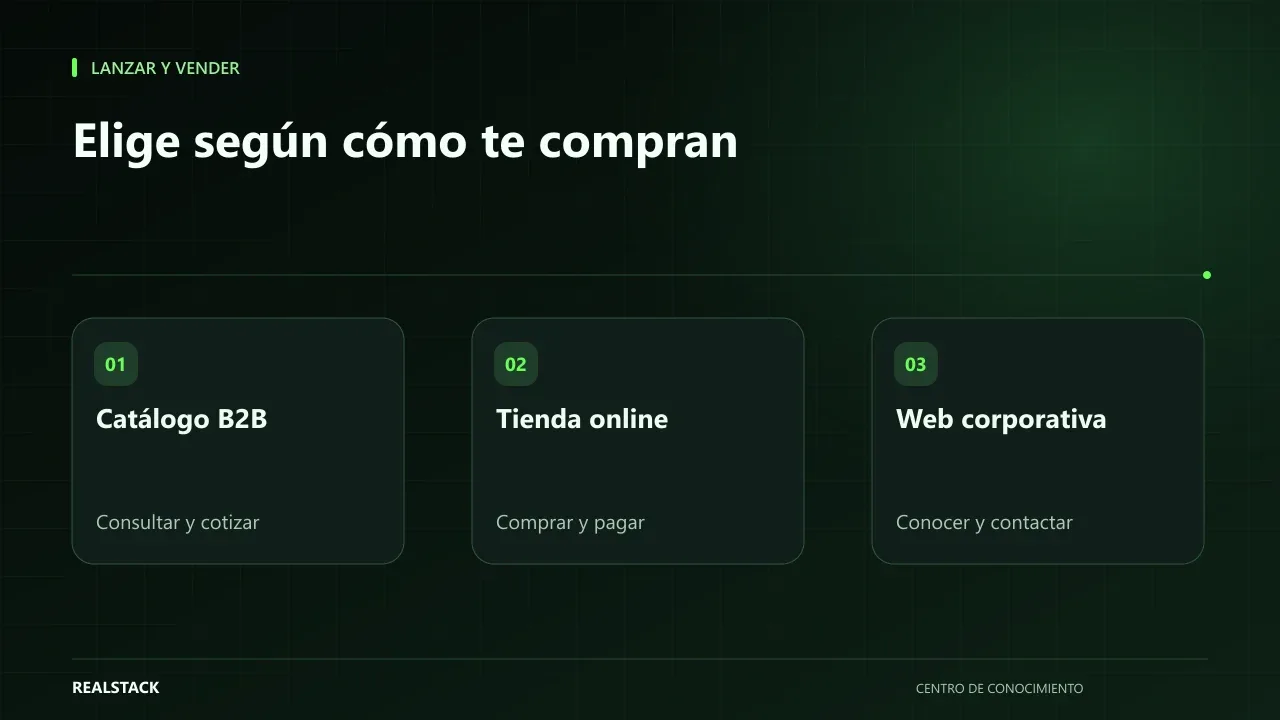
Launch and sell
B2B catalog, online store or corporate website: which does your company need
Many B2B companies ask for “a website” when what they really need is to solve how they price, how they sell and which inventory they show. This guide compares B2B catalog, online store and corporate website based on how your customer buys, and provides a matrix to decide with your team before requesting proposals.
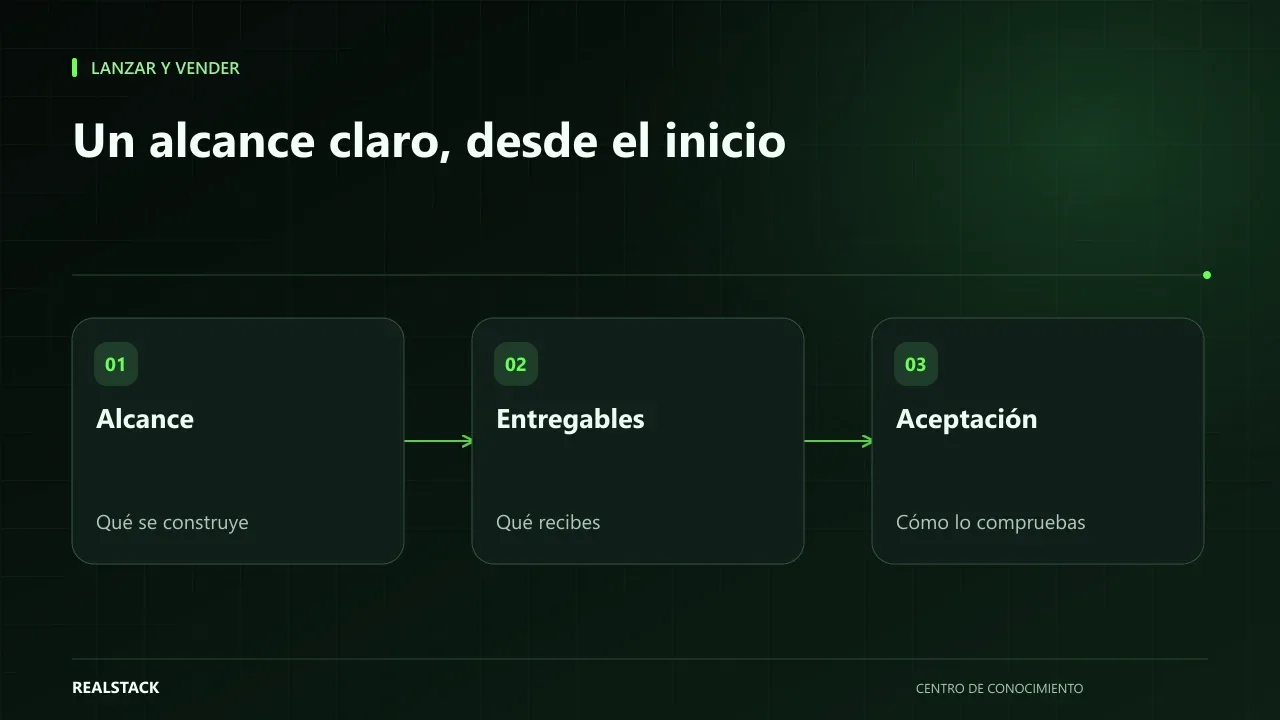
Launch and sell
What a proposal to build your website or store should include
A proposal to build your website or store should make clear what you get, what is not included, what you must deliver, how success will be measured and what happens after delivery. This guide helps you read it with a business perspective, without turning it into a legal review.