
Launch and sell
How to prepare content, domain and access before starting your project
Much of a web project's delay isn't development but waiting for texts, photos, logos and access. This guide shows how to prepare content, domain and access before starting, who should own each account and how to deliver them without sharing passwords over chat.
In this guide
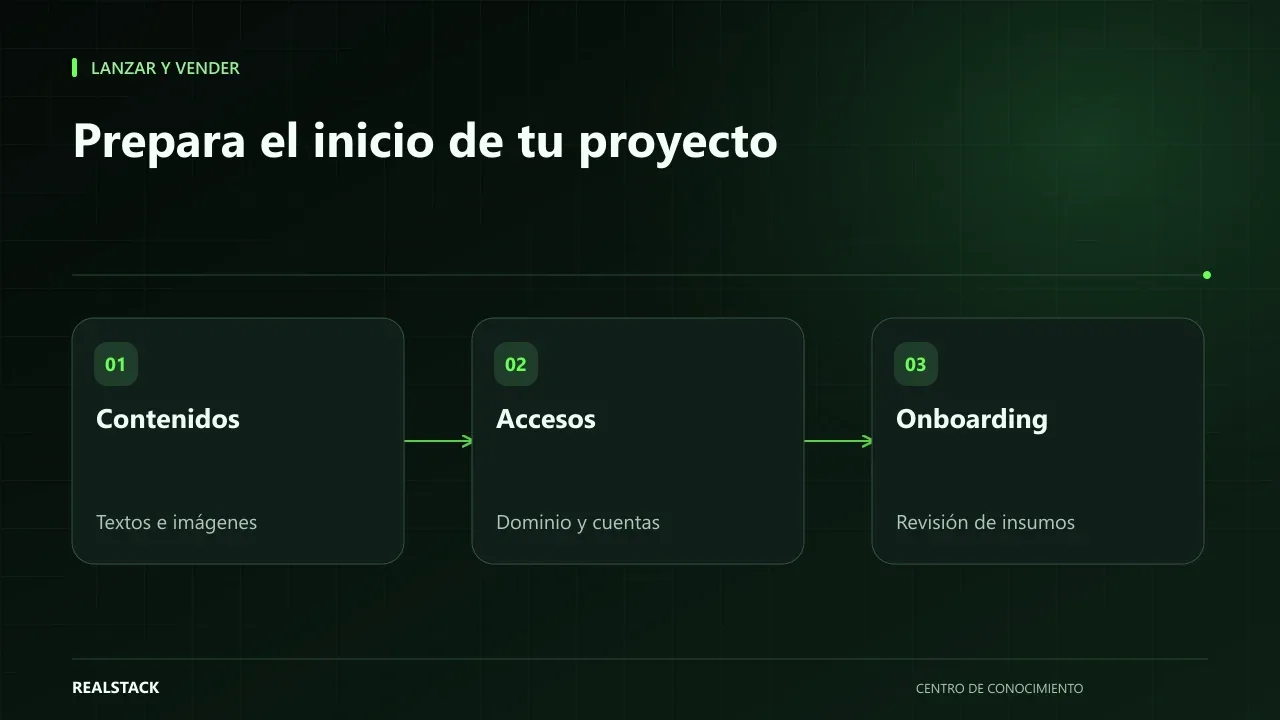
What stalls a project is usually on your side of the table
When a project is delayed, the conversation almost always turns to the provider. But if you look at where the time went, a different story often appears: the "About us" text that no one finished, the photos that were on someone’s phone who went on vacation, the domain registered by a nephew years ago for which no one has the password.
Preparing these before starting is not a favor to the provider. It’s the way to ensure the promised deadline is met and that your company retains control of its own assets.
Three groups of inputs
What to prepare
- Content: texts per page, logos in high resolution, photos of products or facilities, technical datasheets, frequently asked questions, contact details and social media.
- Domain and email: who is the domain registrant, where it is registered, when it expires and who manages DNS and corporate email.
- Access: analytics accounts, Search Console, Google Business, Meta, payment gateways or systems that must be connected.
Quick domain check
The domain is the asset that causes the most problems when no one knows where it is. Before starting, confirm three things: that the registered owner is your company, that you have access to the registrar account and that you know the expiration date. You can consult public registration data with tools like ICANN Lookup. ICANN also publishes the registrant's benefits and responsibilities, a short read worth reviewing.
If the domain is registered in the name of a person or a previous provider, resolve it before starting. A change of registrant can take days and you don't want to discover it on launch day.
Content: deliver ready, not perfect
You don't need copywriter-level texts, but you do need complete texts approved by the decision-maker. A "nearly ready" text that changes three times during development costs more than a simple one delivered on time. For images, deliver the originals at the highest available resolution and let the technical team optimize them to the appropriate web format.
Before delivering photos or texts from third parties, confirm you have the right to use them.
Access: how to grant them without losing control
The rule is simple: accounts belong to your company and the provider receives access as a user. Tools like Google Analytics and Search Console allow adding users with permissions and removing them later, without sharing your password. When a platform doesn't allow additional users, use a password manager to share access and change it when finished.
Never send passwords via WhatsApp or email, and do not write them in the inventory included with this guide.
Procedure
- Download the materials and access inventory.
- Assign an internal person responsible for each row.
- Confirm registrant, registrar and domain expiration.
- Gather texts and logos approved by the decision-maker.
- Organize photos by page or product, with clear file names.
- Create or recover accounts in the company’s name and prepare access by invitation.
- Review the complete inventory with the provider before approving the onboarding.
Applied example
How it relates to delivery time
At RealStack, the 72 h* timeframe for Launch™, Commerce™ and Scale™ starts when the onboarding is approved, with scope documented in writing and inputs complete. That is why a good inventory is part of the timeframe, not a preliminary formality. That timeframe does not apply to developments outside the standard scope, adopted assets or recurring services.
Criteria to know if you are ready
| Group | Ready when… | Not ready if… |
|---|---|---|
| Content | There are texts approved by the decision-maker, even if not perfect | Texts are "we'll write them later" or depend on a person with no time |
| Brand | Logos in vector format or high resolution and defined colors | There is only a logo pasted into a document |
| Domain | You know who the registrant is and you have registrar access | You don't know who registered it |
| Access | Each service has an administrator from your company | Access is held by a person who is no longer around |
| Decisions | There is one person with authority to approve | Everything is approved by committee with no date |
Complete synthetic example
Synthetic example. A fictional industrial maintenance company is about to start its site. It fills the inventory and discovers three blockages: the domain is in the name of a former employee, project photos have low resolution and no one has time to write the services page.
Resolve in order: first request a change of registrant with the registrar, because that takes the longest; then decide to use current photos taken with a phone in good light instead of waiting for a professional session; finally assign the commercial manager to write the service descriptions using a three-question template per service. When the inventory is complete and approved, the company delivers everything in a single shared folder with controlled access. Invented example.
How to use the downloadable inventory
- Fill one row per item or access, with its internal responsible person.
- Mark the status: pending, under review or ready.
- For accesses, note only who has them and where they are managed; never write passwords in the file.
- Deliver the inventory together with the inputs when starting the project.
- Update it if something changes during the project.
Preparation mistakes that cause the most delays
- Delivering texts in parts, in different chats, without a final version.
- Sharing passwords via message instead of creating users with their own access.
- Waiting until the end of the project to process the domain registrant change.
- Not designating a single approver.
- Changing your mind about site structure after the design is already approved.
Checklist before starting
- Try to log in today to the domain registrar account.
- List who has administrative access to each current service.
- Open the content folder and count how many pages have approved text.
| If your case is… | Do this |
|---|---|
| You don't know who registered the domain | Check ICANN Lookup and start the registrant transfer process before anything else. |
| You have texts but they're not approved | Set an approval date with a single responsible person. |
| There are no usable photos | Decide to use simple own photos or a licensed stock source, and record it. |
Signals that it is working or not
- Good signal: the inventory has no "pending" rows at the start.
- Bad signal: the project team asks you for the same thing twice.
- Measure it yourself: count the days between requesting an asset and its delivery.
A second contrasting example
Synthetic example. A fictional company arrives with everything in order: domain in its name, approved texts and vector logos. Its only problem is that ten people want to give their opinion. It uses the inventory to appoint a single approver and a calendar with two review rounds. Unlike the first example, the bottleneck wasn't the inputs but the decisions. Invented example.
What to do when something fails
- If an access doesn't appear, don't share your password: ask the service provider for the account recovery procedure.
- If an asset is delayed, inform the project team and agree what can proceed without it.
- If you change an already approved content, register it as a change.
Common mistakes
- Delivering draft texts that keep changing during development.
- Sharing passwords via chat.
- Leaving accounts created in the provider’s name.
- Not knowing when the domain expires.
- Using images downloaded from the internet without usage rights.
Checklist
- Domain in the company’s name, with access and known expiration date.
- Approved texts per page.
- Original logos and images organized.
- Analytics and Search Console accounts in the company’s name.
- Internal responsible person for each asset.
- No passwords written in shared documents.
Bring it to your business
Inventory of onboarding materials and access
CSV inventory to collect content, domain, email and access details before starting a web project, with owner, status and delivery method for each item. Does not store passwords: records where each account is and who controls it.
View resourceWhat if I don't have professional photos?
You can start with well-lit photos you take yourself and replace them later. The important thing is that they show your real products and that you have the right to use them.
Who should be the domain registrant?
Your company. If today the domain is registered to a person or a provider, it's advisable to transfer it before starting the project.
Keep exploring
Launch and sell
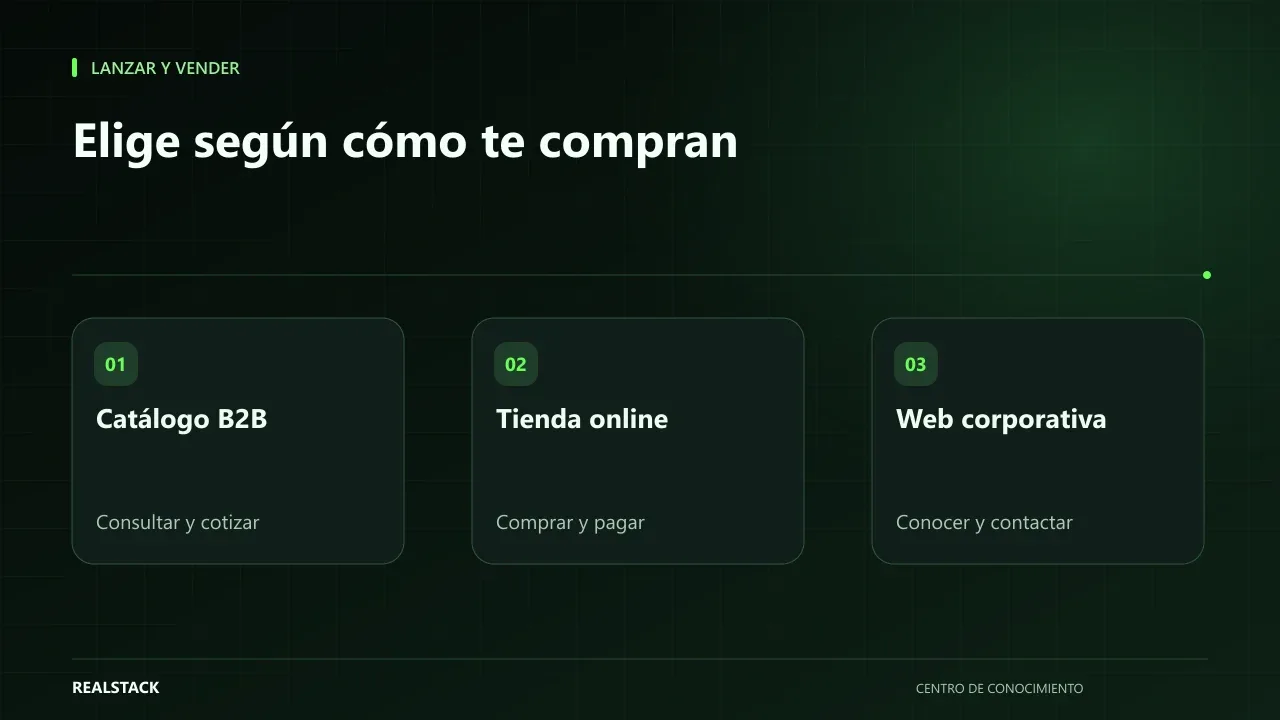
B2B catalog, online store or corporate website: which does your company need
Many B2B companies ask for “a website” when what they really need is to solve how they price, how they sell and which inventory they show. This guide compares B2B catalog, online store and corporate website based on how your customer buys, and provides a matrix to decide with your team before requesting proposals.
Launch and sell
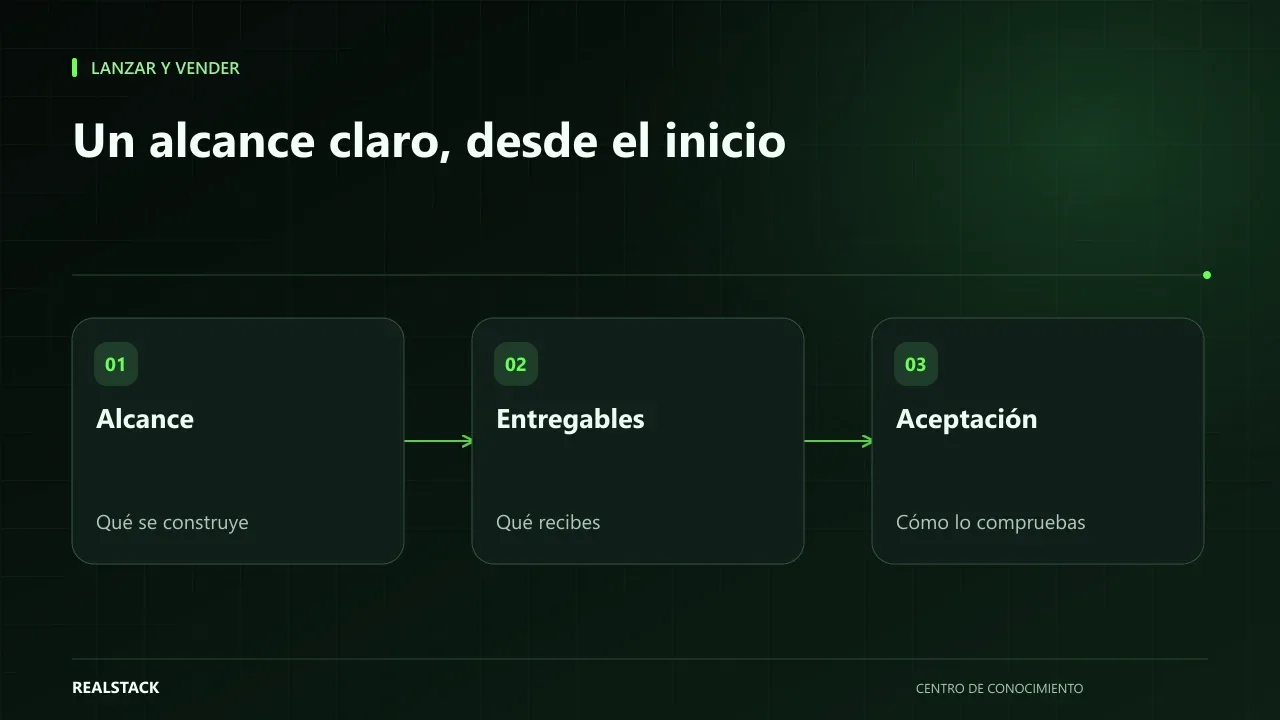
What a proposal to build your website or store should include
A proposal to build your website or store should make clear what you get, what is not included, what you must deliver, how success will be measured and what happens after delivery. This guide helps you read it with a business perspective, without turning it into a legal review.