
Connect and automate
What to Automate First in Your Company
Before buying an automation tool, you should know which task to automate first. This guide helps you prioritize by repetition, volume, errors, time and dependencies, so you start with what frees your team most, not what looks best in a demo.
In this guide
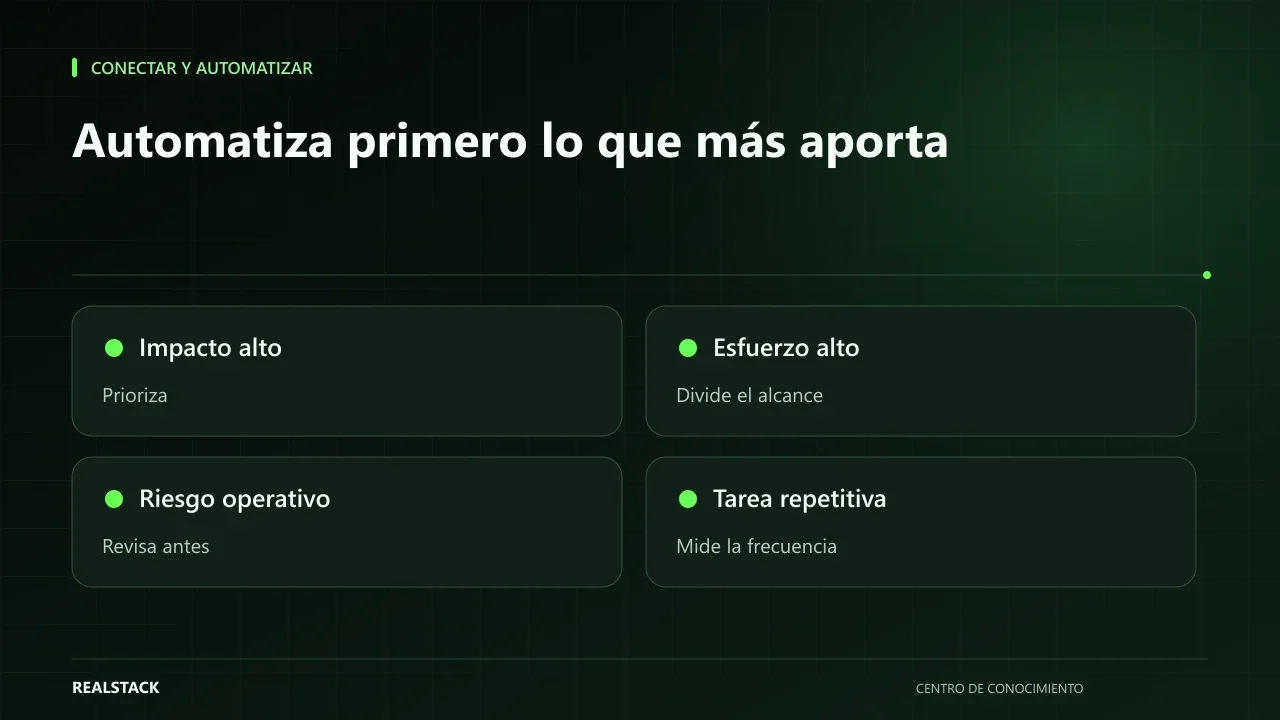
Your team already knows what eats their day
Ask the person who issues invoices, the one who ships orders or the one who answers WhatsApp which task they would make disappear if they could. Almost always the answer comes in seconds: copying orders from chat to the dispatch sheet, assembling the same report every Monday, moving data from one system to another. That knowledge is worth more than any tool catalog because it points to where time is actually spent.
The hard part is not finding what to automate, but deciding the order. Starting with the wrong task wastes budget and patience, and leaves your team convinced that automation doesn't work.
Five criteria to order
| Criterion | What to ask | How to measure it without tools |
|---|---|---|
| Repetition | Is it done the same way each time? | Ask the person who does it to describe it in steps; if the steps change a lot, it's not a good candidate |
| Volume | How often does it occur? | Count for two weeks |
| Errors | What happens when it goes wrong? | Record errors and their cost: rework, complaints, delays |
| Time | How long does each occurrence take? | Time a few real executions |
| Dependencies | Which systems or people does it need? | List systems, accesses and approvals |
Google's SRE book calls "toil" the manual, repetitive, automatable work that grows with volume and leaves no lasting value. It's a good definition to recognize candidates: if a task meets those characteristics, it's probably on your list.
Diagnosis: when not to automate yet
- When the process is unclear and each person does it differently: first agree on the process.
- When it happens a few times a month and doesn't cause costly errors.
- When it depends on a system you will change soon.
- When nobody will maintain the automation after it's created.
Procedure
- Gather the people who execute the tasks and make a list of candidates.
- For each candidate, describe the current steps in one or two lines.
- Measure volume and time for two weeks.
- Note known errors and their consequences.
- List dependencies: systems, accesses, approvals.
- Score each candidate in the matrix and rank them.
- Choose a single one to start and define how you will know if it worked.
Applied example
The most forgotten criterion: dependencies
A task can be repetitive and frequent and still be a poor candidate if it depends on a system that has no way to connect, an access nobody has, or a human approval that cannot be removed. Before choosing, confirm that the data the automation needs is available and that someone can authorize the change. When the process involves several systems, drawing it—even on paper or with BPMN notation—helps see where they intersect.
Limits
The matrix ranks candidates, it does not calculate return. The real value of an automation is measured afterward, comparing against a baseline. It also does not replace a technical review of the systems involved.
Decision criteria in detail
| Criterion | 1 (low) | 3 (high) |
|---|---|---|
| Repetition | Occurs occasionally | Occurs the same way every day |
| Volume | Few cases per month | Tens or hundreds of cases |
| Errors | Rarely goes wrong | Errors are frequent or costly |
| Time | Takes minutes | Takes hours of key people |
| Dependencies | Depends on systems or people that are hard to coordinate | Resolved within a single system |
A process with a high score for repetition and volume but with rules that change every week is still not ready: stabilize the rules first.
Complete synthetic example
Synthetic example. A fictional company lists six candidate tasks: sending quotes, logging requests, reconciling payments, generating weekly reports, reminding renewals and updating prices. When scored, payment reconciliation scores highest, but it depends on the bank and accounting. Request logging scores a bit lower, but it is resolved within a single flow.
The company starts with request logging, measures for a month and uses what it learned to prepare reconciliation, which requires agreements with accounting. Example invented.
How to use the downloadable matrix
- List all candidate tasks without filtering.
- Score each criterion from 1 to 3 with the person who does the task.
- Add up by hand or in your spreadsheet; the file contains no formulas.
- Review the dependencies of the top three.
- Choose one to start and define how you'll measure whether it adds value.
Questions before buying a tool
- Is the process written down and the same for the whole team?
- Who will maintain the automation when rules change?
- What happens with cases the automation cannot resolve?
- How will you measure time and errors before and after?
- Does the tool connect to the systems you already use or does it require a new one?
How to know if it worked
- The chosen task has a baseline measured before automating.
- The team knows what to do with cases the automation doesn't resolve.
- There is a person responsible for maintaining the rules.
- After one month you can compare time and errors against the baseline.
Plan for the first four weeks
- Week 1: list and score candidate tasks with the people who do them.
- Week 2: write the rules for the chosen task and measure the baseline.
- Week 3: test the automation with a small group of cases.
- Week 4: compare against the baseline and decide whether to scale.
Diagnosis before starting
- Ask each area to list the three tasks that take the most time.
- Manually measure how long one of them takes for a week.
- Check whether those tasks have written rules.
| If your case is… | Do this |
|---|---|
| The task has clear rules and high volume | It's a good candidate: measure and automate. |
| The rules change often | Document and stabilize first. |
| The issue is errors, not time | Consider validations before full automation. |
A second example, in contrast
Synthetic example. A fictional company chooses to automate its weekly reports, which take four hours. When measured, they discover the report is read by two people and one no longer needs it. Instead of automating, they reduce the report to a table of five indicators assembled in half an hour. Contrary to the first example, the best decision was not to automate. Example invented.
What to do when something fails
- If the automation produces errors, revert temporarily to the manual process and correct the rules.
- If nobody uses it, ask why before adjusting.
- If it depends on a person who leaves, document before their departure.
Common mistakes
- Choosing the tool before the task.
- Automating a process that nobody has agreed on.
- Starting with the most complex task to "impress."
- Not measuring how it was done before.
- Not assigning anyone to maintain the automation.
Checklist
- I have a list of candidates made with the people who execute the tasks.
- I measured volume and time for at least two weeks.
- I noted errors and dependencies.
- I chose a single task to start.
- I defined how I will know if it worked.
Bring it to your business
Matrix to Prioritize Automations
CSV matrix to prioritize automations using your operation's data: repetition, volume, time, errors and dependencies. Helps you choose the first task to automate before evaluating tools.
View resourceDo I need to buy software to automate?
Not always. Sometimes it's enough to adjust a process or use features your systems already have. The tool is chosen after you know which task you will automate.
How many automations should I do at once?
One. Finish it, measure it and adjust before continuing. That way you learn what works in your operation.
How many tasks should I automate at once?
One. Learning from the first saves you errors in the next ones.
What if the process changes every week?
Stabilize it first. Automating unstable rules multiplies rework.
Keep exploring
Connect and automate
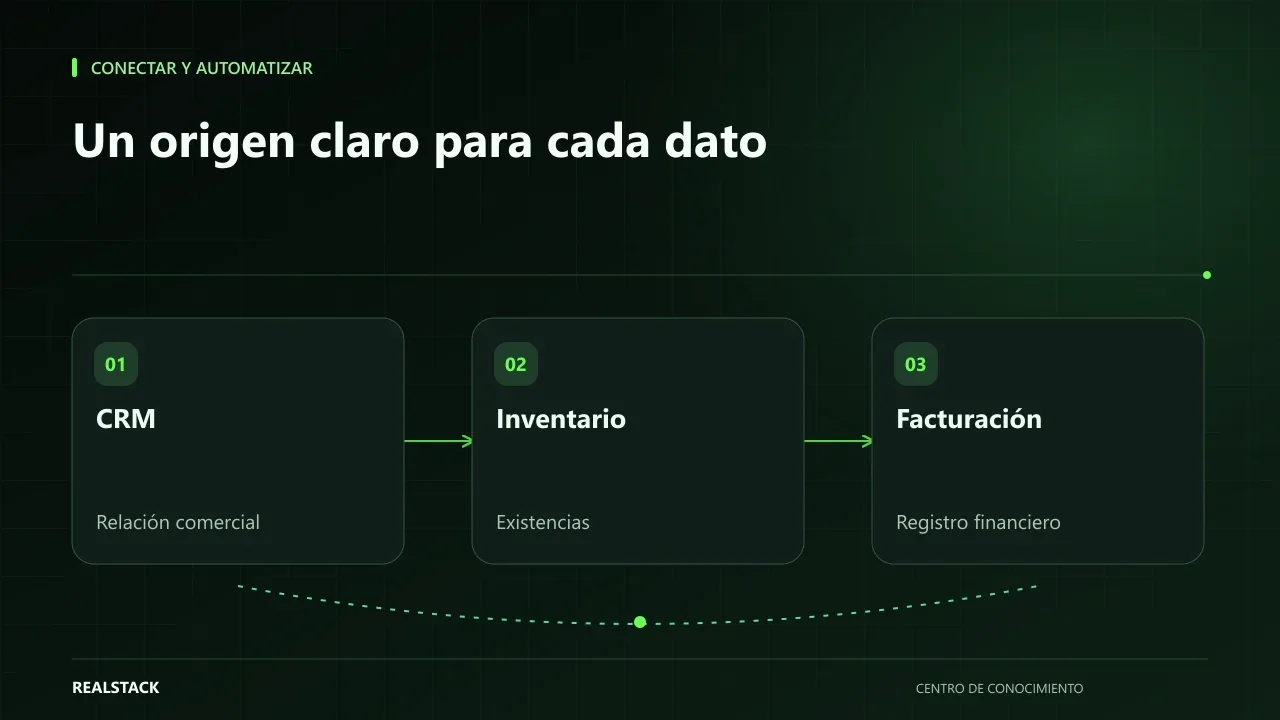
How to connect CRM, inventory and billing without duplicating information
When CRM, inventory and billing don't talk to each other, your team copies the same data multiple times and errors appear at the worst moment. This guide explains how to define master data, owners, synchronization, reconciliation and failure handling, without depending on a specific vendor.
Connect and automate
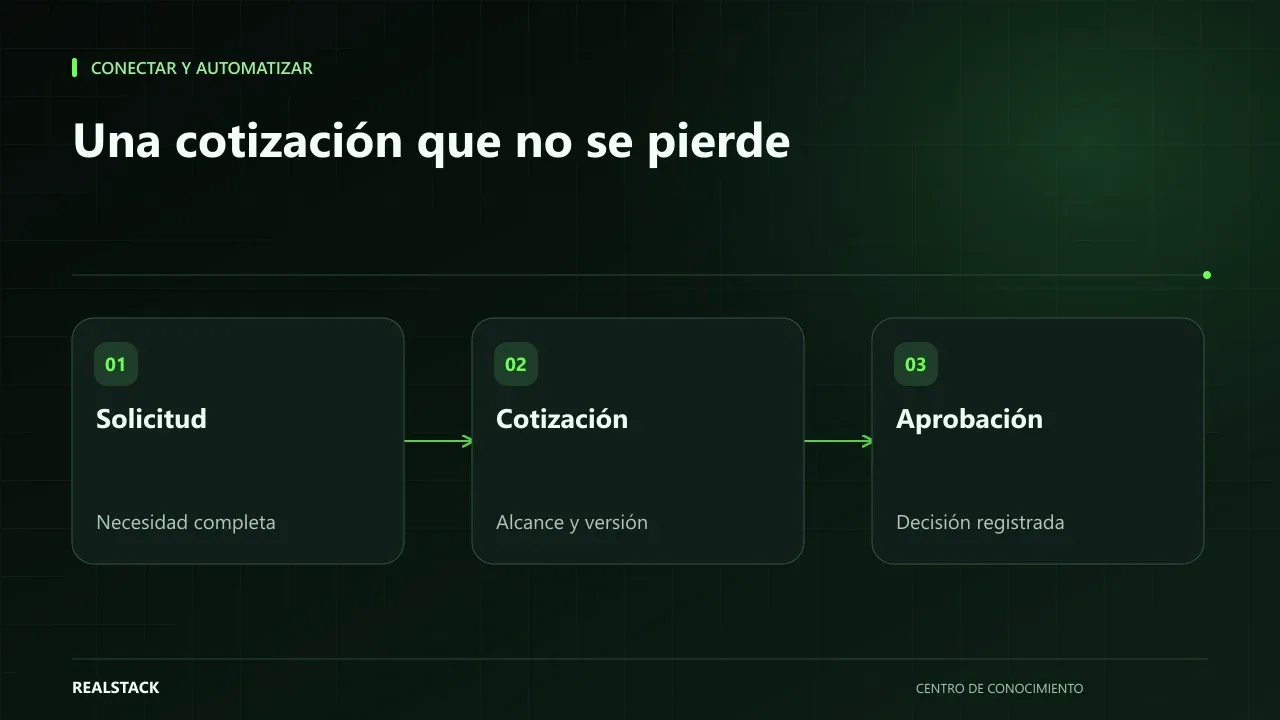
How to map your quoting and approval process
A quote that relies on one person’s memory is slow, approved inconsistently, and lost when that person is absent. This guide teaches you how to map your quoting and approval process: inputs, owners, conditions, outputs, exceptions and follow-up, with a complete example.